

For some reason the game looks like this for me: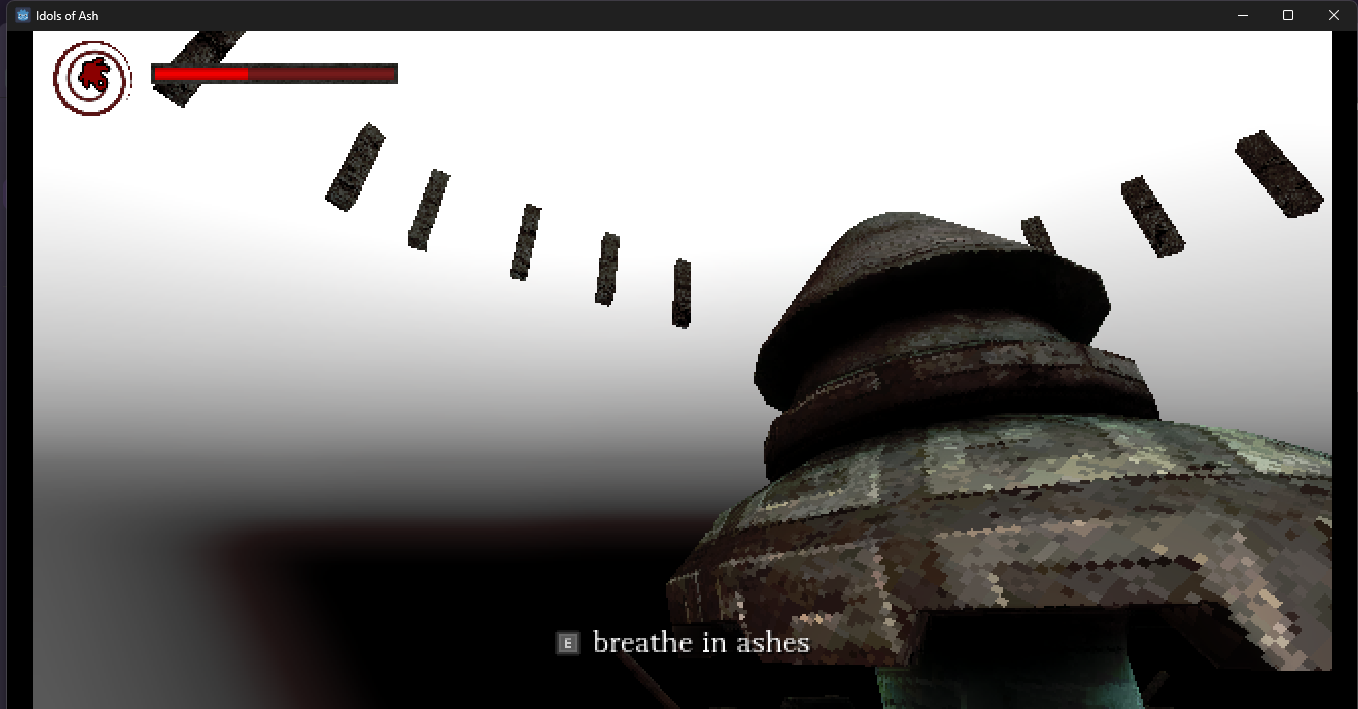
Hi Trevent,
Sorry for the issue! You can try using a different rendering driver. To do so you can launch the game with this startup argument: --rendering-driver d3d12
Process of launching the game with a startup argument:
- Find the game's exe file
- Right-click and create a shortcut to it
- Right-click the shortcut, open Properties and find the Target field
- Add the above argument to the end of the path (ensure there's a space between)
If that doesn't help with your issue, you can email us at team[at]leafygames.com for direct support or reply here!