This was on version v0.11b.
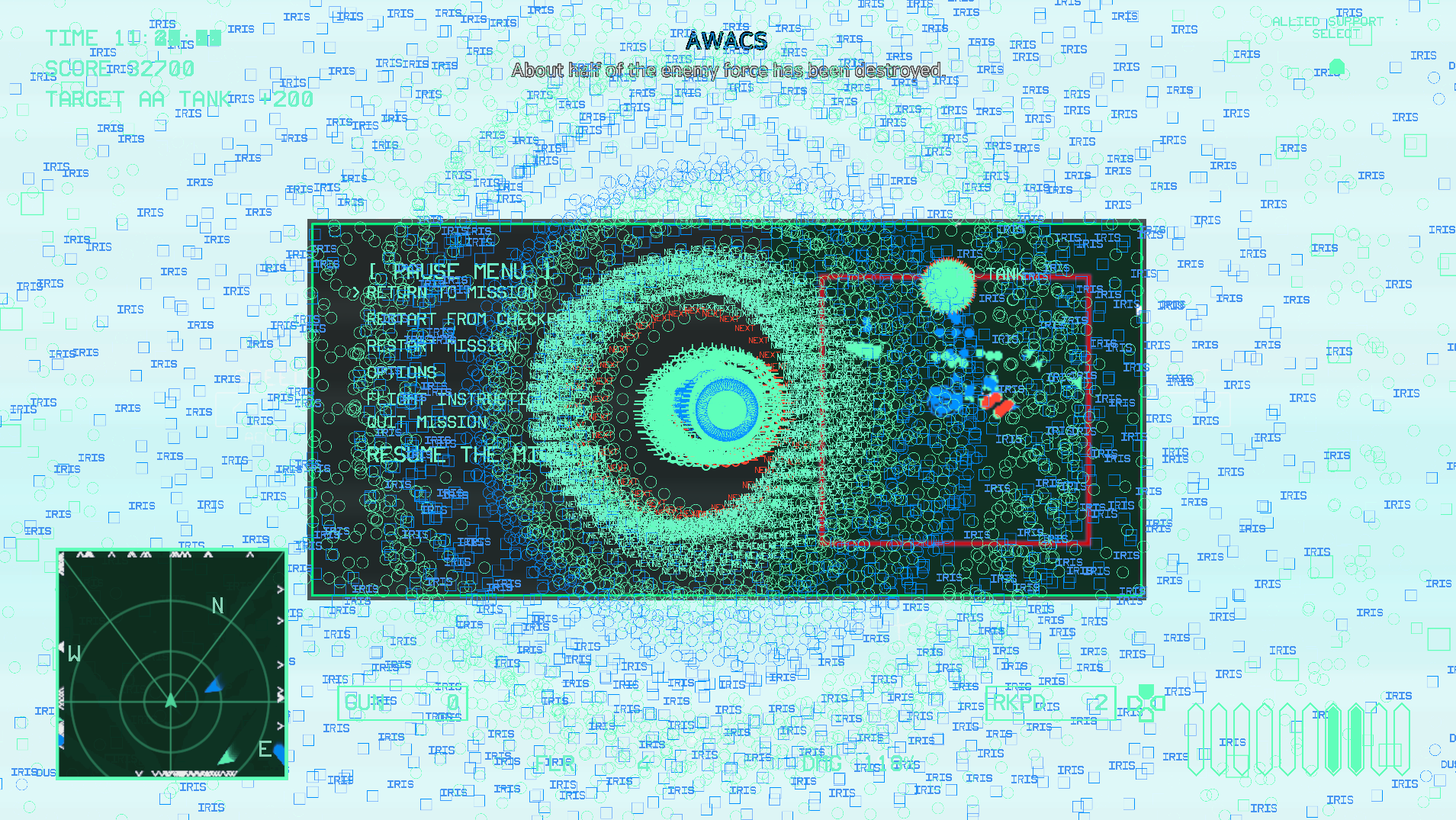
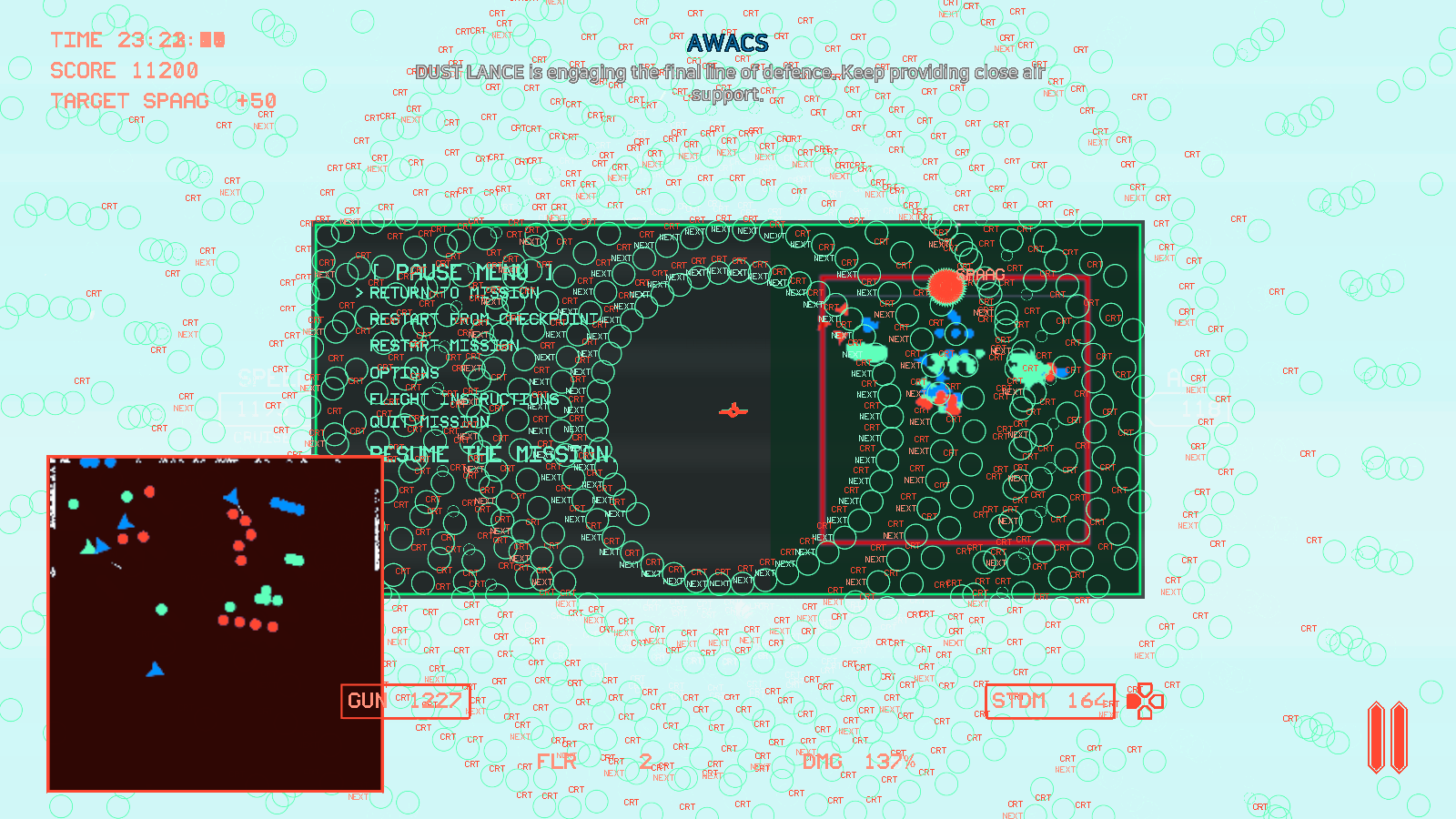
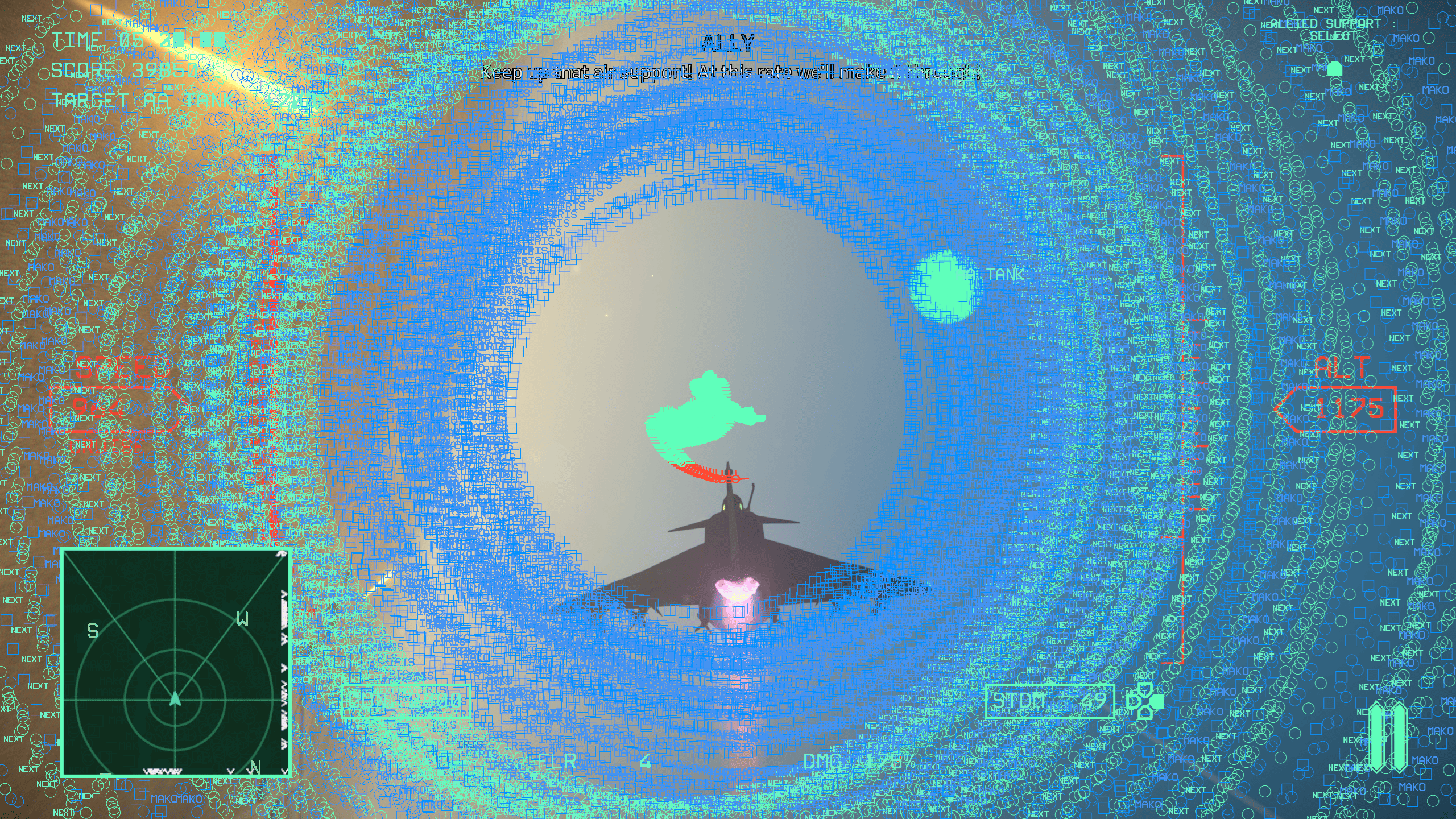
I ran into a bug on the second mission, Grand Slam. I successfully completed two operation areas, Dust Lance and Ogre/Grendel, and had moved on to the enemy attack on the airfield. I had a few enemies left and almost no ammo, so I decided to use the "Allied Support" option by pressing down on the controller D-Pad. I then encountered a visual error where all HUD elements started to draw on the screen in a recurring spiral pattern. The dialogue and game noises continued to play as normal, but my screen was quickly filled and I couldn't see anything. This kept up for at least a minute or two until the mission failed. I do not know if the mission failed because my plane crashed or for another reason; if it was because my plane was still "flying" and it crashed, I would have expected the mission to fail a lot sooner. It almost seemed like the game and flight model froze during this, but I can't be certain.
I've attached a screenshot of the issue below.