

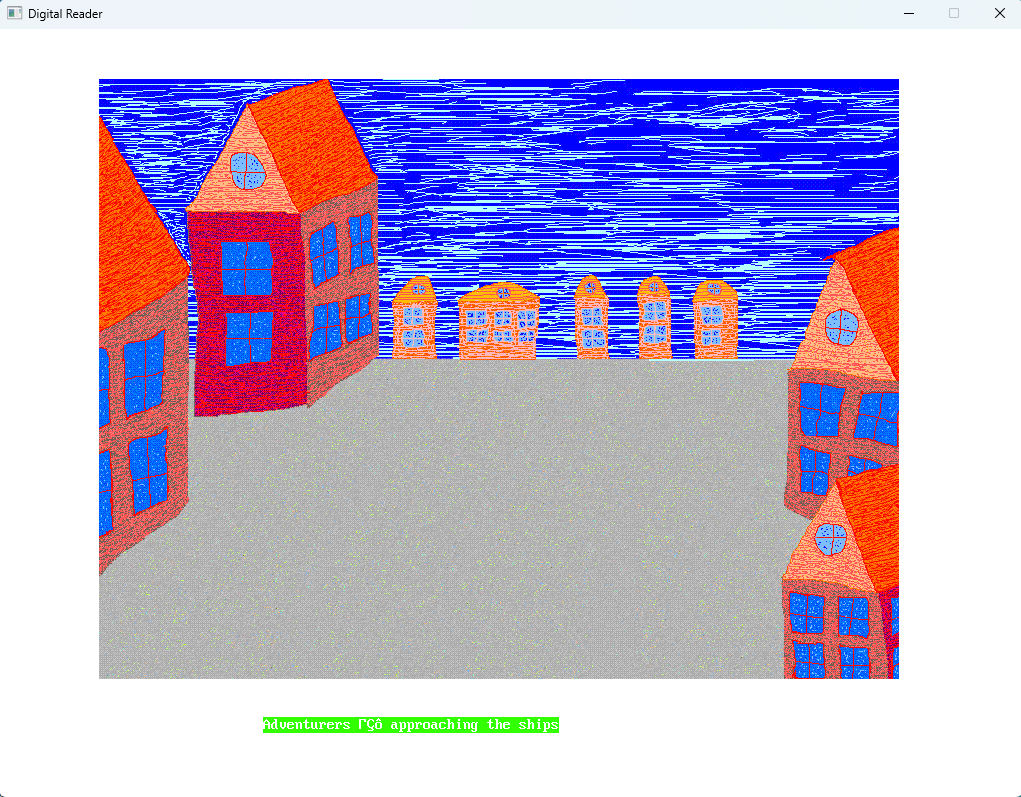
I've long dreamed of combining two things. Writing texts. And programming. A story. And software. A program that displays your story. In a specific format. A picture. Like a cover. Or an illustration. One thing. And the text. And all this in a special program that understands its own format. That's what a digital reader is. It's a program.
It's a little program. In which my stories are stored. I wrote a great story and put it in the program. The program's interface is reminiscent of MS-DOS shells. Several indicators at the bottom.
The interface is simple. Contents at the top. Indicators at the bottom. Like DOS Navigator, Volkov Commander, and Norton Commander. At the bottom, there are indicators for the control buttons. There are only a few of them. A page-up button. A page-down button. If this is the last page, pressing the down button takes you to the first page. And vice versa. From the first page, you click the up button to get to the last page. And so you wander through the pages. Like a ship on the waves. These are the reader's comparisons.
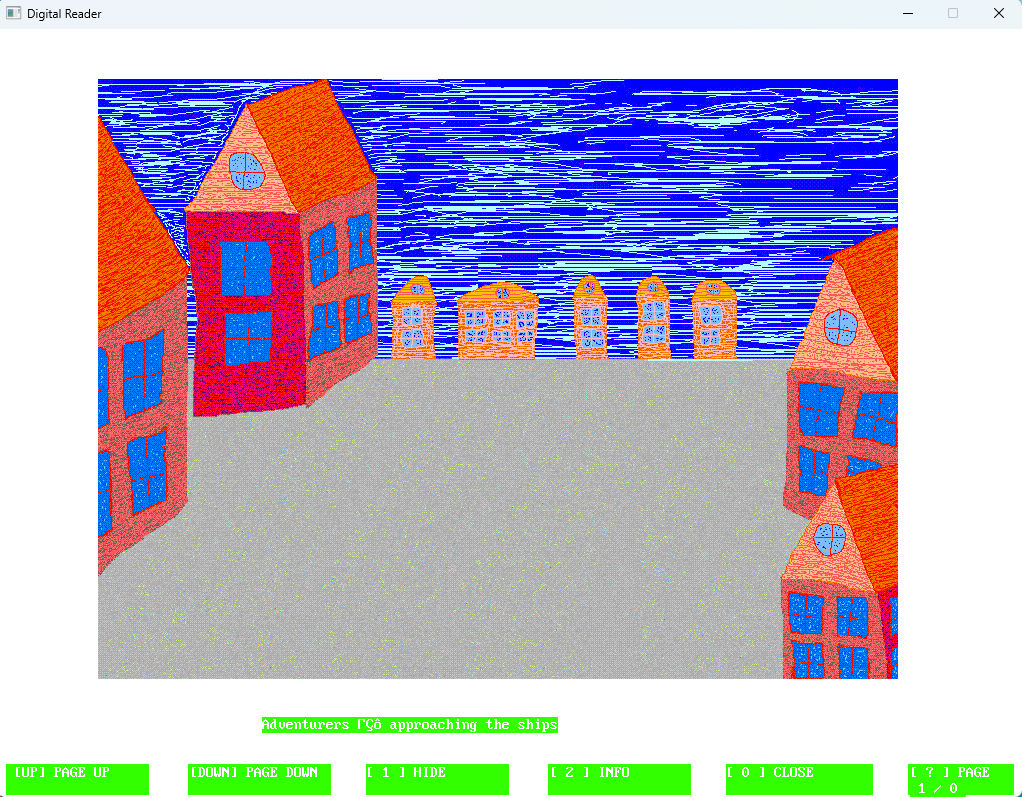
There's also the option to hide or show this indicator. Of course, there's an exit button. It's all numbers. 1, 2, 3, and exit is 0. And up and down arrows. There's information: how many pages there are and which page is currently active. That's the bare minimum of information for the reader. The information button. It contains general information. About the program itself. The program version, for example. And general statistics for this story.
A story is text. That's clear. And it's also an image. And a settings file. That is, it's a kind of file structure. And the button displays all this information. Yes, there's also a color scheme. The text, the background color, the color and text of the buttons. Four colors. Colors are on a scale from 0 to 255, and so there are three color components: red, green, and blue.
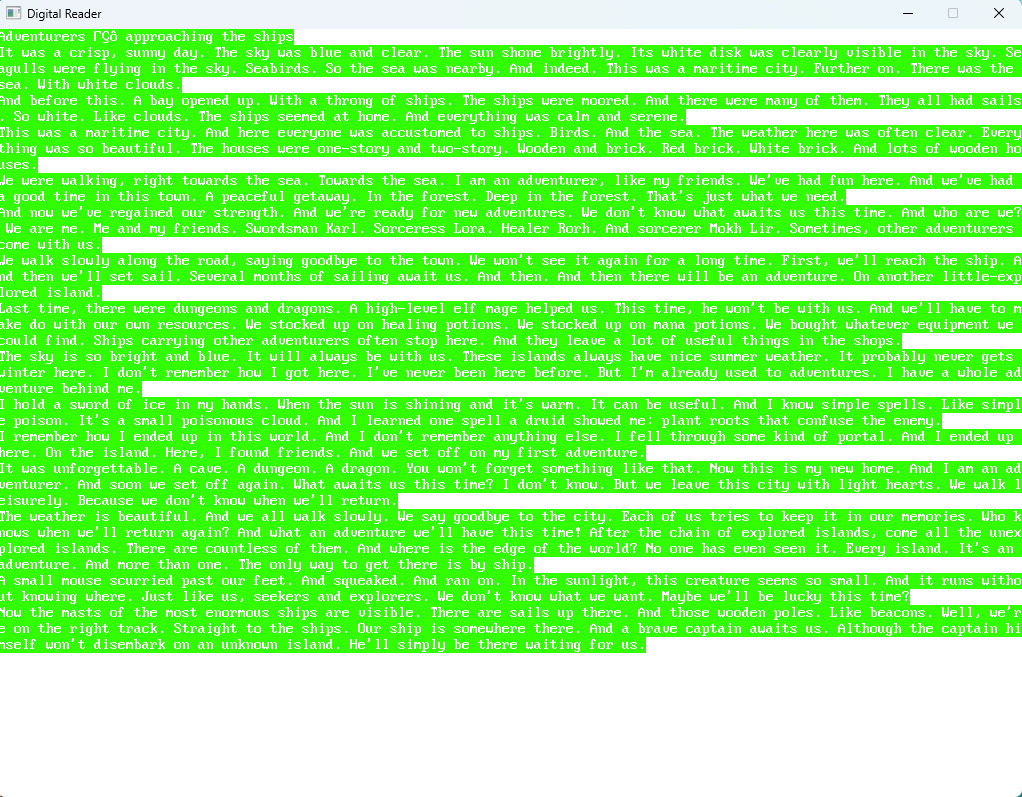
So, the program is a reader. It's tailored to a specific story. A folder. Where the text is. An image. And color settings. Text color, background color. Background color for the indicator. Text color for the indicator. This way, you can vary the appearance of the text. And make it match the style of the story. So each story will have its own visual style.
And the first page of the story. It's always an image and a title. Then the second page is the first page of the story itself. This is primarily designed for short stories. Several pages.
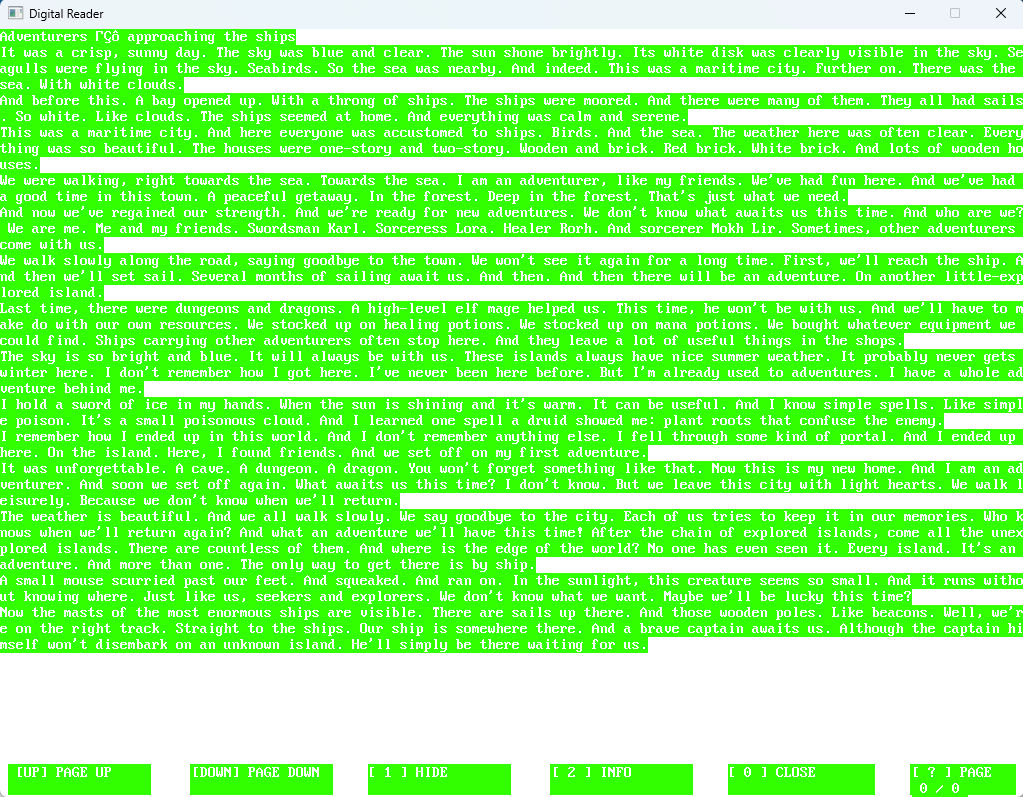
That's the whole idea. Stylizing the story through colors. An illustration for the story and the text itself. And all this is launched from the Digital Reader program. The Info button displays all this information. Including the story title. All loaded colors. Whether the image has loaded. Something else. And the version of the Digital Reader program itself.
Initially. The idea is that each time you copy the Digital Reader, the program itself. Then you upload your story in the program's format. That is, the text itself in text form (like a TXT file). An image for the story in JPG format, and a file with the settings. The txt file contains the colors for the program's style.
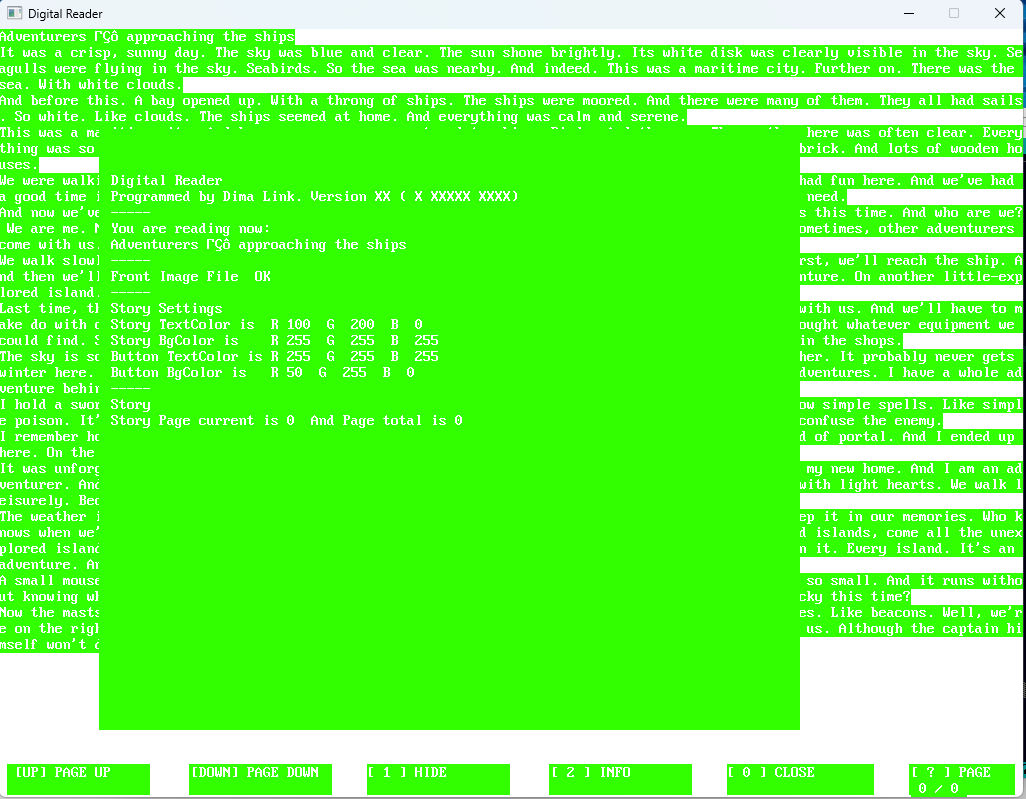
Sort of. It's a folder. It contains the Digital Reader program. The program. And the story text files. With settings. And a JPG image. The image is 800x600. The program itself is 1024x768. Like everything I do, it's retro. It's written on QB 64 Phoenix Edition.
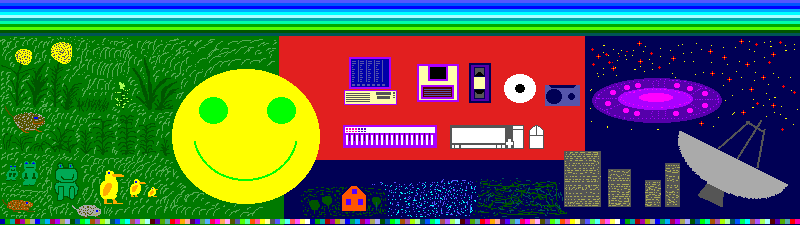
Dima Link is making retro videogames, apps, a little of music, write stories, and some retro more.
WEBSITE: http://www.dimalink.tv-games.ru/home_eng.html
ITCHIO: https://dimalink.itch.io/
TUMBLR: https://dimalink.tumblr.com/
BLOGGER: https://dimalinkeng.blogspot.com/
MASTODON: https://mastodon.social/@DimaLink