Indie game storeFree gamesFun gamesHorror games
Game developmentAssetsComics
SalesBundles
Jobs
TagsGame Engines

Not sure if i get your point BlueLemming :)

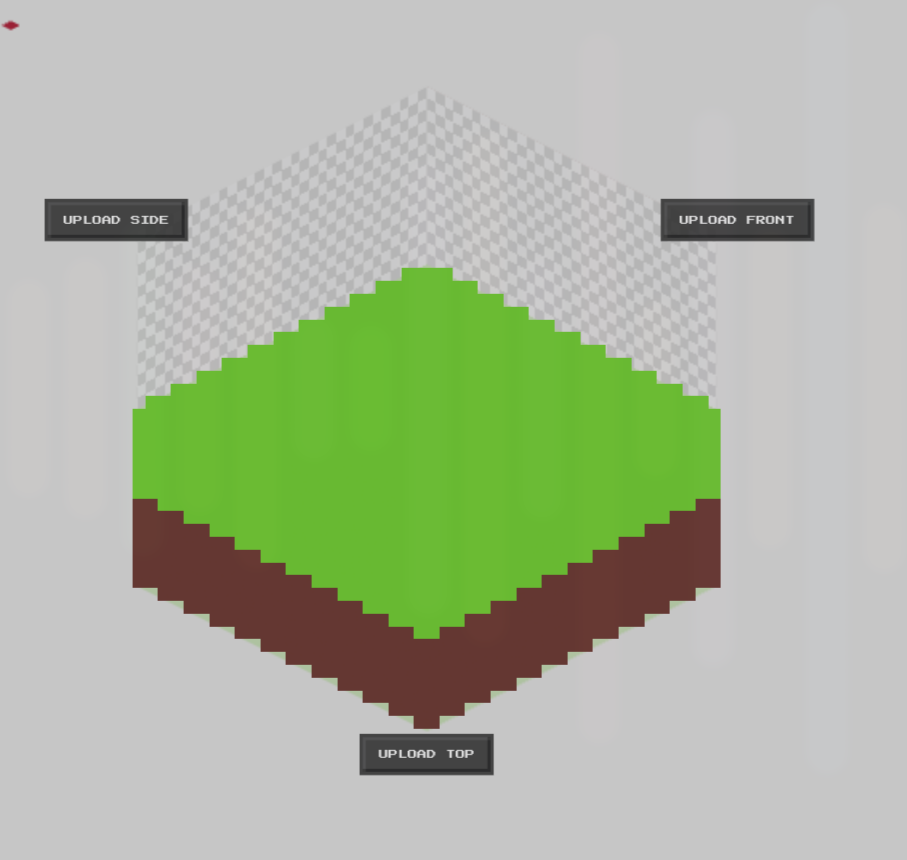
At current state the app can create this tile with only 2 images (front and side) and both images are exactly the same... 
If you would like to work on the top image outside the app (on Aseprite or Photoshop..) You can export the Ortho image (6 sprites) and work on the image before reimporting back into the app to create the rotation sprites. 

It is not needed to start with a 6 sprites image always (a 6 sprite image is rather complicated to perfectly create), mostly 2 or 3 images are enough for simple common geometry.

Hope I answer your doubts.. Many thanks for your feedback :) 

Sorry, I'll try to re-explain! I am using Aseprite, so your suggestion to export ortho & edit would work, but if I want to edit the "side" image then I have to update all of the first 5 sprites too.

It'd be nice if there were maybe a "import" button that could handle spritesheets that aren't ortho  images? For example, maybe it could work like this:

1 sprite = use sprite for all sides

2 sprites = 1st sprite for all sides, 2nd for top

3 sprites = 1st sprite for side, 2nd sprite for front, 3rd sprite for top,

...etc

If I imported this (2 sprites):

I would get this: