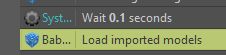
I followed your steps, and it does not work.
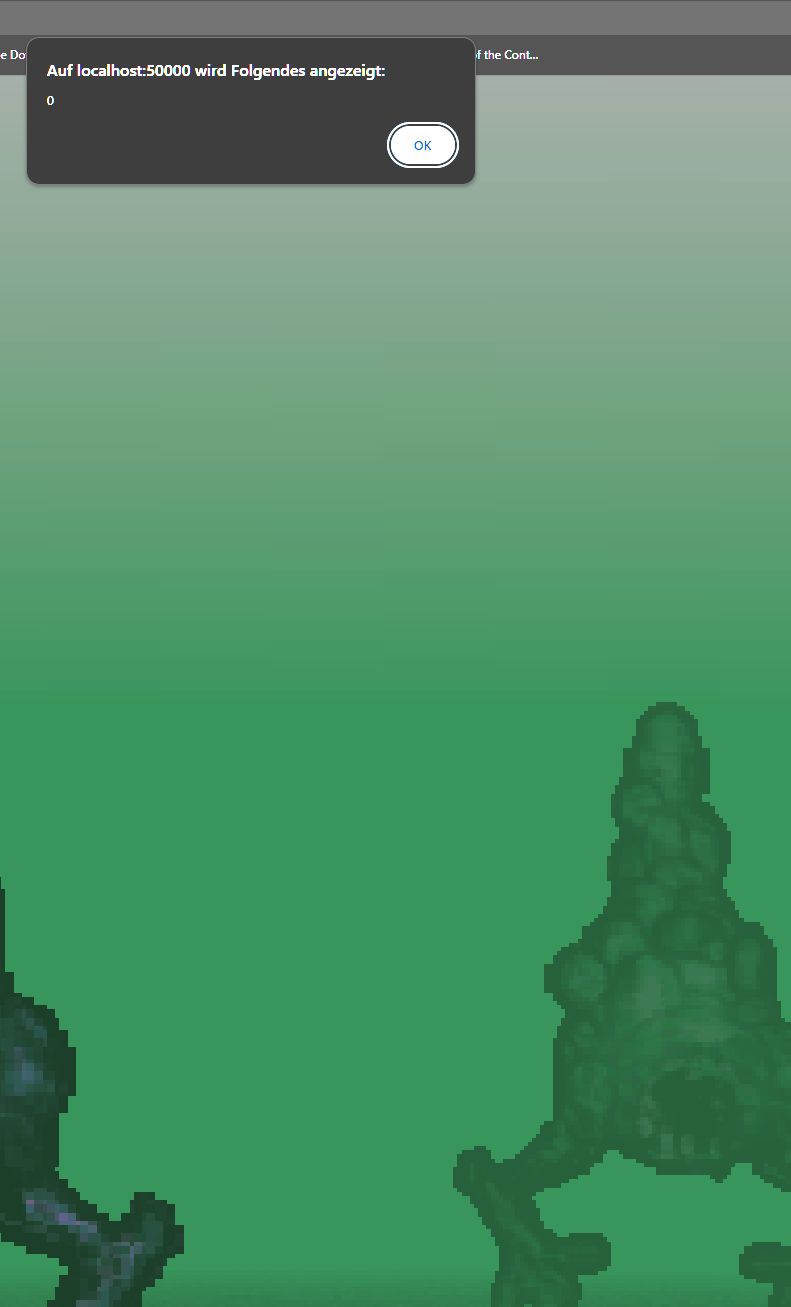
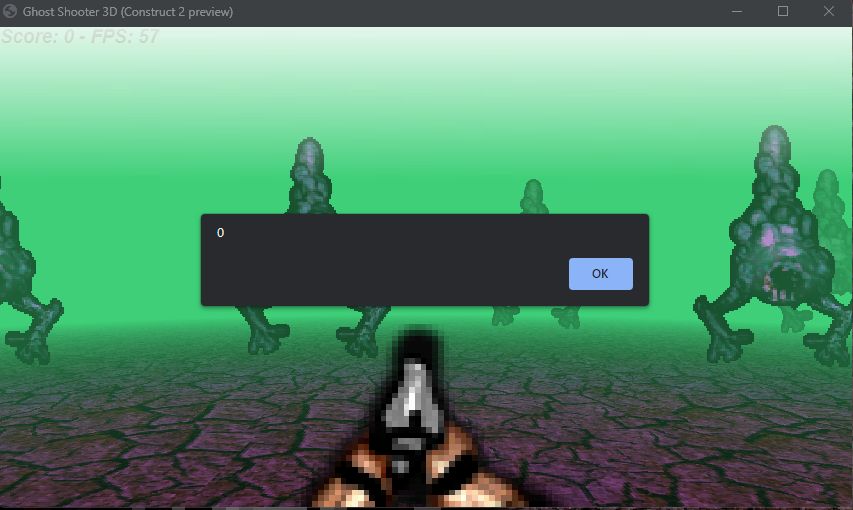
When I preview the game, an error occurs with the Error-Code "0" (Local Host). It does not care if it is in Browser or NW.js Preview
Here's the most minimal example of showing a model: https://drive.google.com/file/d/11-Wg3IkP4sJ06jPNEezIQ4tLTNtil12D/view?usp=shari...
Error "0" doesn't seem right do you have a screenshot of this (with console) or maybe even an example file?
147 days ago (+1)
I think Qubicle uses a different OBJ Format. I will try with Blender.
EDIT: Okay same result. This time i used the Gltf-Format
btw: The Example is protected - i cannot download
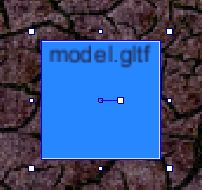
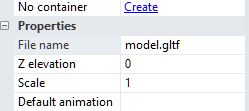
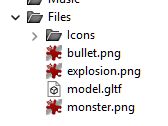
Here some screenshots out of C2: