Indie game storeFree gamesFun gamesHorror games
Game developmentAssetsComics
SalesBundles
Jobs
TagsGame Engines
(3 edits)

To download a mod, it's best to download it from the official source, which is on the Official MDRG Discord Server.

You can use these invite links.
They do not expire and can be used infinitely:

If the link appears invalid for you, the issue is on your side, not the invite or the server.

━━━━━━━━━━━━━━━━━━━━━━━━━━━━━

But if you cannot join the server, or don't want to join but still want mods.
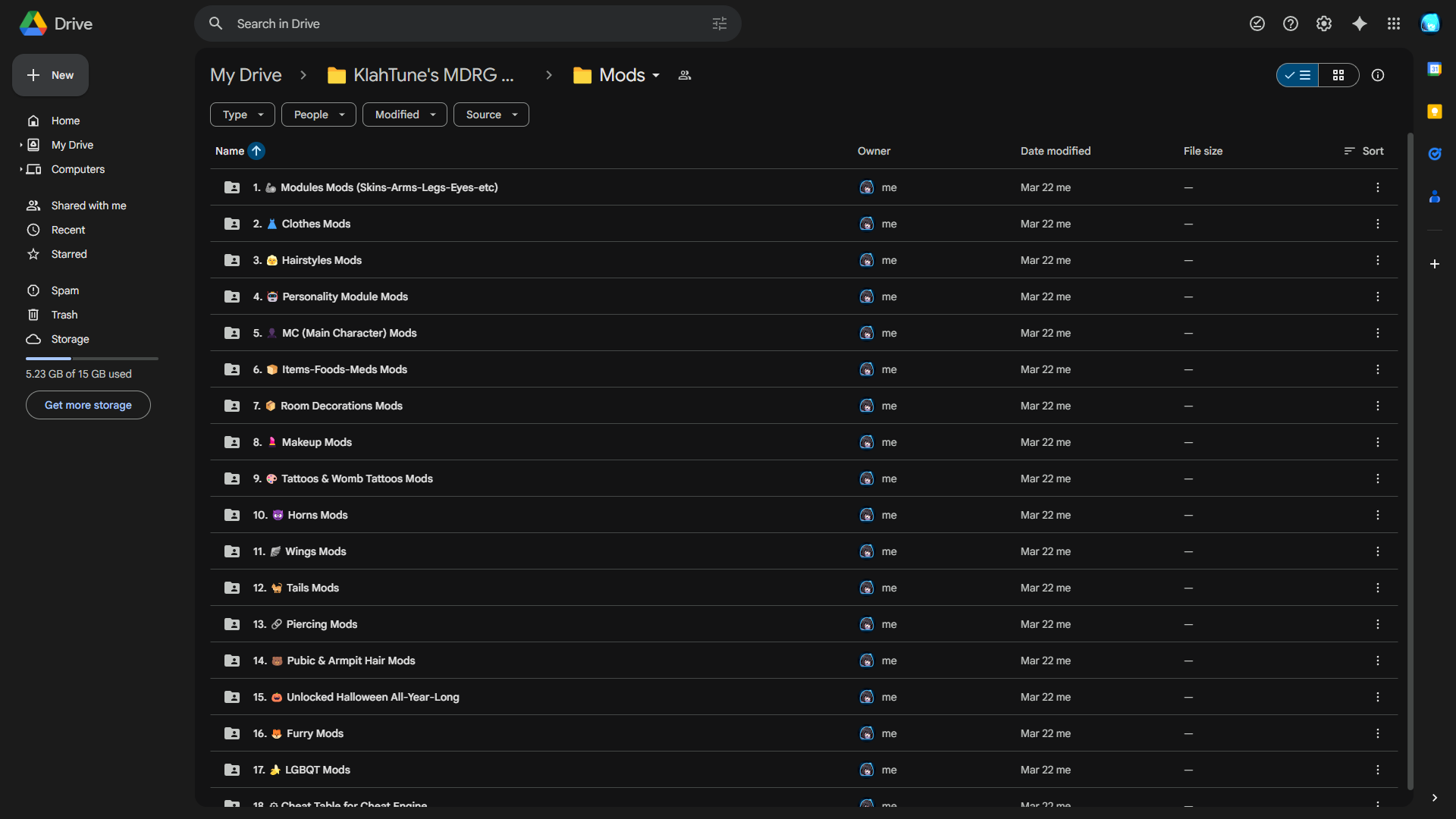
I have another solution for you, which is my Google Drive Mod Folder that I created just for this purpose.
Thank you, you are the best ❤️ 

Happy to help~💜


Sorry again but it seems my mods aren't loading what should I do?

I’m sorry to hear that your mods aren’t loading.

Could you please provide a bit more information so I can help you better?

  • You are playing on Android, is that correct?
  • Are you using internal mods (.zip in Mods menu) or external mods (MelonLoader, etc.)?
  • What exactly is happening? (Mods not showing up, game crashes, errors, etc.)
  • Did you follow the installation steps correctly?

If possible, please include a screenshot of your Mods folder or the issue.

This will help me identify the problem more accurately.

I'm using Android and it's zip, I did everything as u said but yes mods not showing up in game. 

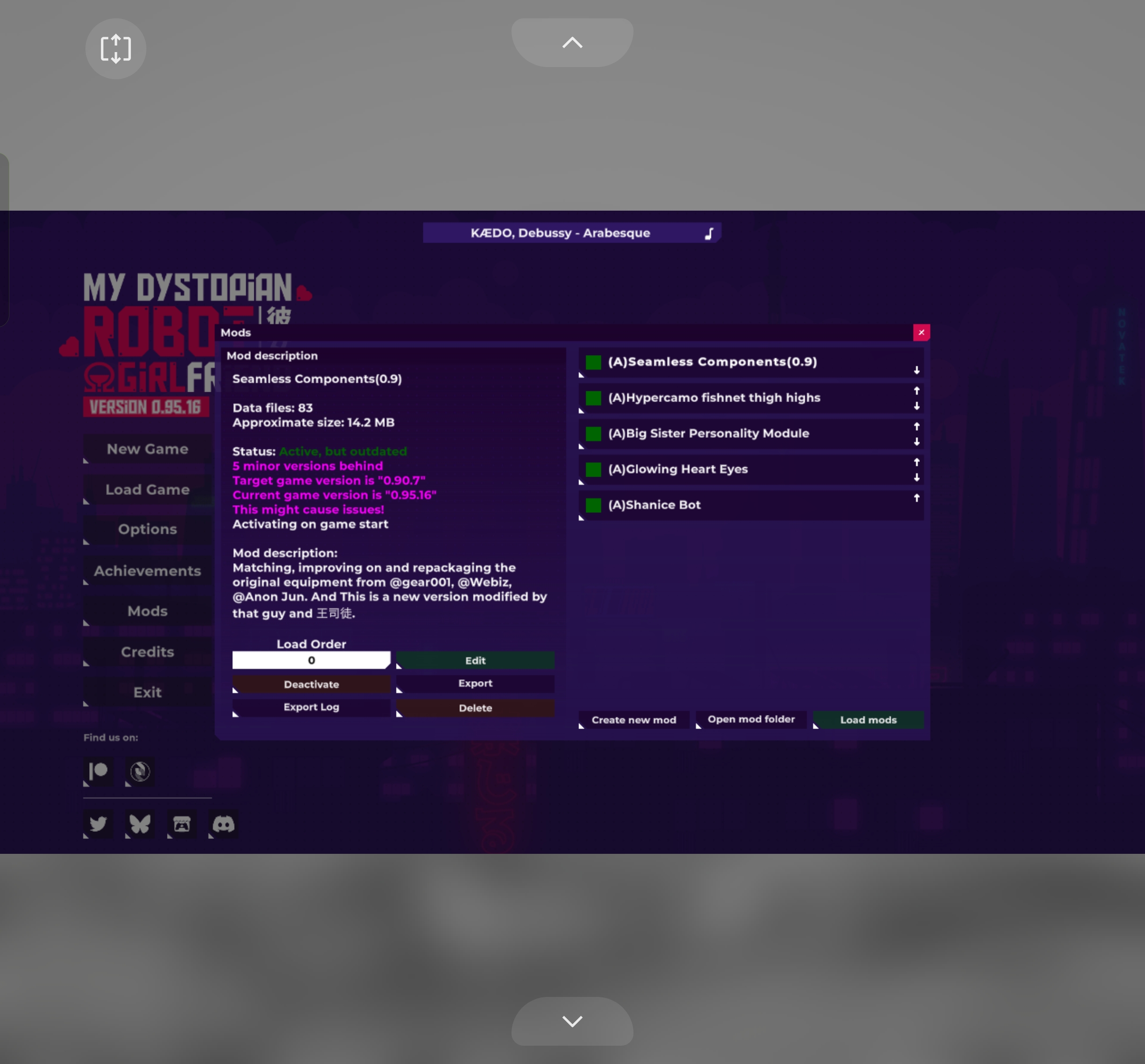
It's not showing the bright green colour don't know why please help.

(6 edits)

That means you installed the mod correctly.
You didn't do anything wrong at all.

Dark Green = Working.

You might have missed this.
I already included that on the mod installation guide.

📝 Additional Notes:

  • Items added by mods (such as Clothes or Sexbot Modules) may take several in-game days to appear in shops.
    This delay is based on RNG mechanics.
  • However:
    • Items sold in the Convenience & Pharmacy Store
      will usually appear immediately after installing the mod.
🛠️ DEBUG Menu:
All modded items can also be spawned manually using the DEBUG Menu (Developer Tool).
You can use this tool if you don't want to wait for the RNG.
Clicking the version number on the main menu 7 times, and the game will give a prompt to enable DEBUG Mode.

But what about the seamless component mod and shanice mod ? How will it show up?

(1 edit)

I told you...

  • Items added by mods (such as Clothes or Sexbot Modules) may take several in-game days to appear in shops. This delay is based on RNG mechanics.

Meaning that they will appear on the ladyparts.ic (BigDaddyHurt's Shop), but it's not guaranteed to appear, because everything is based on RNG.
If you don't want to wait for the RNG, just use the DEBUG Mode to spawn those items.

You've been asking me so many shallow and simple questions.
At this point, you should just contact me directly on Discord instead.


Discord Username:

klahtune

Oh I am really sorry to annoying u again, I am usually a nervous person that question a lot, but now  you have taught me so many things I am really grateful to have a person like you. Thank you 😊.