Hi there!
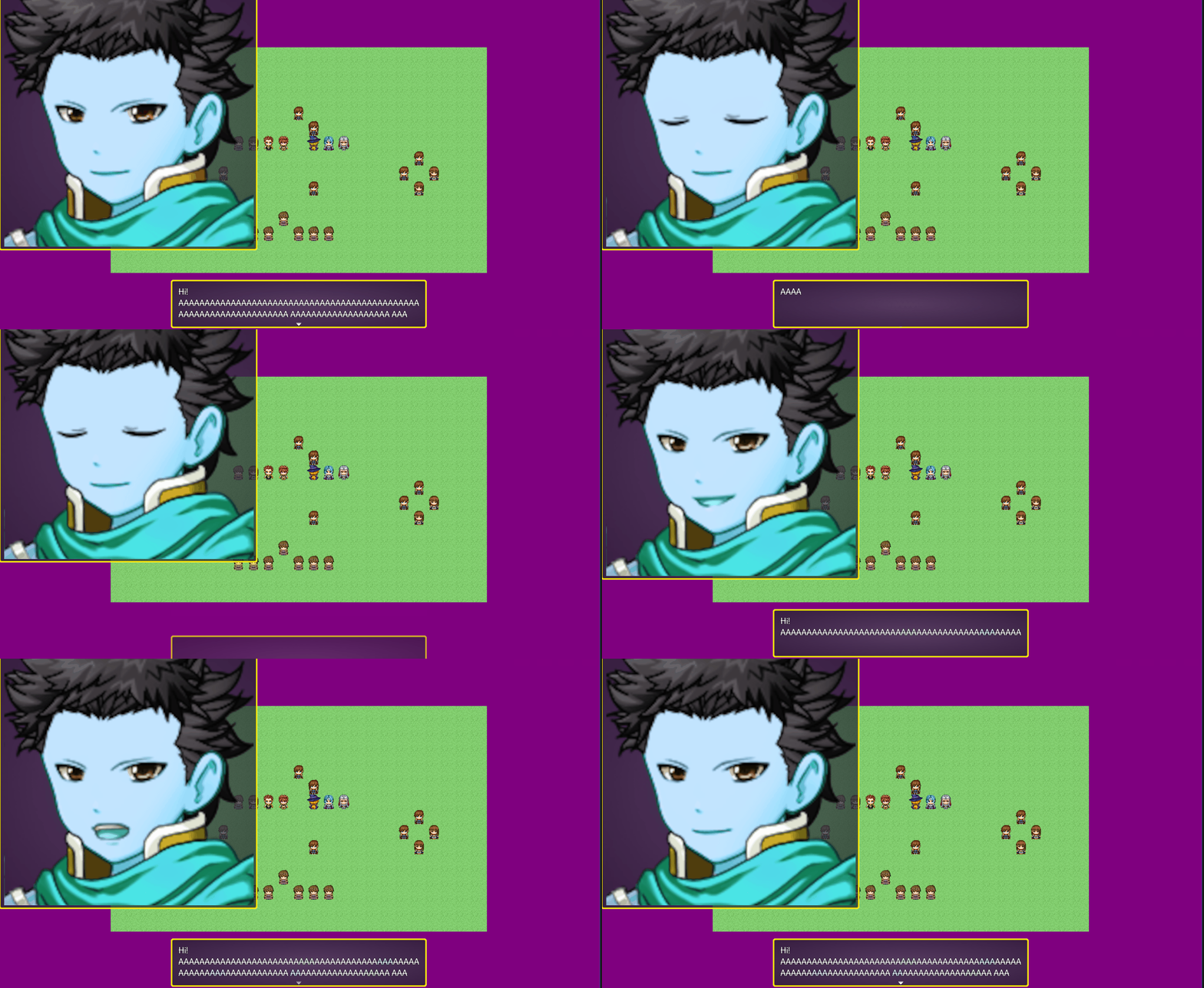
1) I think one reason may be the fize size. Too big and the system is not being able to fully load it. But that is still a long shot. To test this, try reduce your image size(just to test) so we can confirm if this is a matter of loading problem, due to a large image file.
2) You have two plugin parameters to worry about here on the EliMZ_FaceWindow:
- The face window size → Set the size of the Face Window
- The face size → The size of a single face that will show inside the face window.
By default, an RPG Maker face image has dimensions of 576x288. But it does have a face size of 144x144.
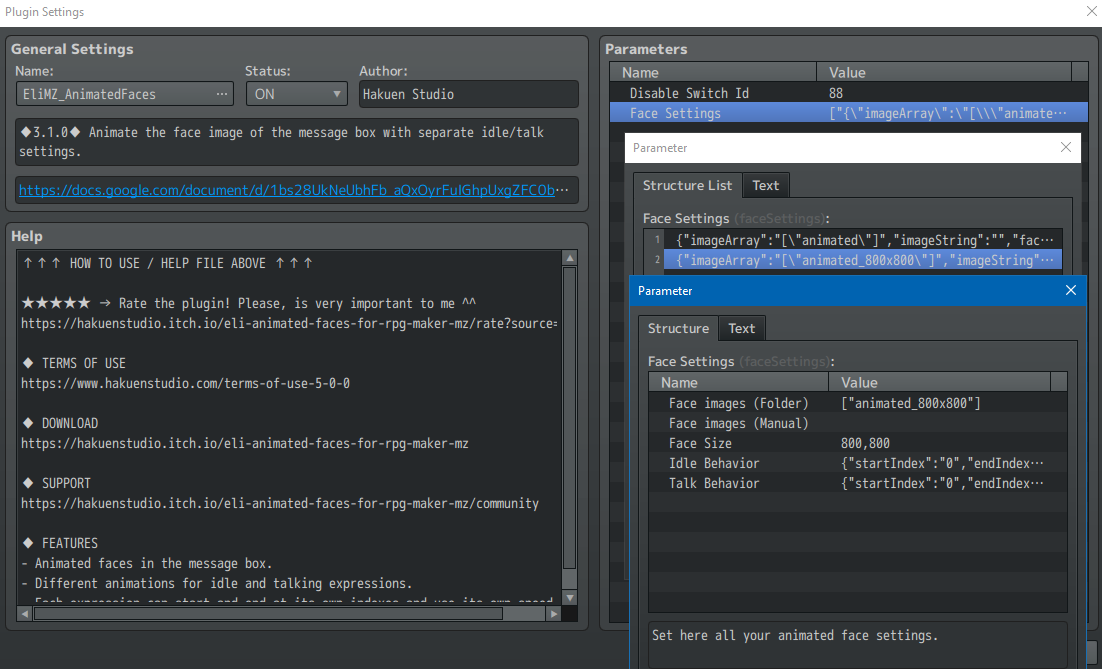
As I understood, your face image has a 4000x800 and your face size has 800x800? If so, you need to proper fill the plugin parameters to match that. So, 800x800.
Besides that, I would need to see your plugin parameters for both plugins so I can see how you did it. Since both plugins are free, you can try upload a sample project for me so I can take a look at the problem. Or send me screenshots of the plugin parameters.