

I tried to replicate the color palette issue, but I saw no such issue on my end.
However, looking at your image, I can see your entire screen has odd colors. Even the app itself. The app's theme color is supposed to be a lighter gray. It looks like your browser or device might be the culprit. Are you using any color settings override on that device?
If you have anything that may be affecting colors on the screen, please turn them off. You could also try:
Open “Settings” (gear symbol) in your Browser / Internet settings
Toggle off "High contrast mode"
or
Scroll to find “Labs” and toggle "Use website dark theme"
This is what the app is supposed to look like:
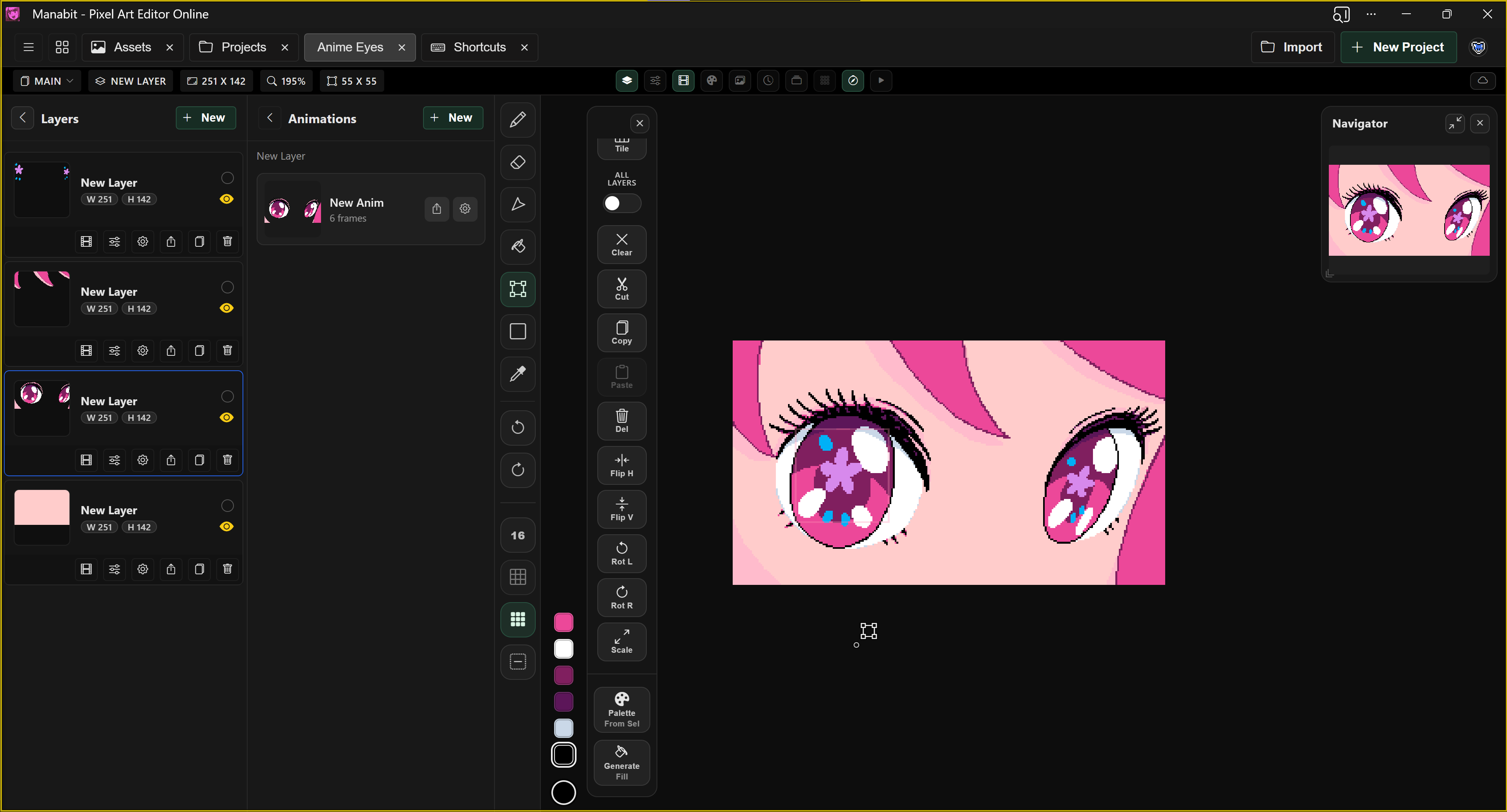
Let me know if that helps!