

To add an item to the bar you right-click on the slot you want, your inventory will come up, and you can choose which item from inventory, (I think only consumable items like drinks, food, potions, etc can be selected) and click select. It should be on the bar now. Left-click the bar item to use or use num-pad for hotkey. You can go into settings to config your hotkeys.
If you already have your character's big dialog image, you can resize it to 32 x 32 pixels and edit it with GIMP or other editor to make the sprite look nude. Doesn't have to be perfect, because it's pixels.
For example:
Oriana doesn't have a nude sprite, but I made one by resizing her full image to a 22x32 image and editing the pixels.
Original resized: 
Edited nude: 
It's not perfect, but I only spent an hour or two on it. You can try to do similar with your character to make the nude sprite.
i have a pic of dialogue but the problem i don't know well drawn so is more hard for me but i have use IA for get the pic but like make two pic one cloth and one naked but like the body is no same is more chard to make for the expression but wait you make nude edut if Oriana? because the character NPC never remove their cloth even moment of spirit
You don't need to generate another large picture with AI for the nude sprite. The nude sprite will be small and easier to edit by hand with an editor. So, you can use the dialog picture you had AI generate, make a copy for editing, shrink it to around 32x32. Change the pixels so it looks nude. That way it looks like the same character and the pose is the same.
For facial expressions, you'll probably want to find an AI that can use 'inpainting' or 'iterative editing' on the generated image.
An example the dev gave several releases ago was an AI called Flux Kontext:
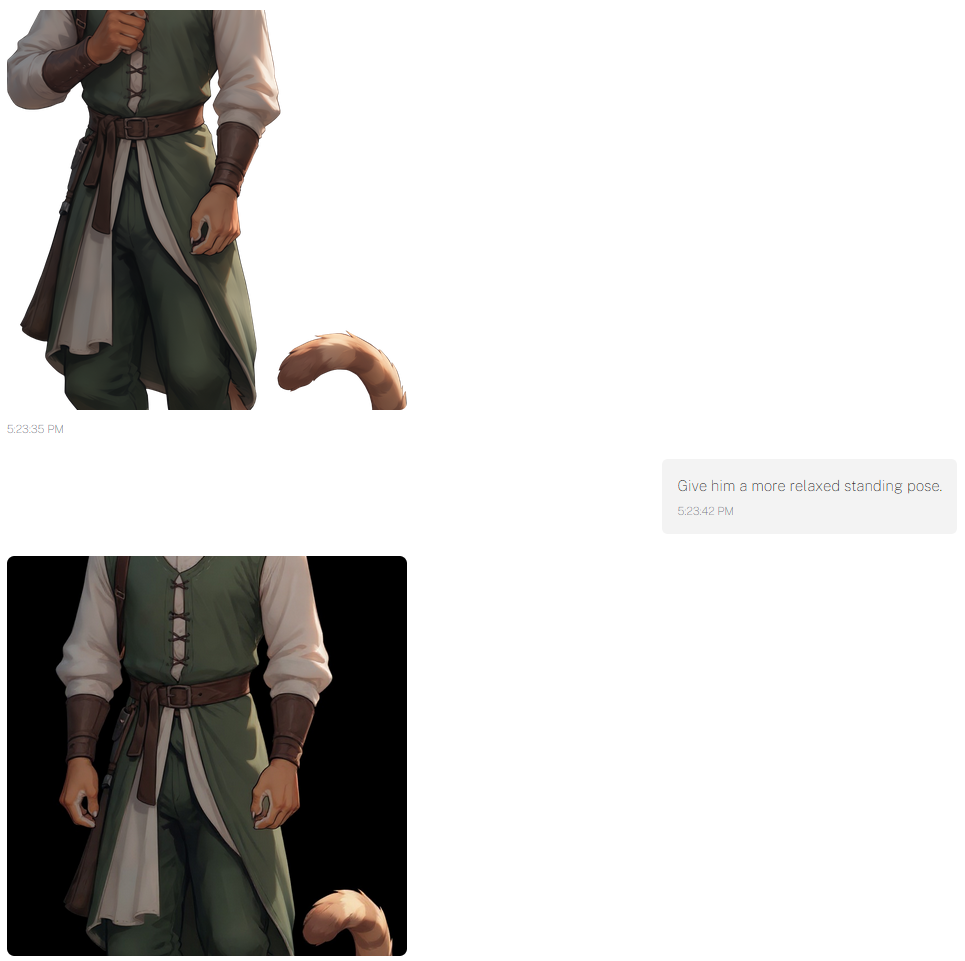
You can probably use this to help with the facial expression to make it easy.
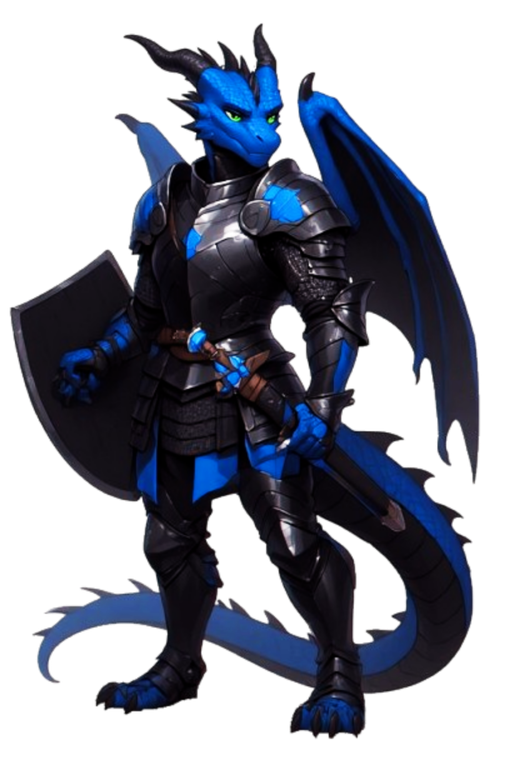
well i make my image see no working on the expression i make my pic of 512x768 and like don't the good side and i don't how have nice avatar easy is will not bed easy to have my dick but for the moment i have my model but well i can't do nothing until i find the good size because for me the web site no working for me and i no have enough money for generated new one with the good stuff but is look at this
NPCs aren't reliable when they say they will give you something. Sometimes they say they will and they do. Other times they say they will or did and give it to you in role play, but not in game mechanics. If they don't, you can't make them give it to you. You can only ask and hope or cheat it in.
It's recommended to not rely on what they say. You're better off asking for an expensive item instead of money. You can sell it for 50% to Aldric. Or ask for several smaller items you can sell to the market. I once bought 50 turnips (not seeds) from Aldric at a low price per turnip (around 3.5 gold per)and he actually gave me 50. I sold them on market when the price was high. (15 or 16 gold per) Good profit. I don't know if I can get him to do it again since that was in an older release.
Here, I got bored and made him bigger(1696x2528): https://postimg.cc/Hjby8LxP
I also accidentally made him look badass and too big (3392x5056): https://postimg.cc/w7tnQnCZ
Edit: Size correction
Try both out to see which one you like, but first one is probably best, since it's closer to your original and still has the black ventral scales. Its size isn't the same as the NPC portraits, which is around 2400x 3800, but you probably won't notice the size difference too much. Only the style.
Yeah, the ventral scales don't look as black now, maybe you can edit it some day? It was an accident anyway, but it came out really cool, so I'm letting you decided if you want to use/keep it, if you like the style. If you want to use it in game, you might have to make a copy and scale it down for the game, around 1900x2800 - 2400x3800, but It probably won't be an issue.