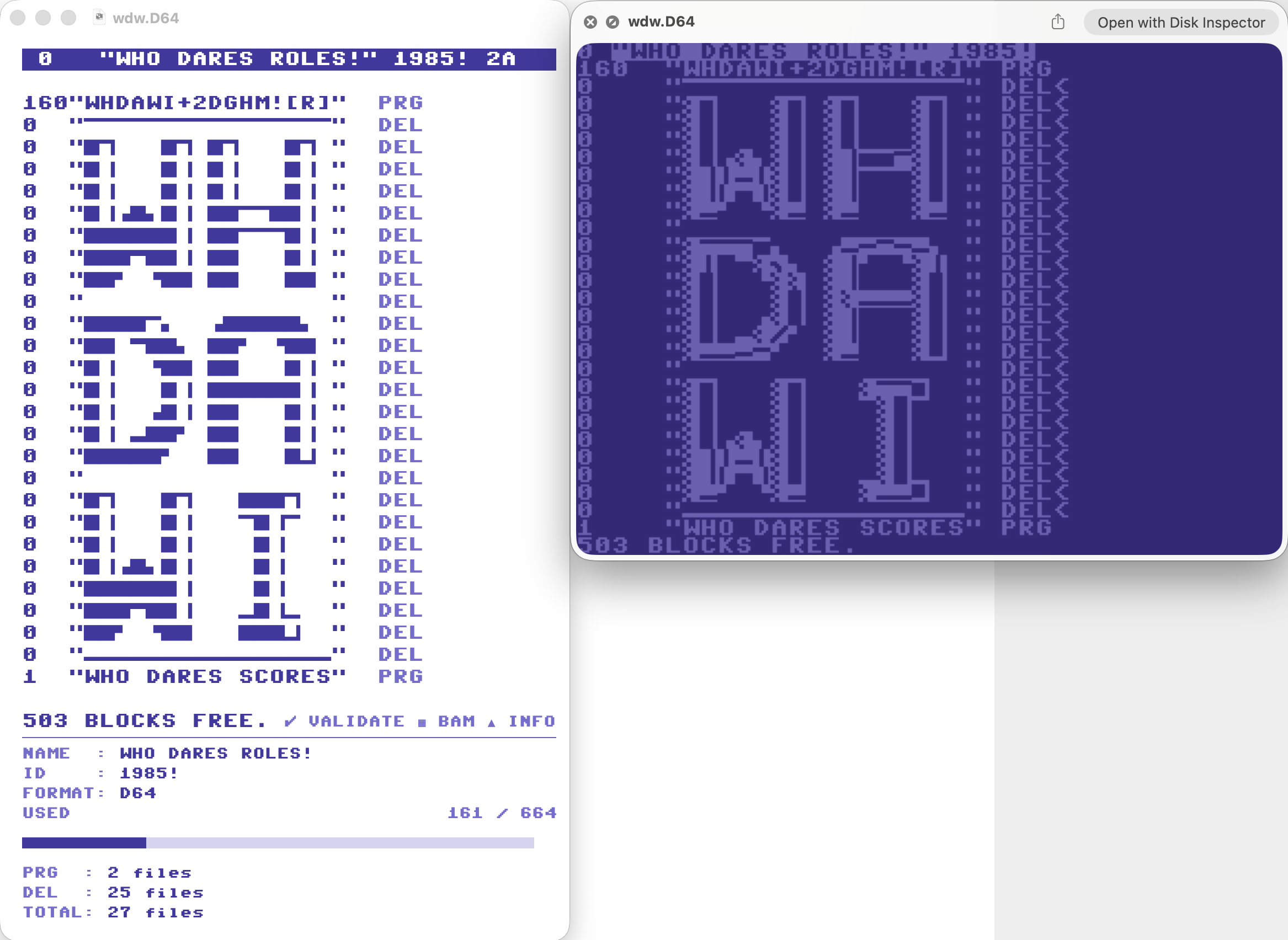
Thank you for making this. However, I am not able to select anything through the Open file window. D64 files are greyed out for some reason...
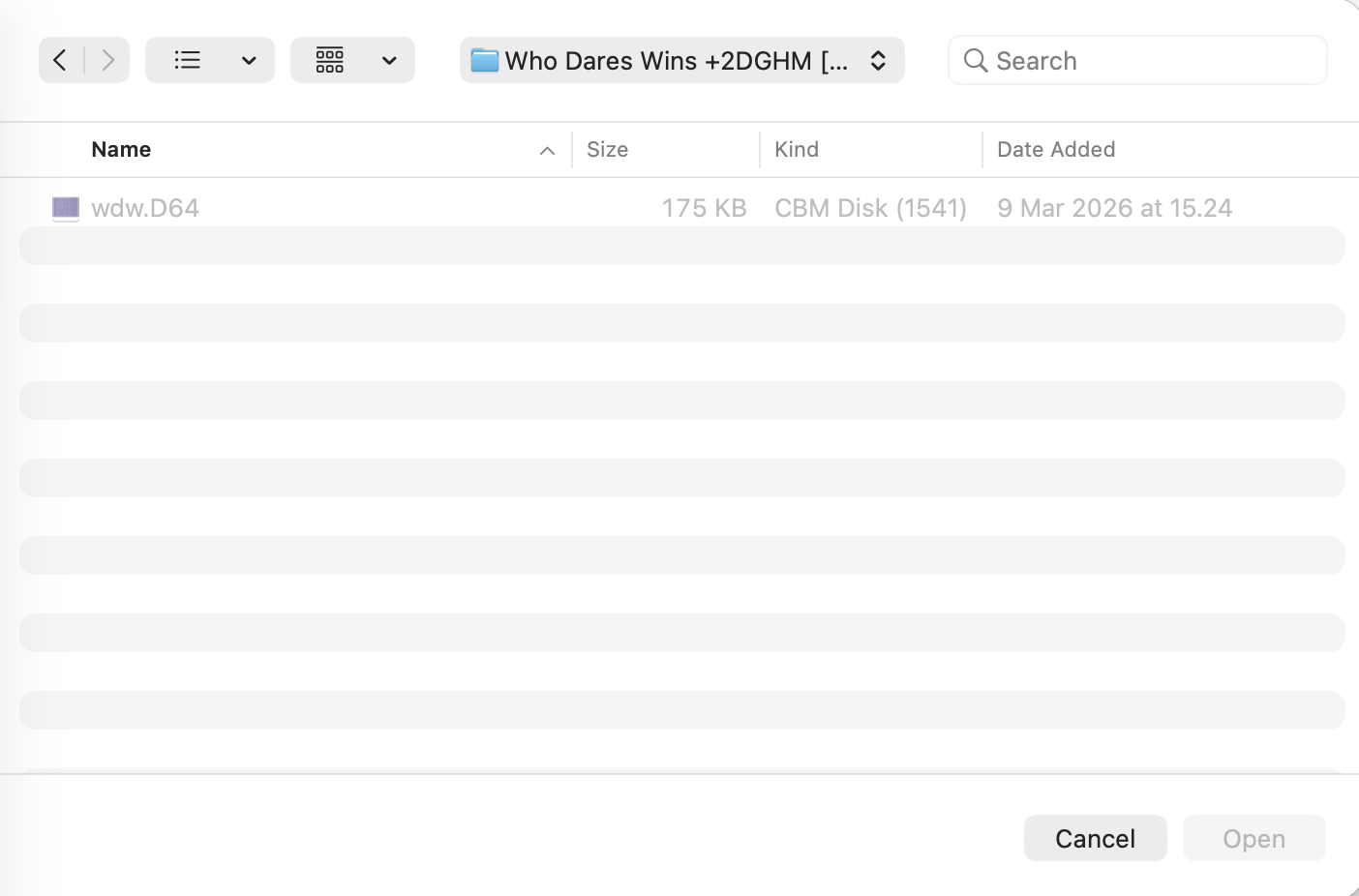
The issue is that you have another app (likely VICE) installed that already registered its own file type for .D64 files with macOS — that's why Finder shows them as "CBM Disk (1541)" instead of our type. The Open dialog was only looking for our specific type, so files registered under the other type got greyed out.
I've think I've fixed this in v1.2 — the app now accepts D64/D71/D81 files regardless of which app registered the type on your system. I appreciate if you try 1.2. Many thanks again for your feedback.