Sorry for the late reply!
Typically all you should need to do to run MSSC on Linux is:
1. Download the Linux zip file (it's in the included files downloadable from the Itch page)
2. Extract it, and open the resulting folder
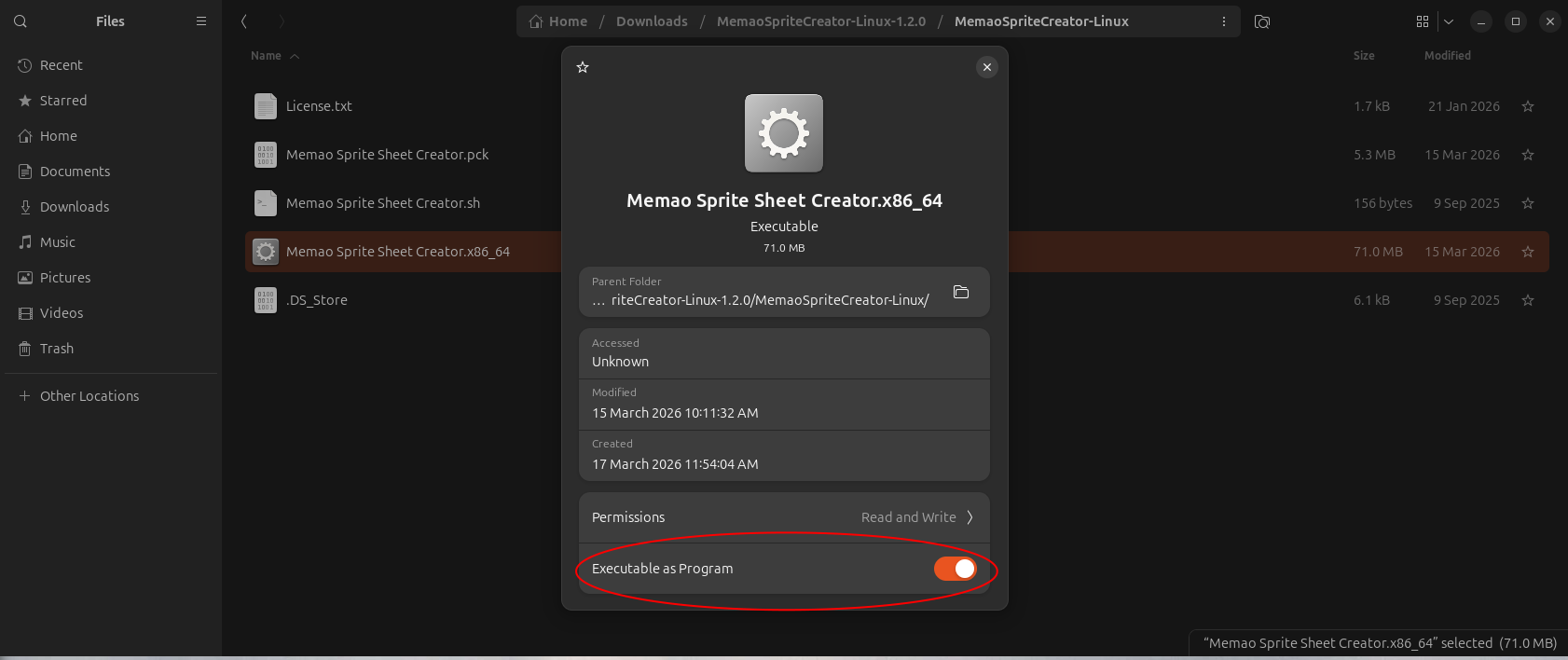
3. Right-click the executable file "Memao Sprite Sheet Creator.x86_64" -> Properties -> Ensure "Executable as Program" is enabled
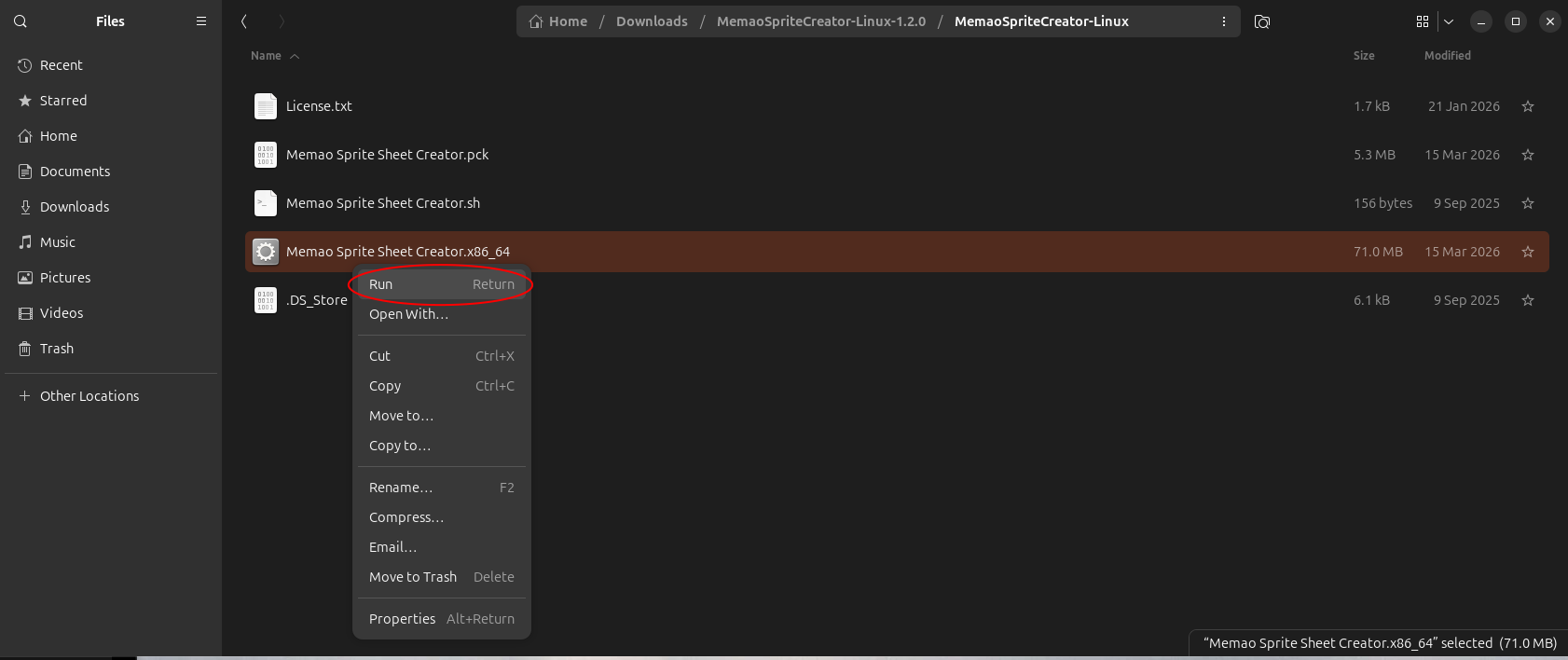
4. Close properties and double-click the file or right-click and choose "Run"