
Indie game storeFree gamesFun gamesHorror games
Game developmentAssetsComics
SalesBundles
Jobs
TagsGame Engines

  1. Disable Brave Shields for borrowscape.com (click the lion icon → toggle off)
  2. Try without VPN briefly to rule out Cloudflare blocking VPN IP range
  3. Open browser DevTools → Console tab and screenshot any red errors — that will tell us exactly what's failing
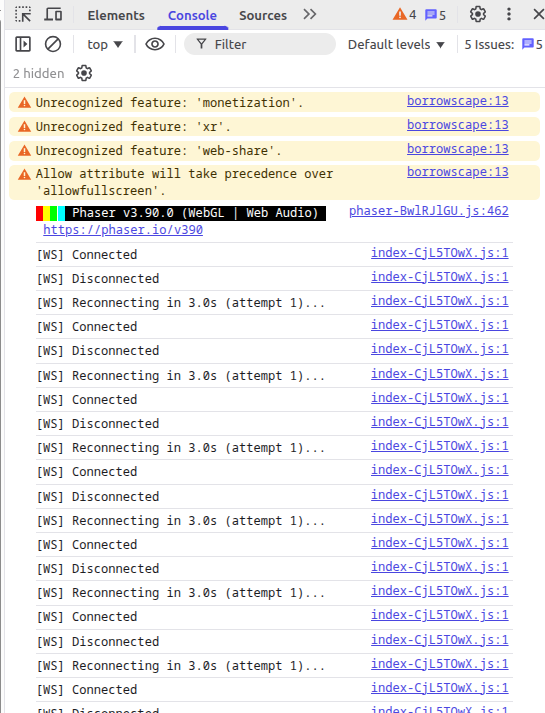
Shields down; turns out the laptop didn't have its VPN on after all (dur); Console only shows this, continued indefinitely:


Try around 7:30 p.m. Eastern time, hopefully this works.

try now

I noticed a couple of green CONNECTED flickers on the desktop (which does have its VPN on) but it went back to red; nothing in the console.  Laptop still just red.

I found it! It is because it's playing through itch.io, I had to allow origins to the site. It will be good at 830pm Eastern time. I was playing through the site https://borrowscape.com/ 

Should be online now, have fun!

Oho!  I didn't even notice your own site was a thing.  Aaaand... we have green!  Okay then; well done.