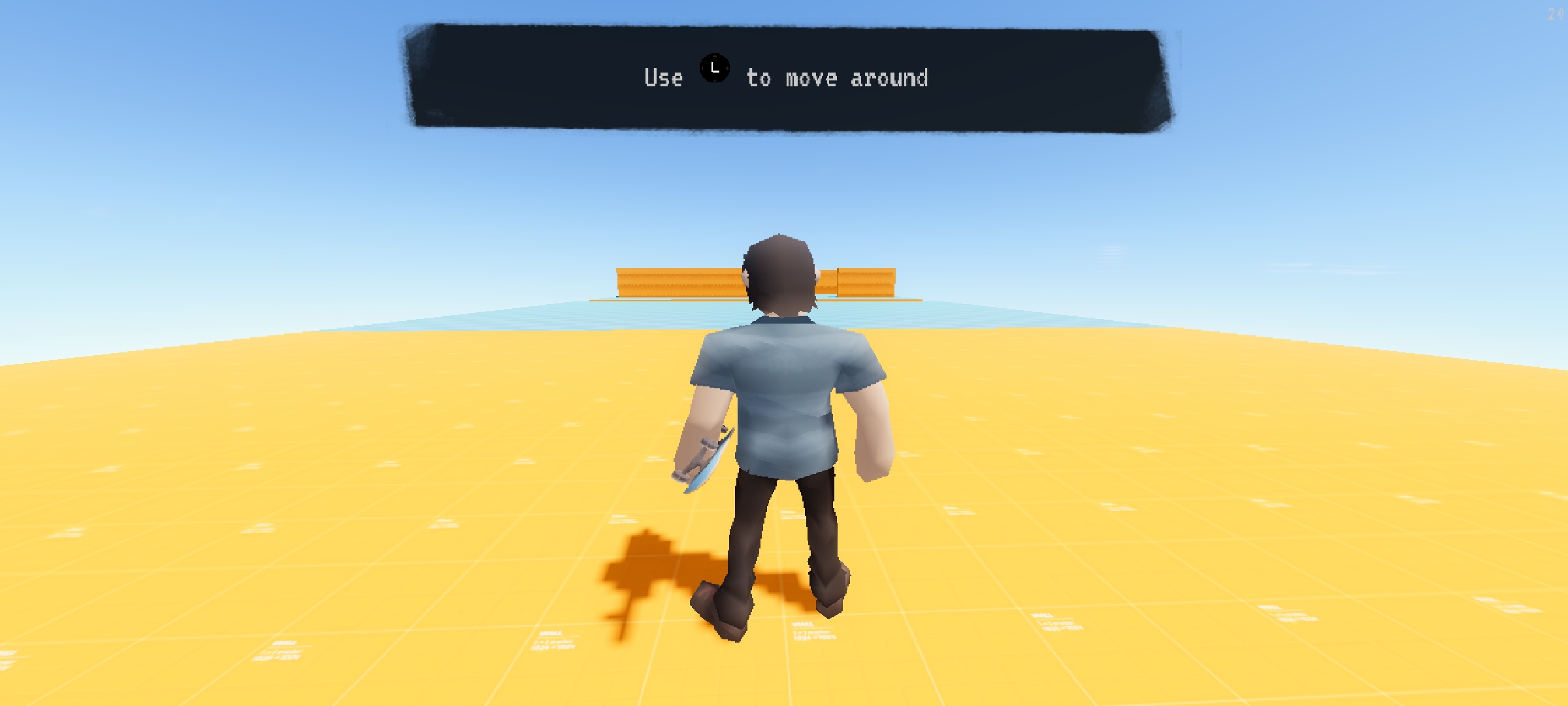
Android version is unplayable - there are no on-screen buttons.
Hi Zubr64, Can you describe to me the steps/actions you did leading up to the issue? On screen controls should appear automatically when you enter a level. The only time the controls disappear is if you exit a level, talk to a character, or connect a gamepad device to your phone. If the issue persists, please reinstall the game.
136 days ago(+1)
So, the game just doesn't display any on-screen controls. That's why it's also impossible to complete the tutotorial that appears after launching the game for the first time. It's also impossible to pause the game or quit to the main menu by pressing the "back" button. The tutorial, main menu and the "skip song" message in-game display controller button prompts, specifically PlayStation button prompts. It seems like the game expects controller input despite no controller being connected.
It seems there is a problem with automatic disabling of touch controls. I think there should be an option to manually disable/enable touch controls, if such an option was in the menu, this bug wouldn't be so problematic.
112 days ago(+1)