💬 FAQ (Frequently Asked Questions):
💻 Display Resolution:
After a major update, the game settings can sometimes be reset automatically.
This means your screen resolution may have been changed, which can cause the UI to look enlarged or blurry.
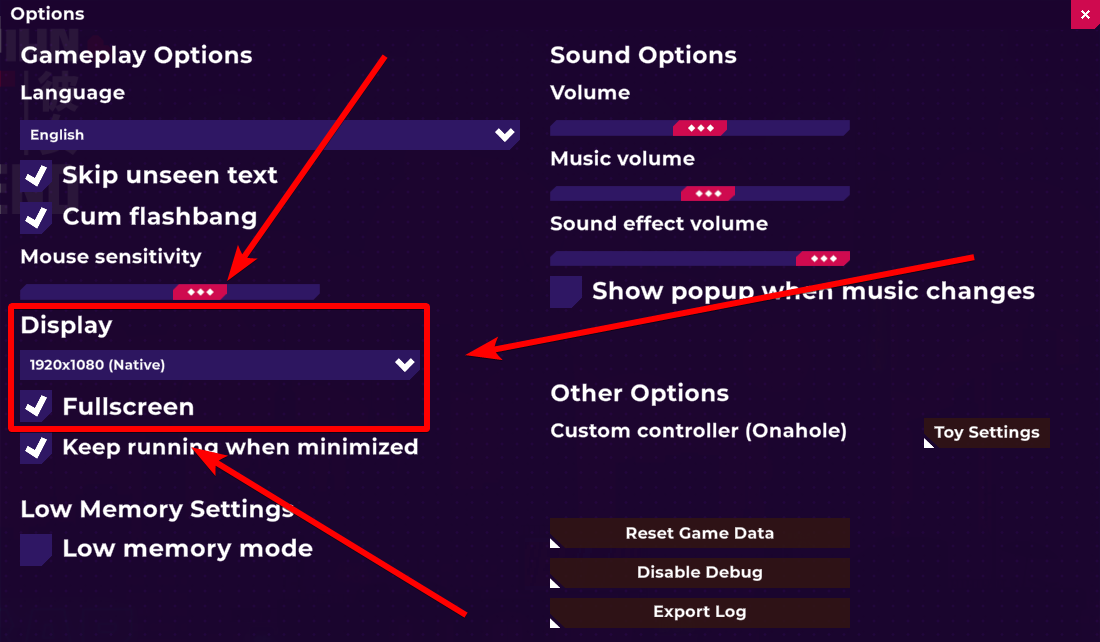
You can fix this by adjusting the resolution in the game settings:
- Go to the Options menu on the title screen
- Find the Display setting
- Change the screen resolution to match your device’s screen resolution
After setting the correct resolution, the UI and text should display normally again.
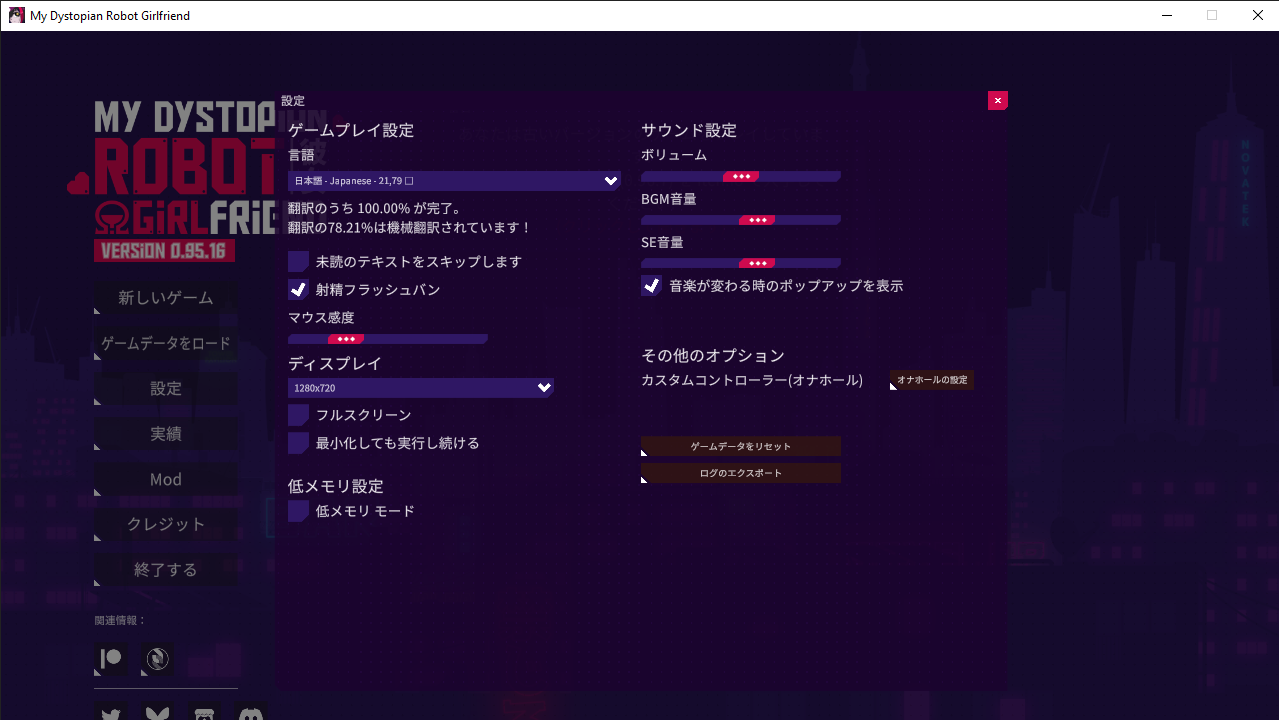 Que puis-je faire ? Je ne comprends pas ce qui se passe : lorsque je lance le jeu et que j'utilise une langue alphabétique, rien ne s'affiche. Par contre, lorsque j'utilise une langue à caractères (chinois, japonais, coréen, etc.), rien ne se passe. Existe-t-il une solution ?