Indie game storeFree gamesFun gamesHorror games
Game developmentAssetsComics
SalesBundles
Jobs
TagsGame Engines
(3 edits)


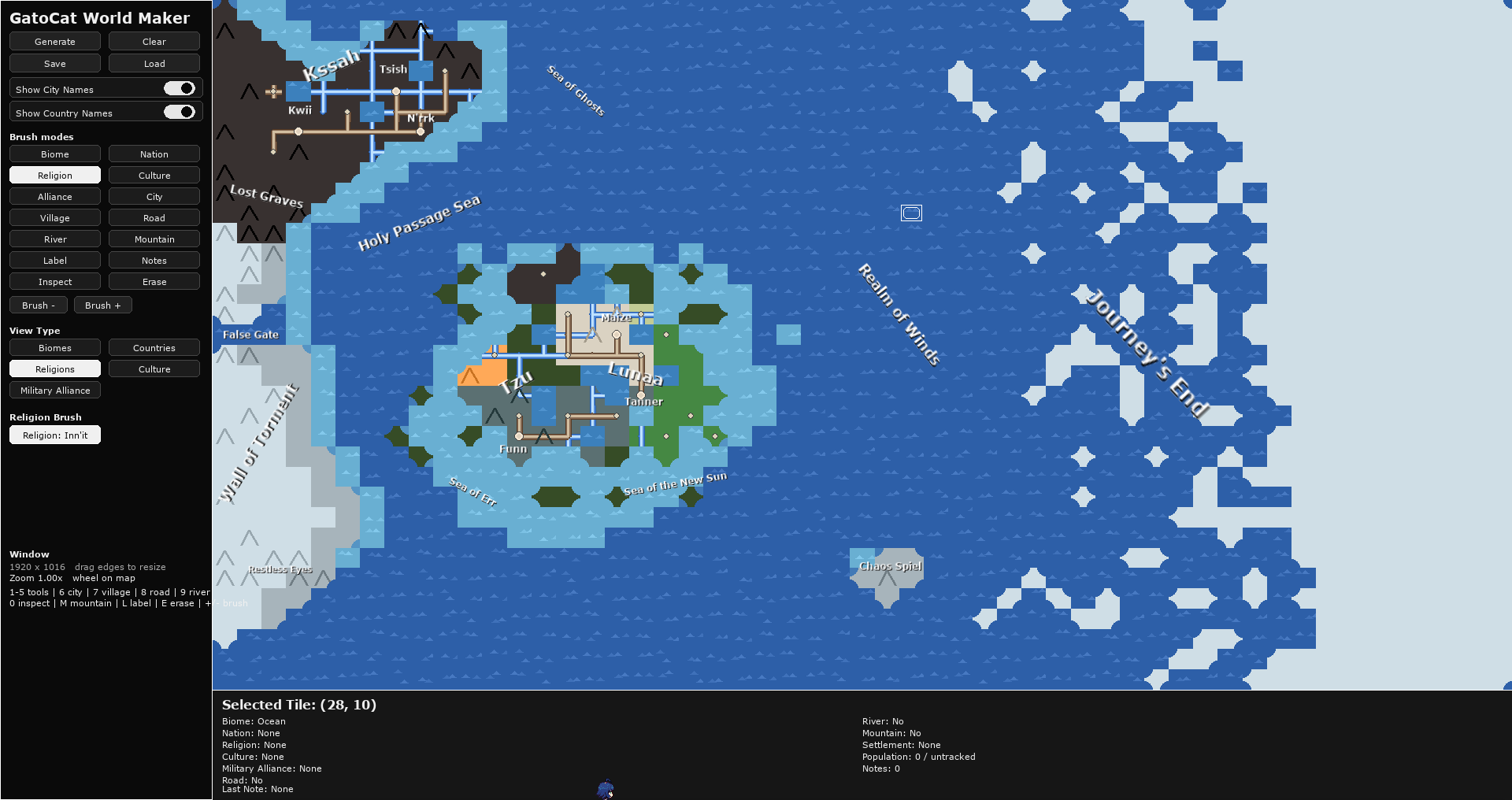
I made a thing. Though, saving it in my non-Wine directory resulted in the following error (and for some reason there are two worlds directories, one that appears in my Wine home folder, the other in the game's local directory where the executable is; saving to the latter doesn't work as shown here): 

 Traceback (most recent call last):   File "gatoCatWorldMaker1.2.py", line 3353, in <module>   File "gatoCatWorldMaker1.2.py", line 3345, in main   File "gatoCatWorldMaker1.2.py", line 2647, in handle_event   File "gatoCatWorldMaker1.2.py", line 554, in handle_event   File "gatoCatWorldMaker1.2.py", line 2198, in save_world PermissionError: [Errno 13] Permission denied: 'Z:/home/rev/Applications/gatoCatWorldMaker1.2/gatocat_Worlds/Panfa.json'</module>

Maybe I should remove the folder from the game directory to reduce confusion. Basically, I have them in that directory to copy them to the other folder where you will not get the permissions error. This only needs to happen once, so the solution might be to delete that folder after the first time it copies?


Thank you again, this feedback is helpful!


Love your world btw!

(1 edit)

Still, if you try to save outside that directory it shouldn't *crash*. Have exception handling at least so you don't lose everything if you try. Though, if you're forced to save into that directory anyway, why have a file manager popup? Just ask for the name and tell them the directory it was saved to.