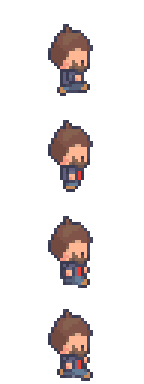
I'm confused- it doesn't seem to work for me. If I save just the walking animation from the Character Generator it's saved in one long line. When I run that through sprite cutter at 48x48 it just gives me 4 sprites and cuts off the rest. It doesn't come out like yours does with 12. What am I doing wrong?
Hi, are you using character generator 2.0? When exporting sprite sheets from that program it should save it as a large sprite sheet like this:
If it is not this sprite sheet it won't work. I have not seen an option in character generator 2.0 to simply export 1 type of animation such as walking so I'm not sure why that would be happening.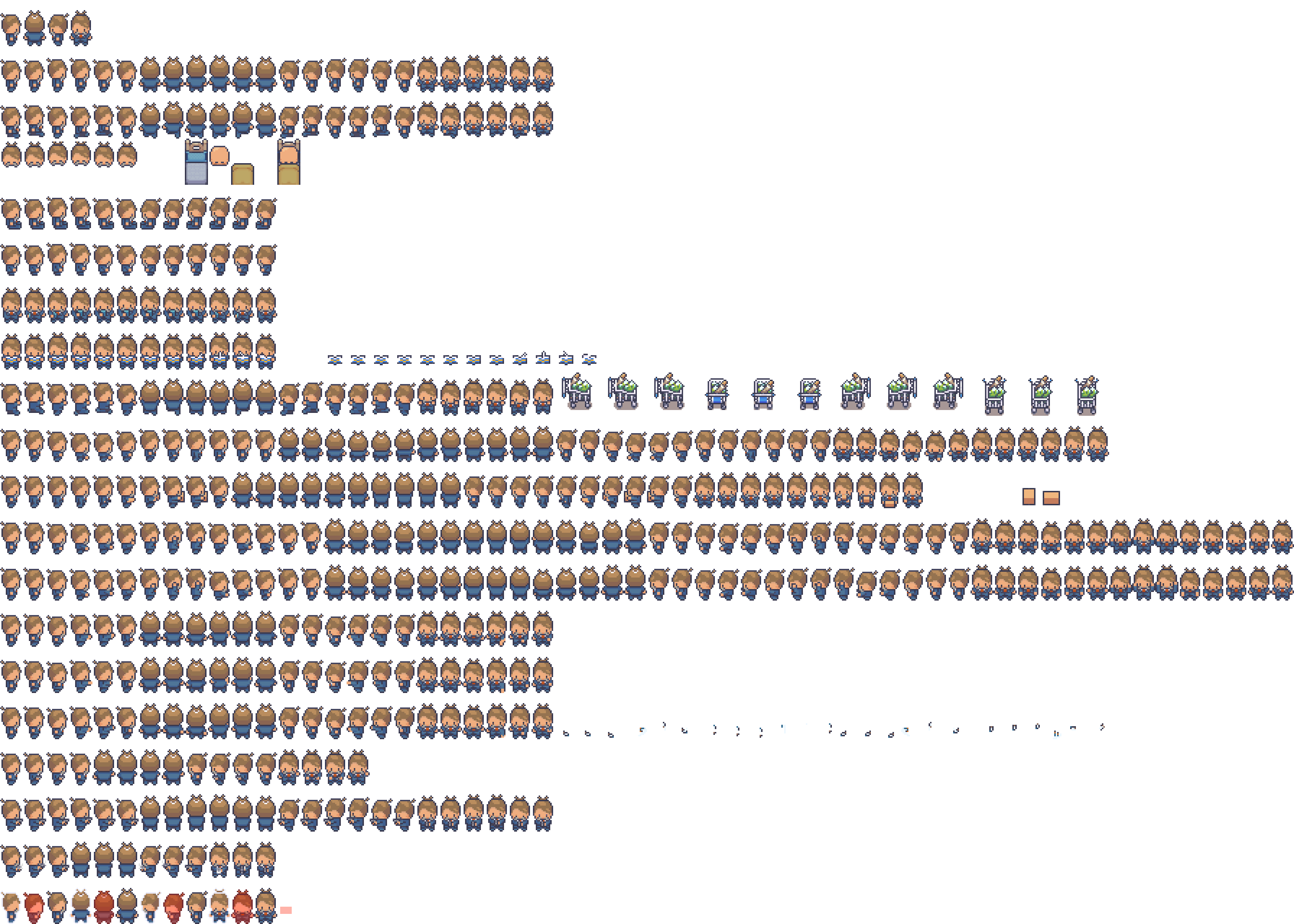
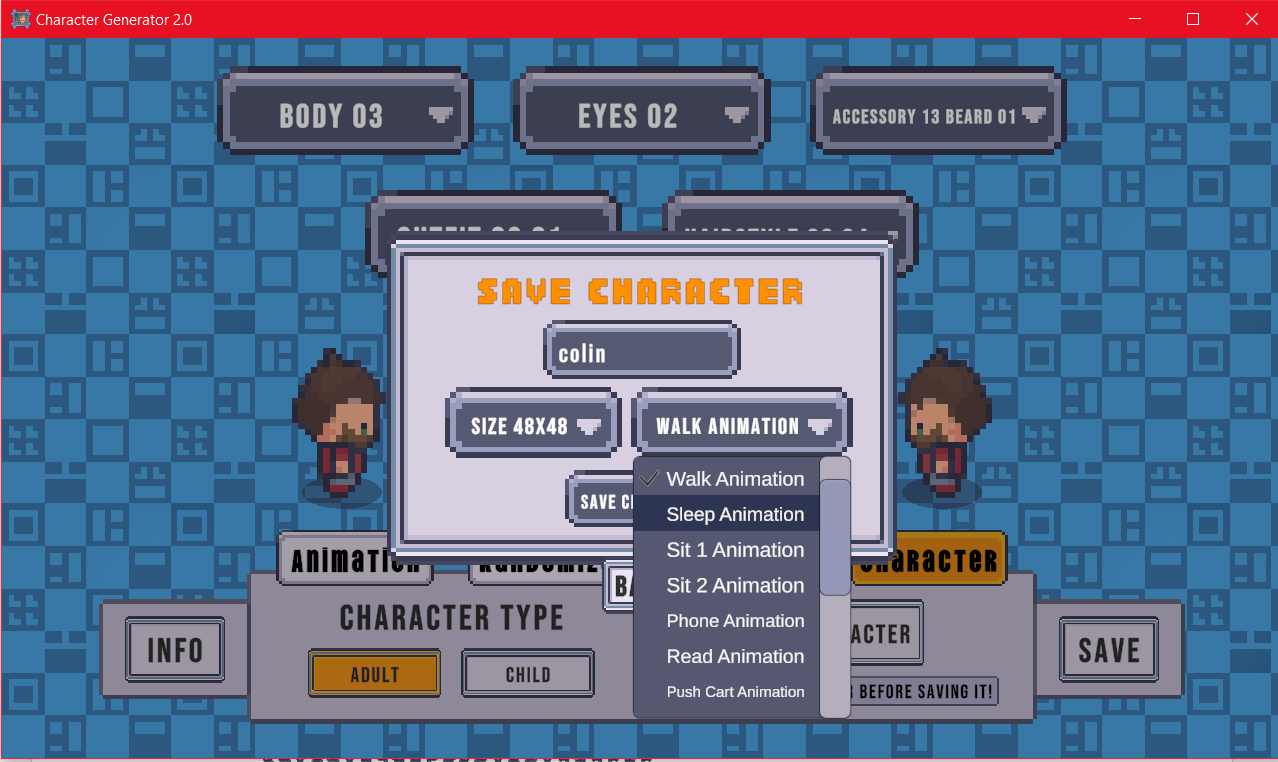
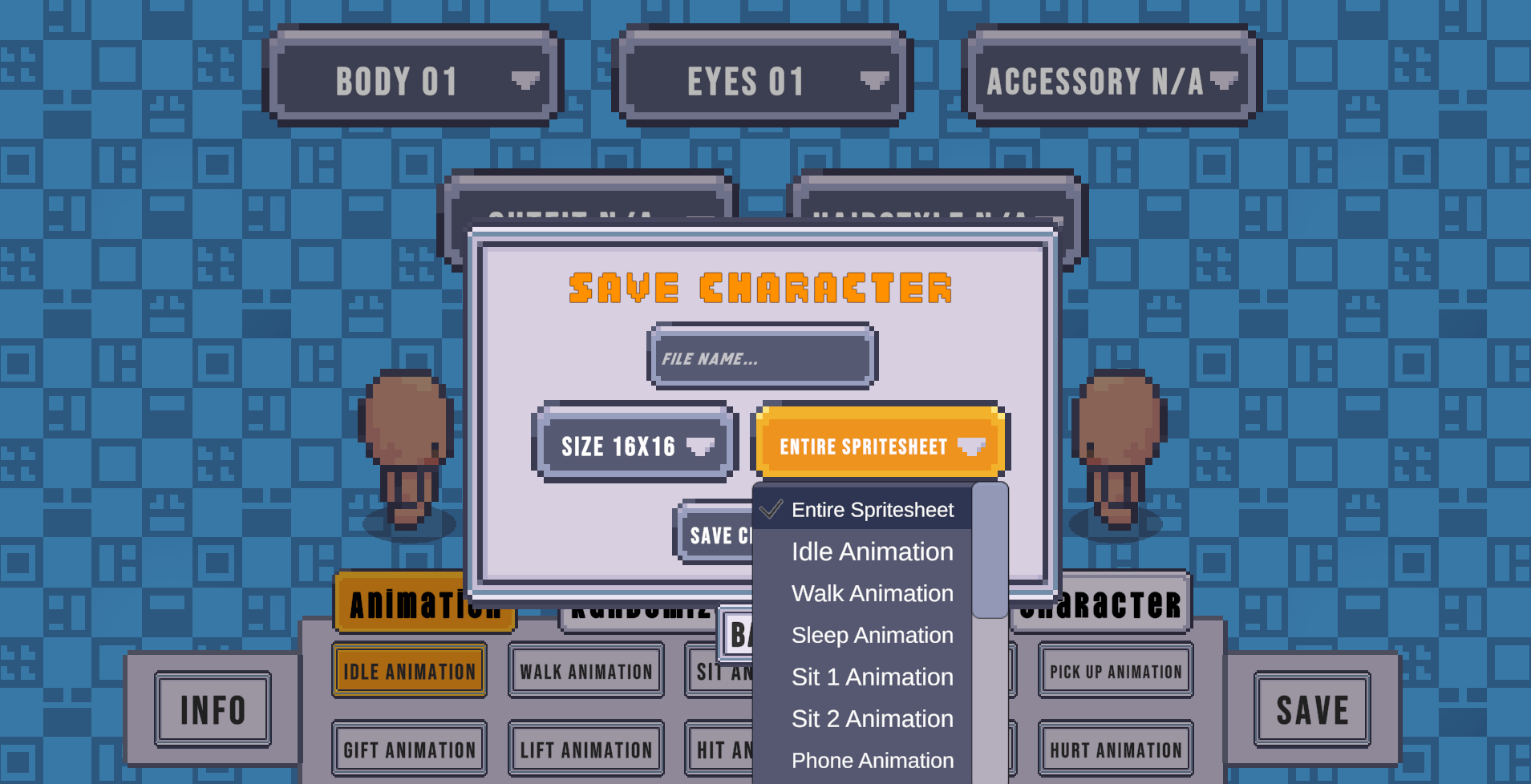
I see. There has been an update to the Character Generator program. It now gives options instead of always giving the full sprite sheet. Sprite Cutter LCR is designed to work with the "Entire Spritesheet" option. So choose that option if it is there. If not make sure you have the latest version of Character Generator 2.0.