

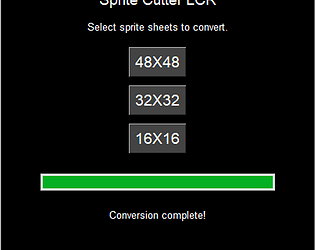
I see. There has been an update to the Character Generator program. It now gives options instead of always giving the full sprite sheet. Sprite Cutter LCR is designed to work with the "Entire Spritesheet" option. So choose that option if it is there. If not make sure you have the latest version of Character Generator 2.0. 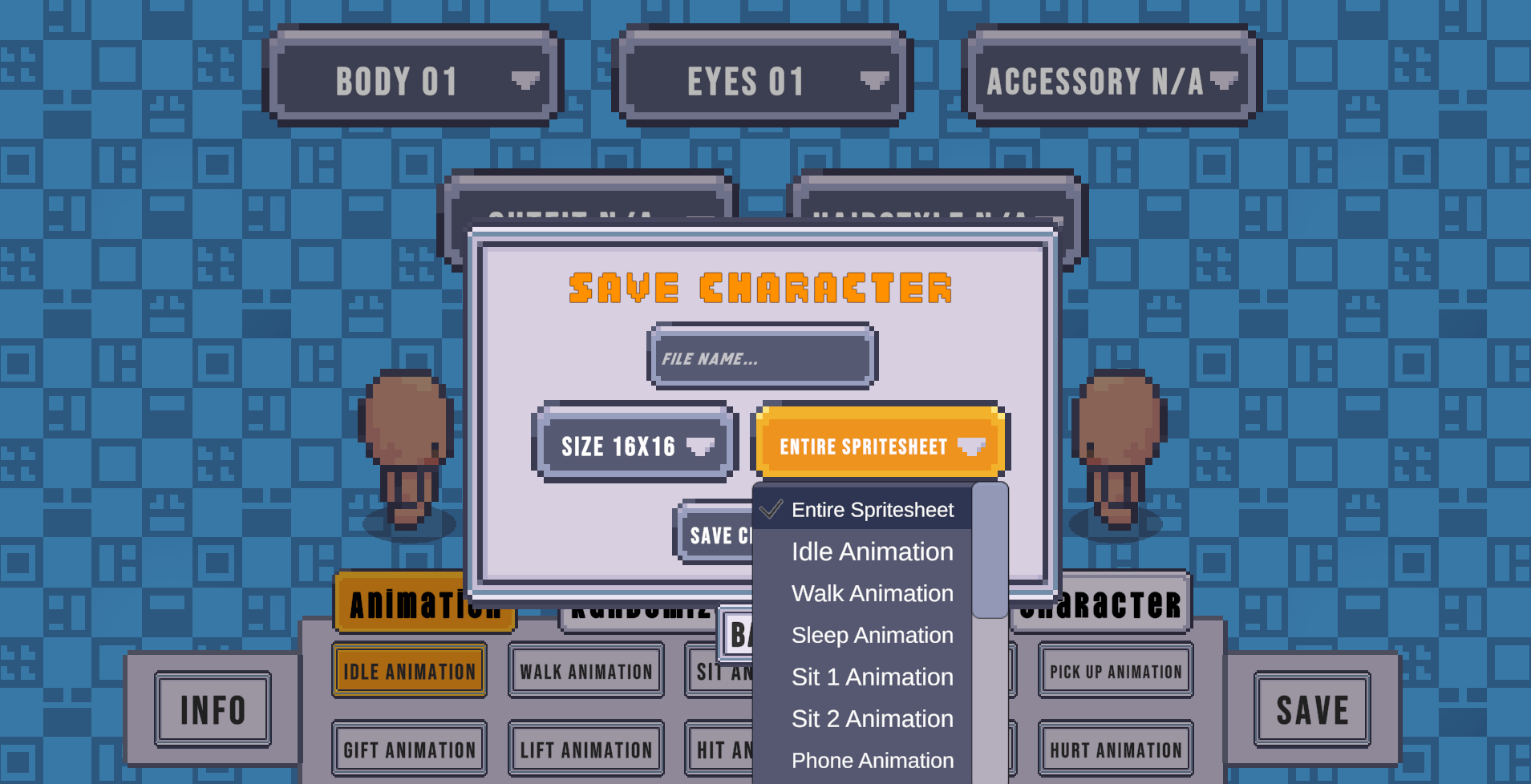
A member registered Jul 23, 2023 · View creator page →
Creator of
Recent community posts
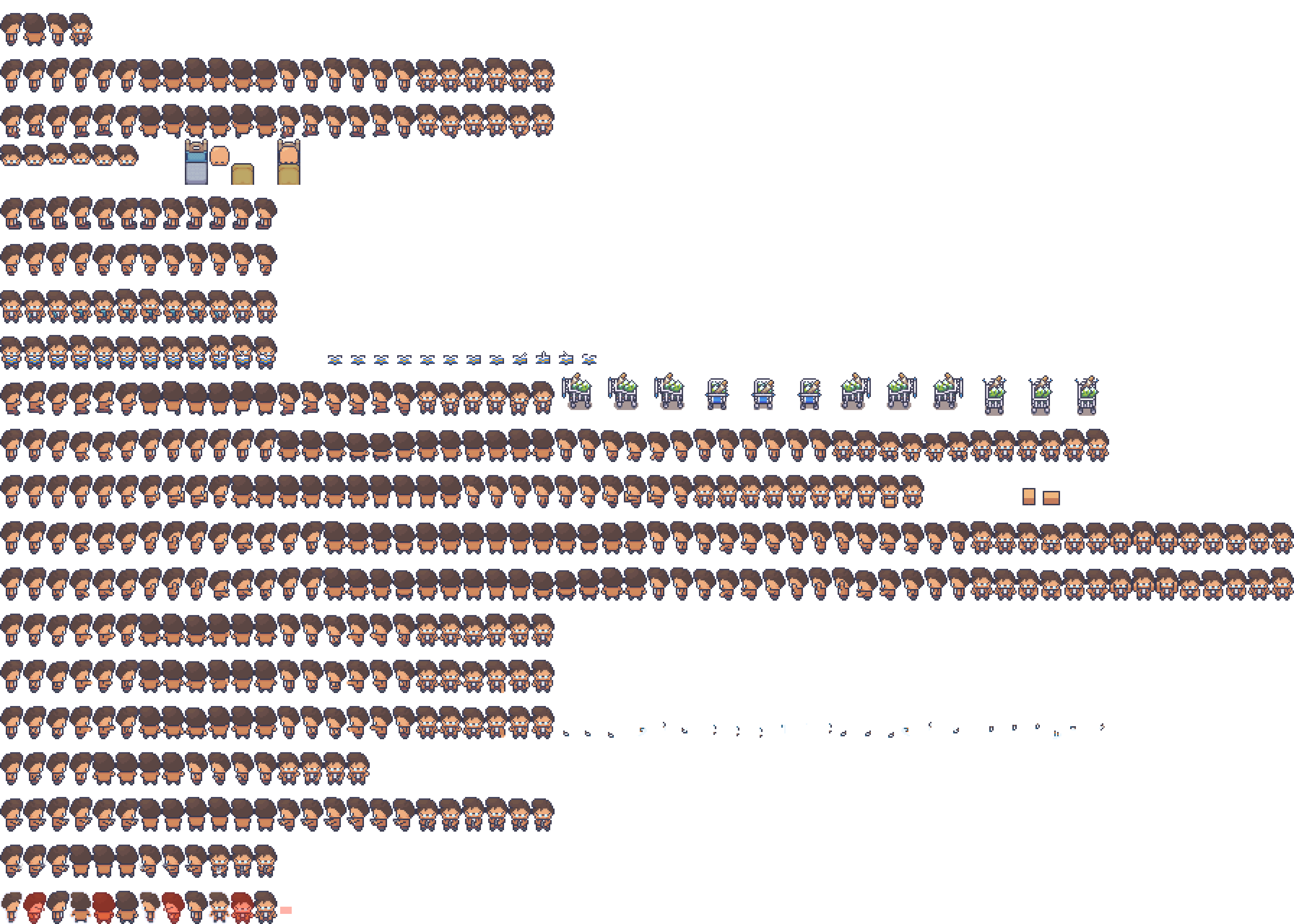
Hi, are you using character generator 2.0? When exporting sprite sheets from that program it should save it as a large sprite sheet like this:
If it is not this sprite sheet it won't work. I have not seen an option in character generator 2.0 to simply export 1 type of animation such as walking so I'm not sure why that would be happening.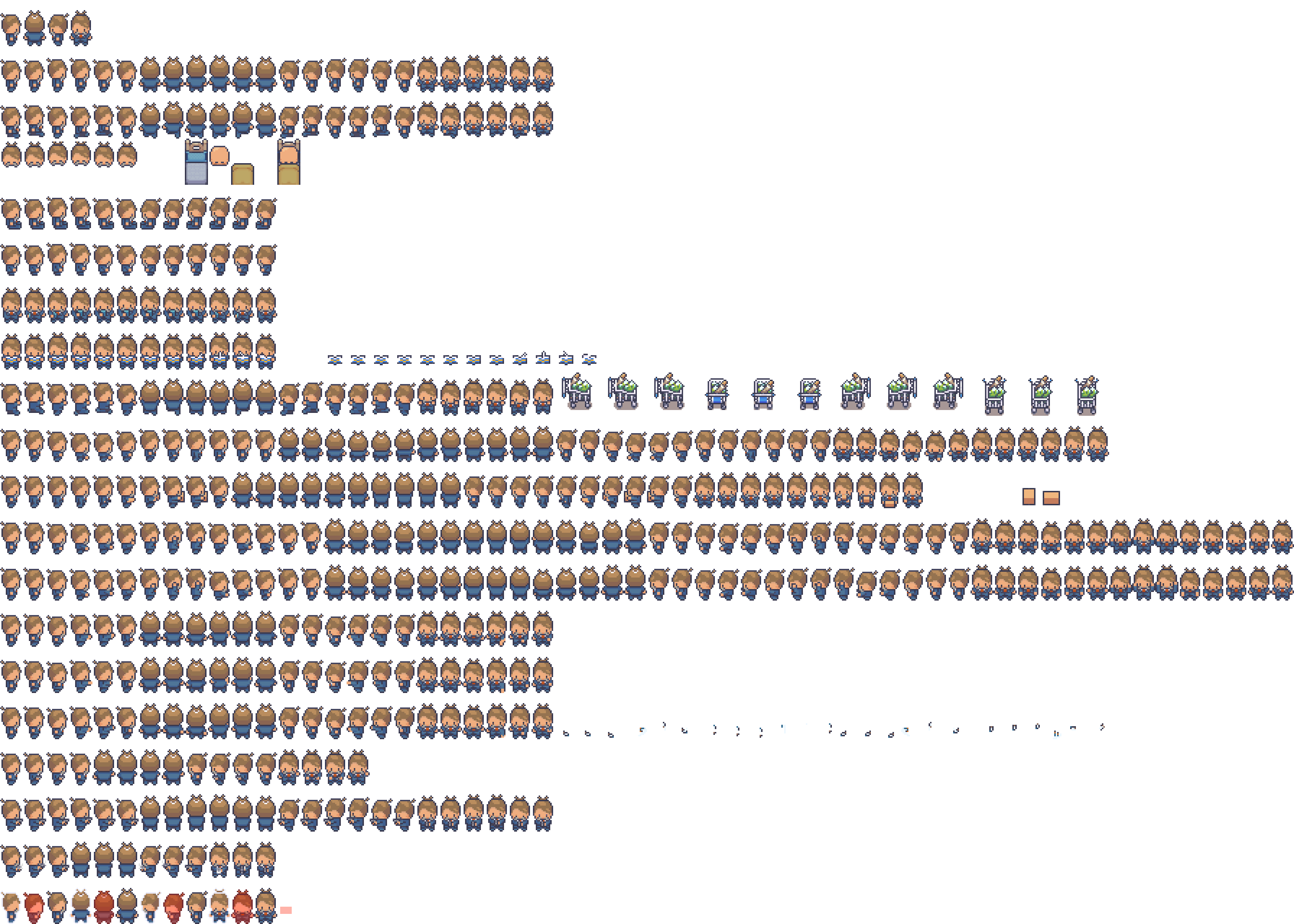

Modern Interiors - RPG Tileset [16X16] comments · Posted in Modern Interiors - RPG Tileset [16X16] comments
RPG MAKER MZ Plugin: Multi Clothes comments · Replied to Undermax in RPG MAKER MZ Plugin: Multi Clothes comments
RPG MAKER MZ Plugin: Multi Clothes comments · Replied to Undermax in RPG MAKER MZ Plugin: Multi Clothes comments
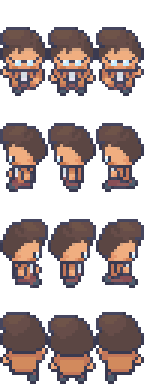
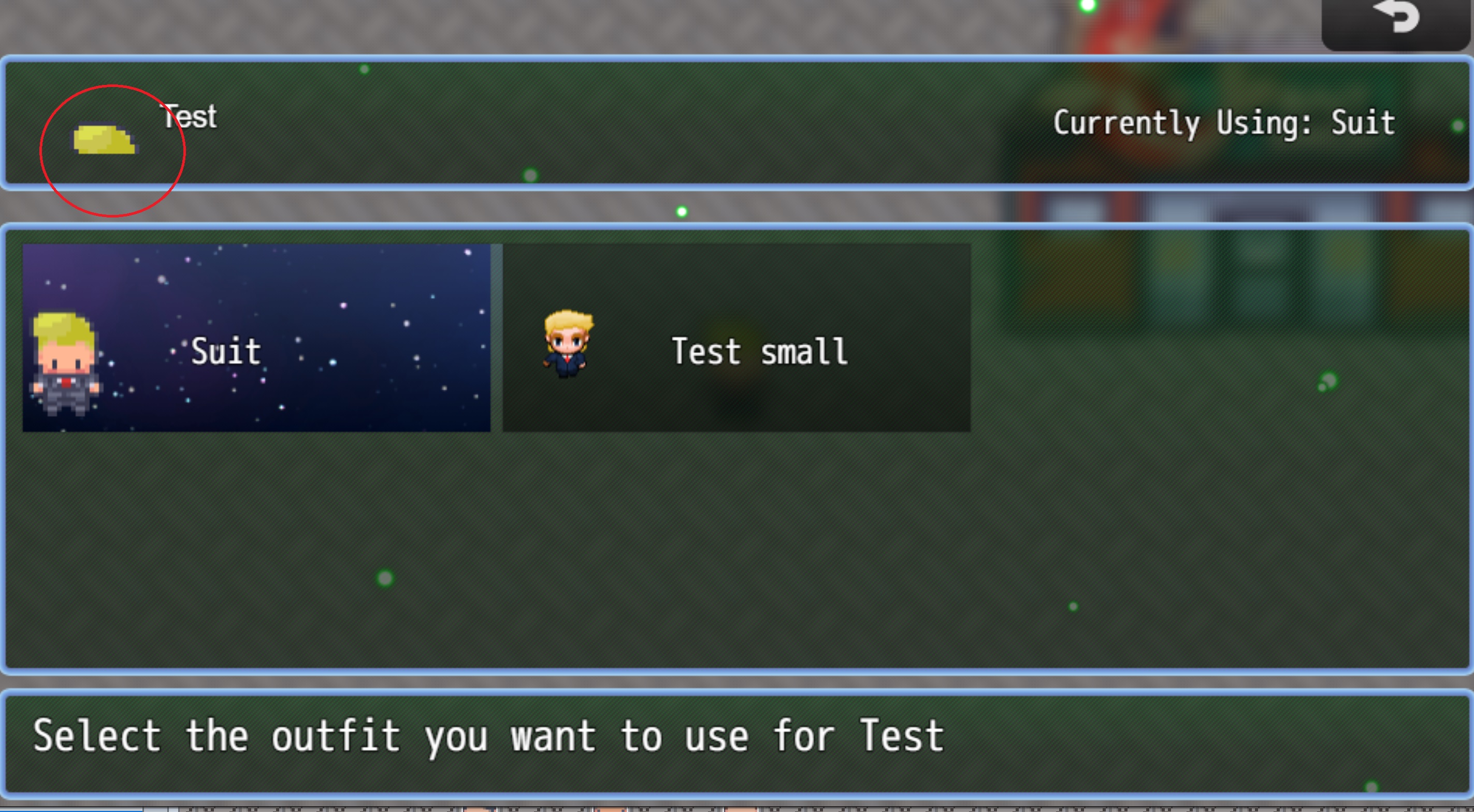
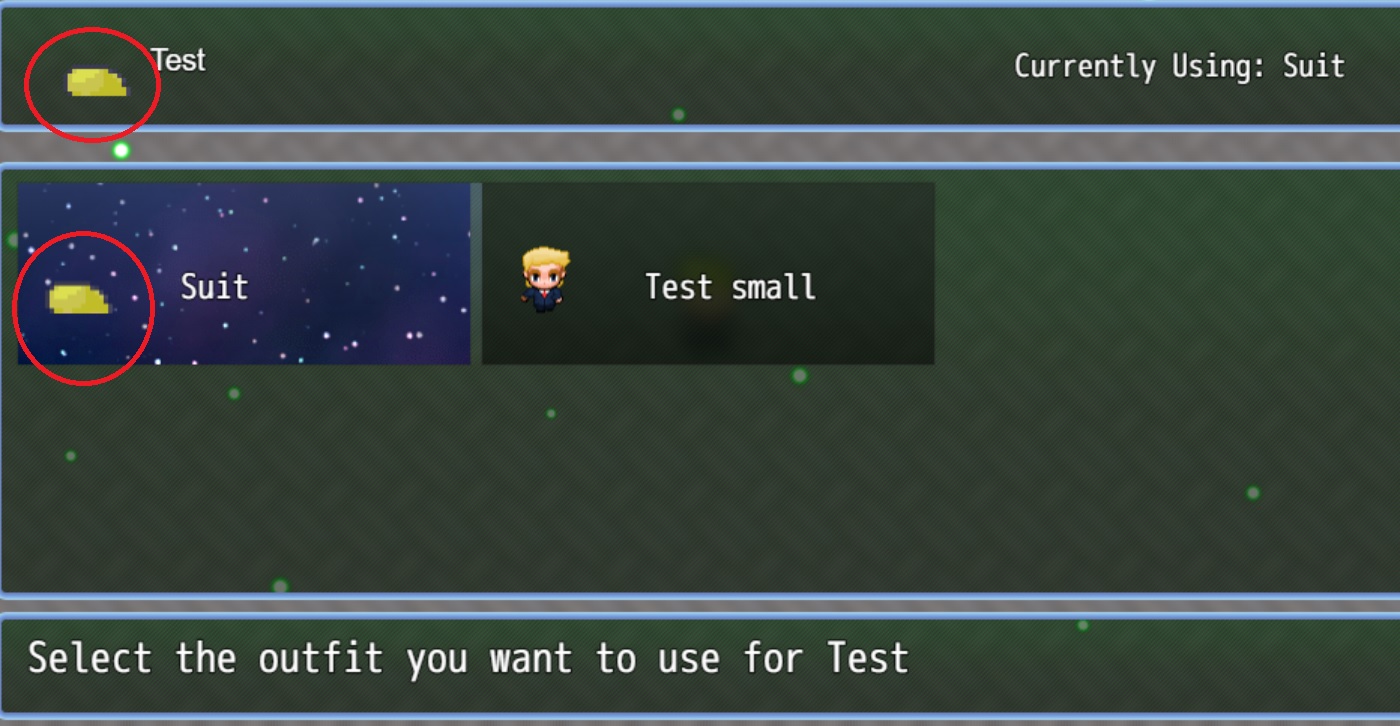
Hi again! Thanks for your help . Sorry to bother you once more but I'm running into an issue when using sprites larger than the default size. The sprite I'm using is from the Modern Exteriors asset bundle. As you can see in the screenshot it is only showing the hair on top of the head. I have used a standard size model for the other outfit just to test and it shows it fine. Not sure if I'm missing a setting somewhere, or if I would need to edit the plugin file directly. Thanks.
Cookie Cutter MZ - Farming System community · Created a new topic Plant and water in front of player?