
Indie game storeFree gamesFun gamesHorror games
Game developmentAssetsComics
SalesBundles
Jobs
TagsGame Engines

New Tutorial: All About Transitions

A topic by Internet Janitor created 28 days ago Views: 166 Replies: 3
Viewing posts 1 to 2
Developer(+6)

I've completed an initial draft of the next installment in the beloved All About series, this time focusing on transition effects:
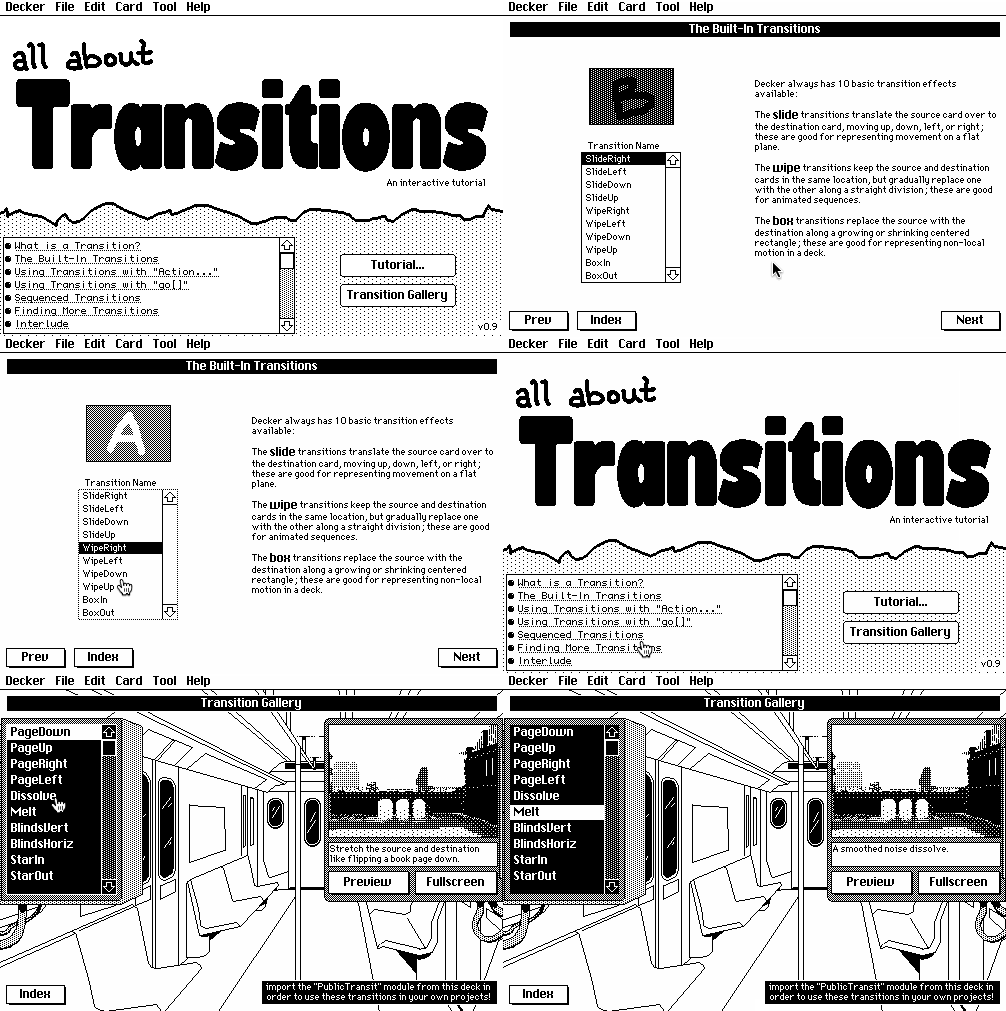

http://beyondloom.com/decker/transitions.html

As always, I'd love to know what you folks think. Any questions? Noticed omissions or typos? Did you learn anything new?

The next release of Decker will include "transitions.deck" in the examples directory, subsuming the previous "PublicTransit.deck" example. Everything is still there, just in a new wrapper, much like the reorganization of the old font editor when I introduced All About Fonts. I've included a tombstone for the web-decker build of the old example on the main Decker site.

(+2)

The tip about “prefer pre-shuffled lookup tables to actually calling random[]” is a good one. For the “Screen Melt Transitions” deck (thanks for the shout-out!) I tried to generate random numbers at the beginning of each transition, and as a result I had to lower the transition quality to fit within Decker’s calculation limits.

I do like the way that the transition looks a little different each time you see it, but maybe I should try randomly generating numbers at module-initialisation time rather than on the first frame of the transition. I could even add a reseed[] method to call outside the transition effect, to generate a new pattern for the next transition.

Developer(+1)

You might also find the new sys.ops performance counter in v1.64 handy; rearranging expressions to do as much work as possible in a "vector context" rather than a "scalar context" can have a big impact on how many ops and how much wall-clock time is consumed by a hot loop. The "performance" example on the lil playground offers a worked example of micro-benchmarking with this tool.

(+1)

Thanks for the tip! I did indeed move to generating the patterns at startup, rather than on the first frame of each transition, and that helped.

I also optimised the inner drawing loop from:

each pos in xs join ys
 # grab the strip from the old screen, starting at the top
 strip:a.copy[pos[0],0 stripwidth,stripheight]
 # Draw the strip at the target position
 c.paste[strip pos]
end

…down to this:

stripsize:stripwidth,stripheight
topfactor:1,0 # pos*topfactor = pos[0],0
paste:c.paste
copy:a.copy

each pos in xs join ys
 paste[copy[pos*topfactor stripsize] pos]
end

For 256 strips, that brought the total op count from ~6000 down to ~4000, so I could paint 512 strips and stay within the operation quota for a transition frame. Of course, then I start pushing against lower-level performance limits… but I’m happy to stop there.