Indie game storeFree gamesFun gamesHorror games
Game developmentAssetsComics
SalesBundles
Jobs
TagsGame Engines

Baby 3D Plugin for Construct 2

Make 3D games in Construct 2 powered by Babylon.js · By Pixel Rebirth

b3d model

A topic by zoderdeluxe created 27 days ago Views: 74 Replies: 6
Viewing posts 1 to 2
(+1)

Hello, pixel rebith. I really like your plugin. I would like to ask you something. Is there any sample file that uses the b3d model? I just can't quite figure out how to use it.

Developer

Hello there!

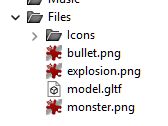
For the model plugin to work you have to first import the model file (glb/gltf or obj) you want to use into your project's files folder. 

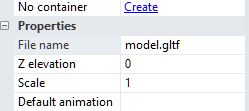
Then in the model object's properties you set 'File name' to the name of the file you just imported. Now the model should actually show up in your scene when you run it.

Let me know if you need further assistance. There probably should be an example file for this in the future.

(1 edit)

I followed your steps, and it does not work.

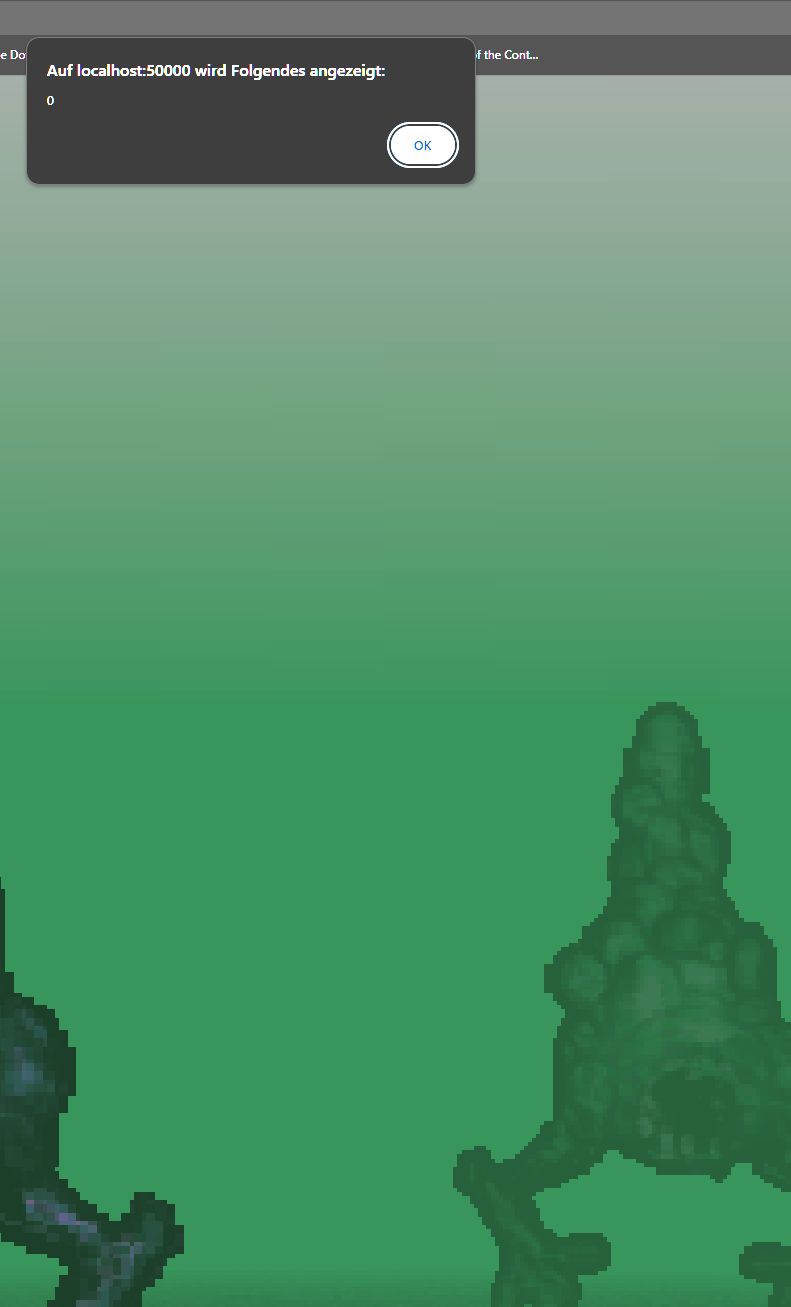
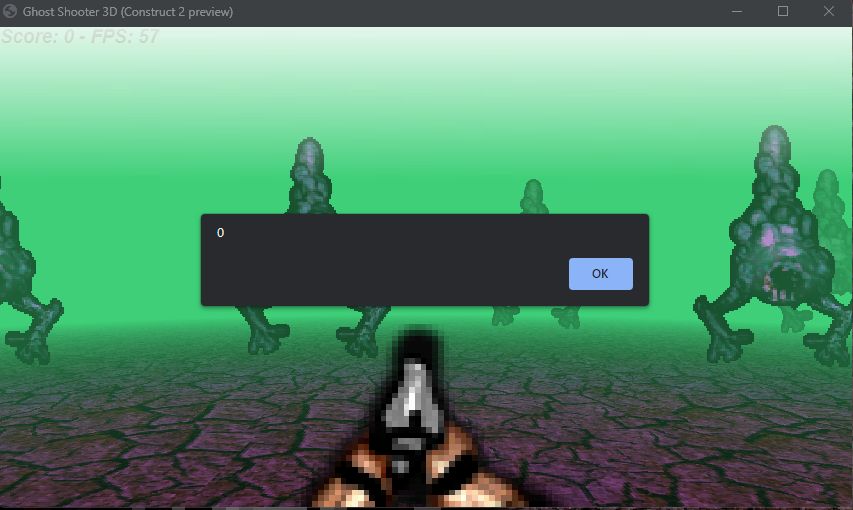
When I preview the game, an error occurs with the Error-Code "0" (Local Host). It does not care if it is in Browser or NW.js Preview

Developer (1 edit)

Here's the most minimal example of showing a model: https://drive.google.com/file/d/11-Wg3IkP4sJ06jPNEezIQ4tLTNtil12D/view?usp=shari...

Error "0" doesn't seem right do you have a screenshot of this (with console) or maybe even an example file?

(8 edits) (+1)

I think Qubicle uses a different OBJ Format. I will try with Blender.
EDIT: Okay same result. This time i used the Gltf-Format
btw: The Example is protected - i cannot download 


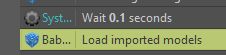
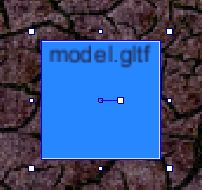
Here some screenshots out of C2:


Developer

Thank you! I did grant access to the file just now.

Using "Load models" is not necessary anymore since version 0.97. Since it gives you an alert this also indicates to me you are not actually using the latest version of the plugin. Please update.

(+1)

Yes, now it works! Thank you very much.