💬Jun Breast Enlargement Mod (Lua) - Mod Dev: @Ivory61
📝 Note:
▫ This mod is still under development. 
▫ This mod is made for v0.90.16.
▫ For the game version 0.95+, the mod will not work and might cause the game to crash.
(v0.90.16) Download Outside Discord:
https://drive.google.com/drive/folders/1A7XWtashMc_yUuxqS7wxAffrFf3tSWCB
A lot of players have been hoping for adjustable breast size in My Dystopian Robot Girlfriend for years, either as an official update or as a community mod.
Until now, it wasn’t possible without deep external modifications…
But @Ivory61 has figured out a working solution using pure Lua inside the game’s own modding system.
And yes, it actually scales the Live2D model directly.
No texture swapping, no external programs, no C#, no file replacements.
Just Lua, install through the in-game mod menu.
But sadly, this mod is "no longer working" for the game version 0.95+.
We can only wait for @Ivory61 to develop the mod to be compatible with the newer version of the game.
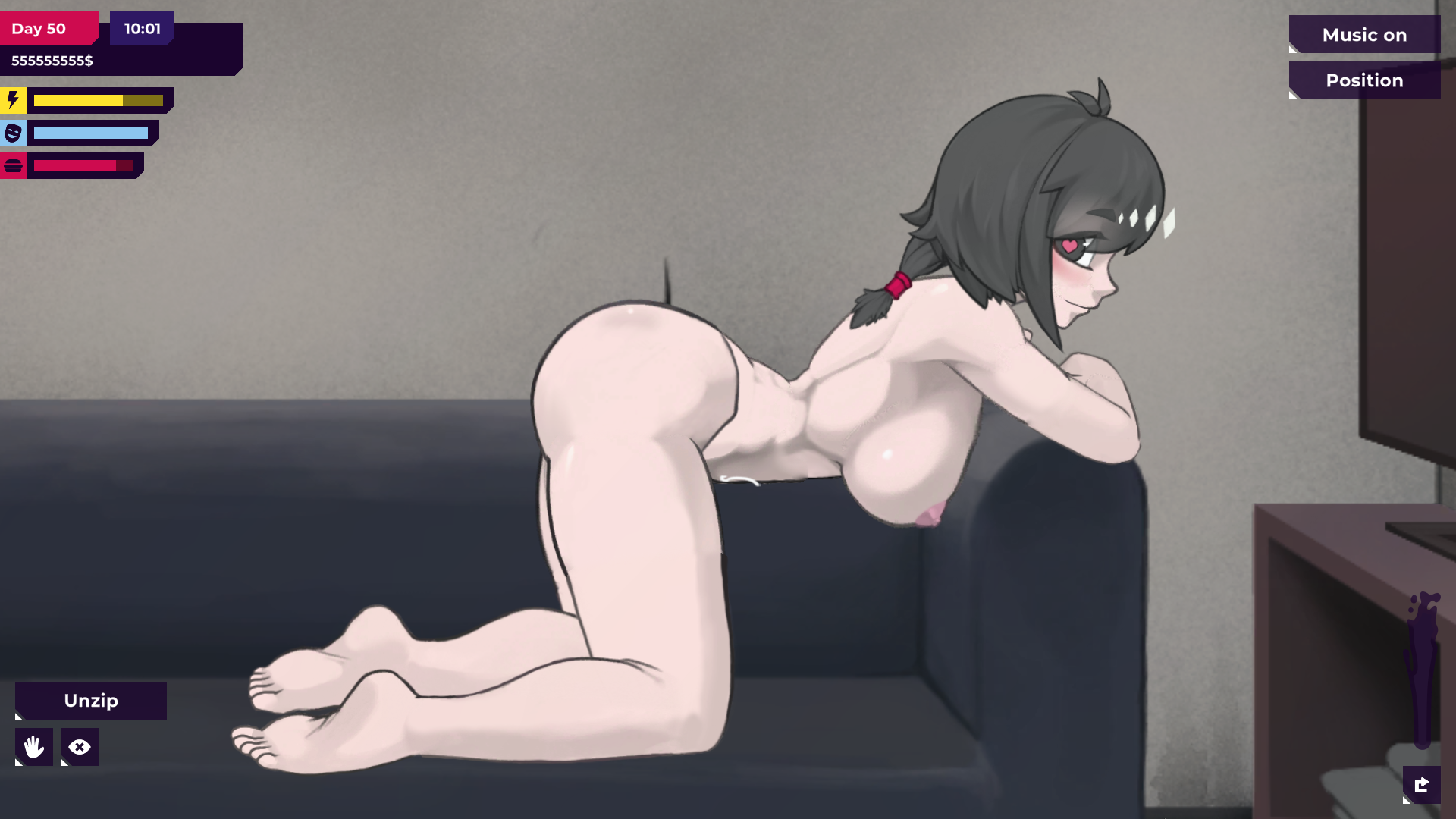
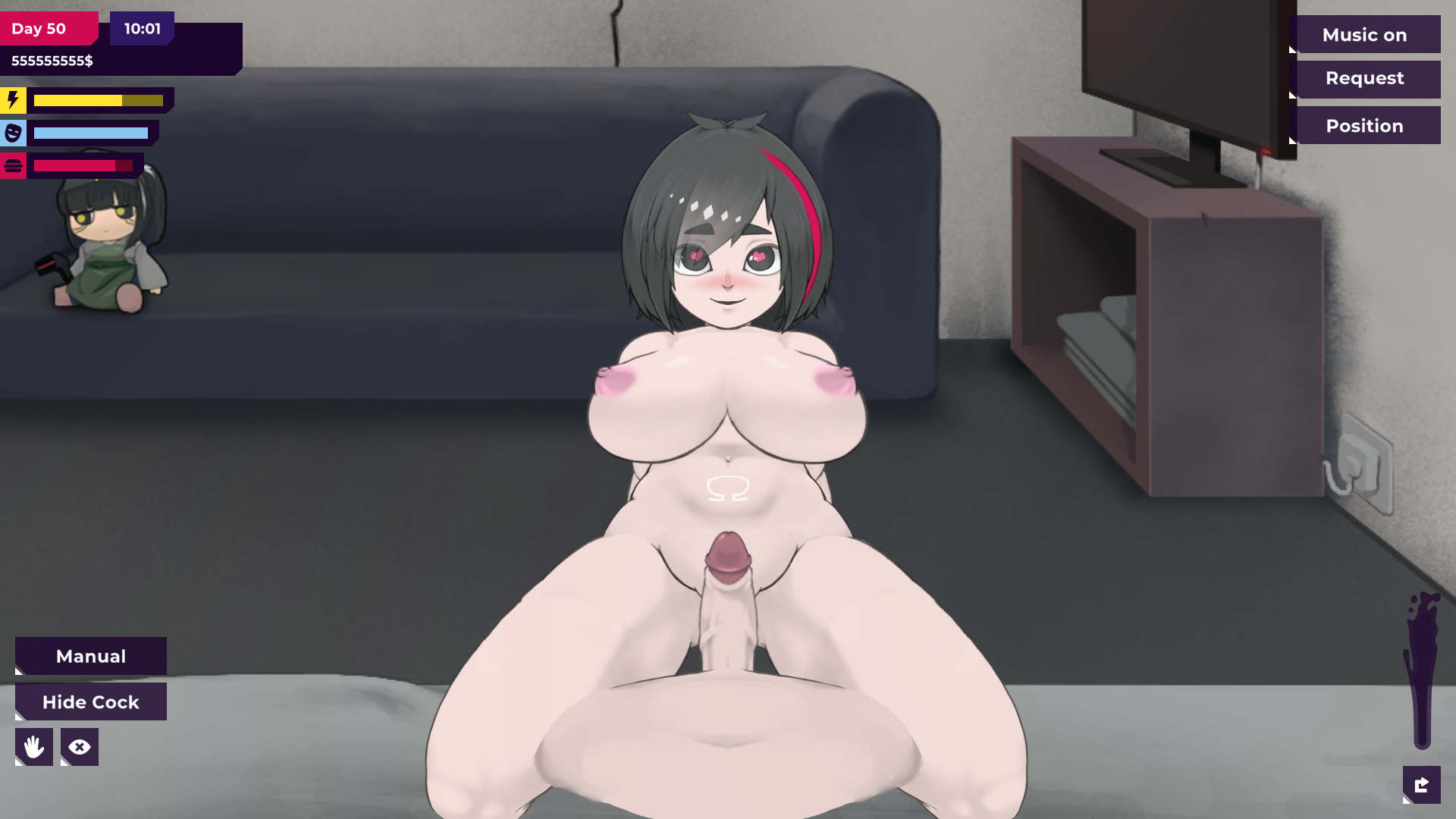
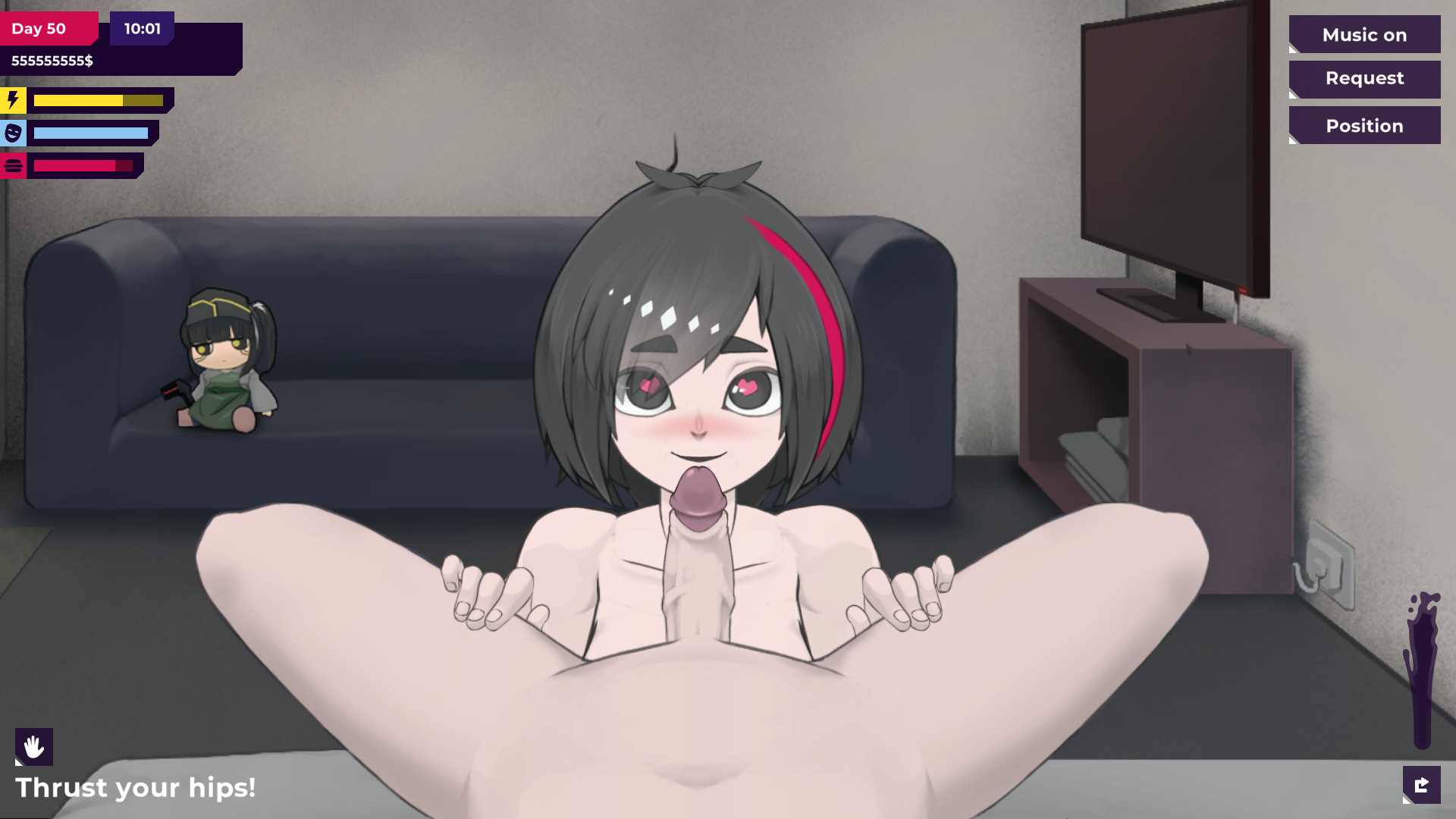
🔧 How the Mod Works:
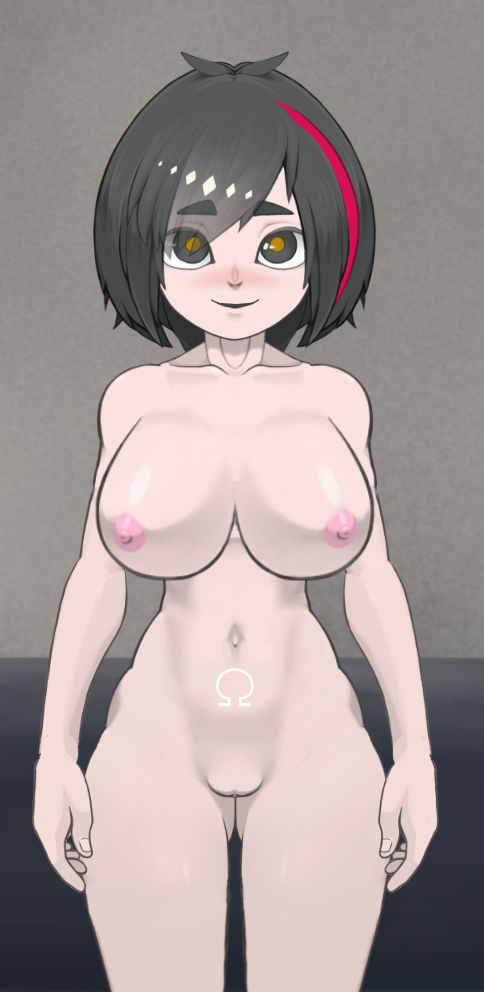
This mod doesn’t replace images or add textures.
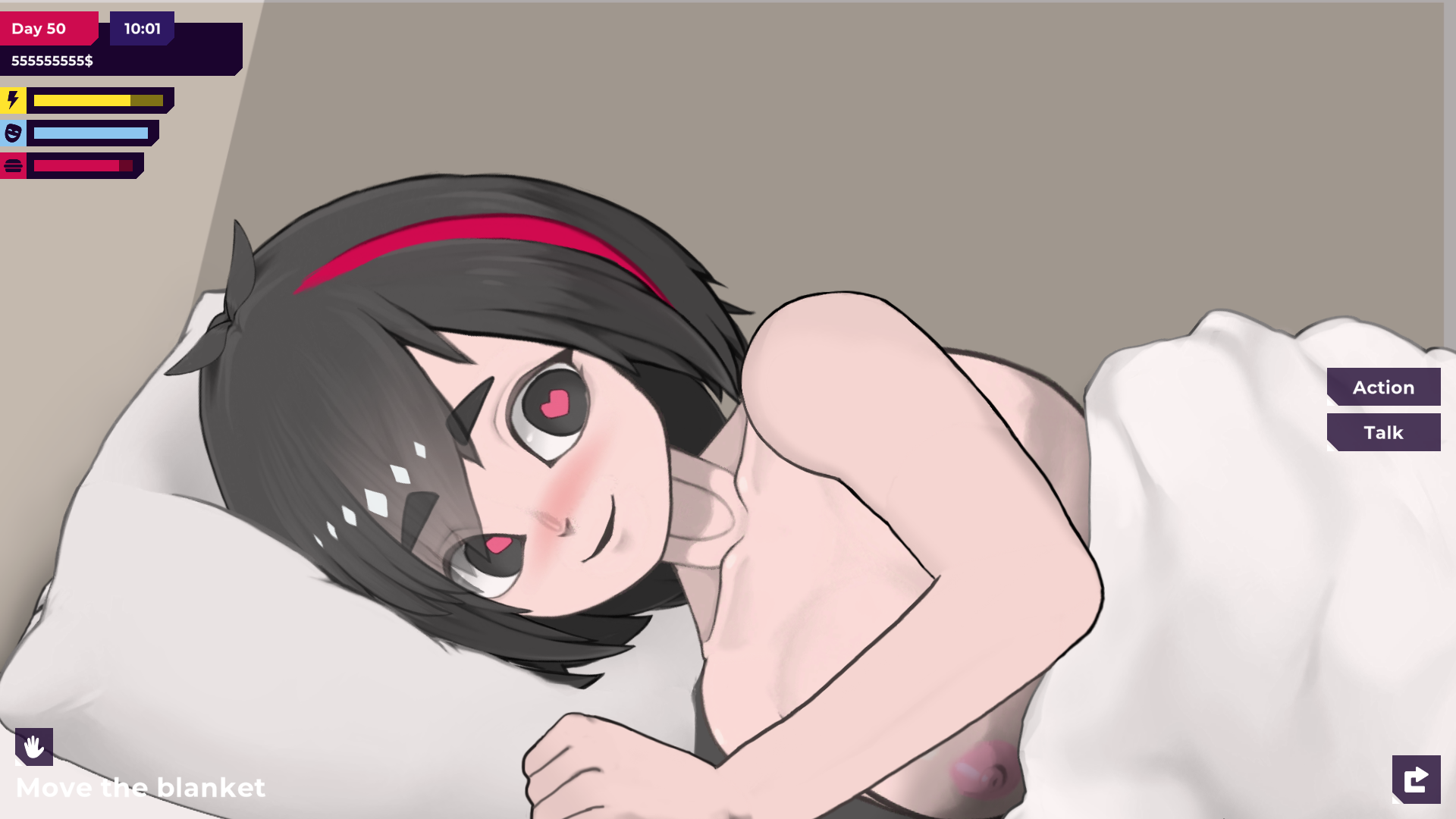
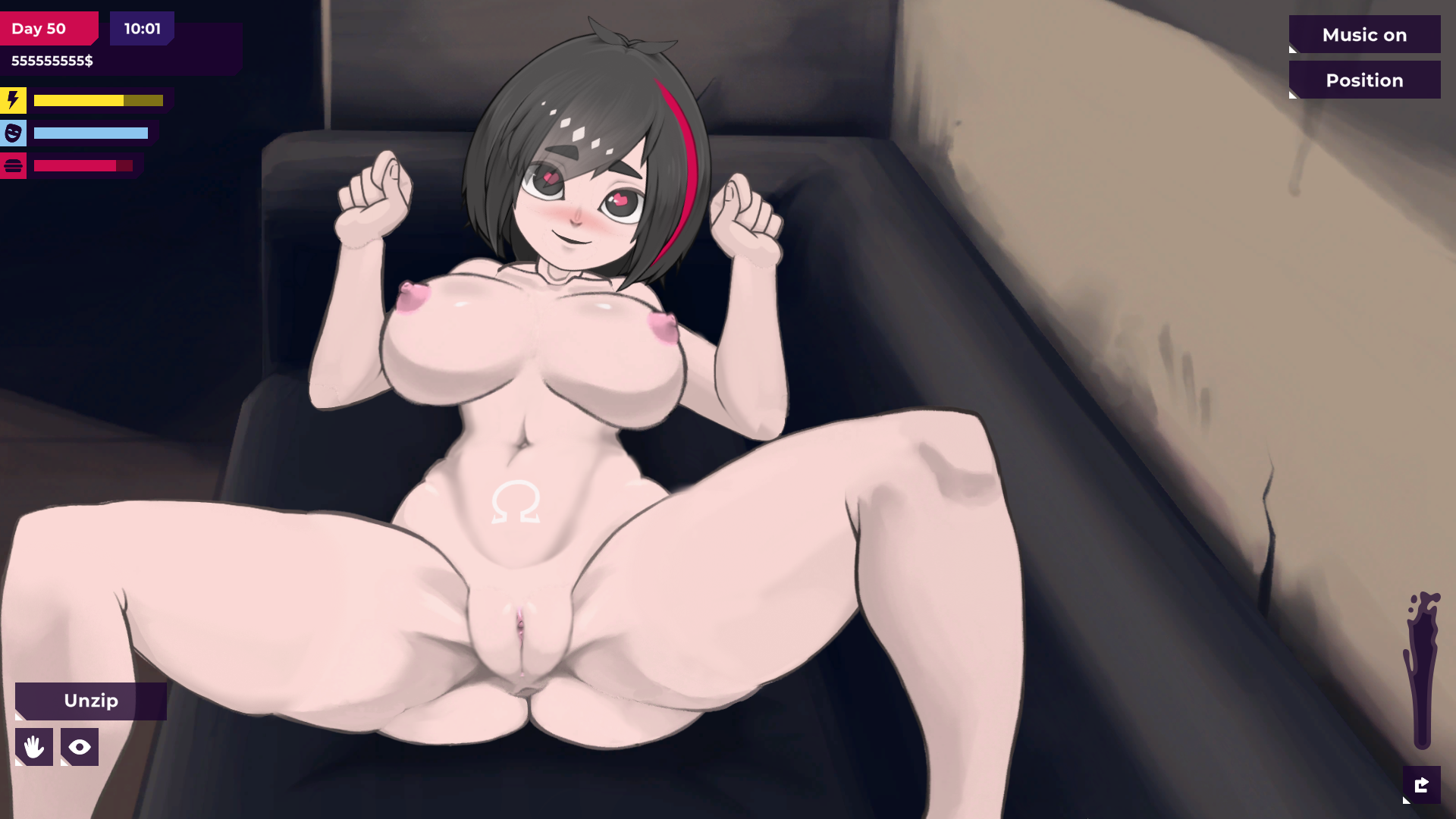
Instead, it applies a scaling command to Jun’s Live2D body through Lua, increasing her chest size in real time.
Because it affects the model directly, it works across scenes, animations, and poses.
The mod works instantly after you install it; No need to buy and equip a module from the shop.
💾Installation:
Same as any other mod:
- Download the
.zip - Load the mod through the in-game Mod Menu
No external tools needed. No code knowledge required.
💻📱Mod Installation & Removal Guide
🔧 Adjusting the Size (Optional):
If you want to customize the size:
- Open the mod
.zip - Open main.lua
- Look at the line:
local scaleFactor = 1.4
- 1.0 = default game size
- 1.4 = default mod size. You can set this to any value you like.
- After finishing your adjustments: Save it and reinstall the mod.
👗 Important Notes (Current Limitations):
This is an early proof-of-concept, so there are some things to keep in mind:
✔ Works perfectly:
- All sex poses
- All current sex scenes
- Scaling is stable and smooth
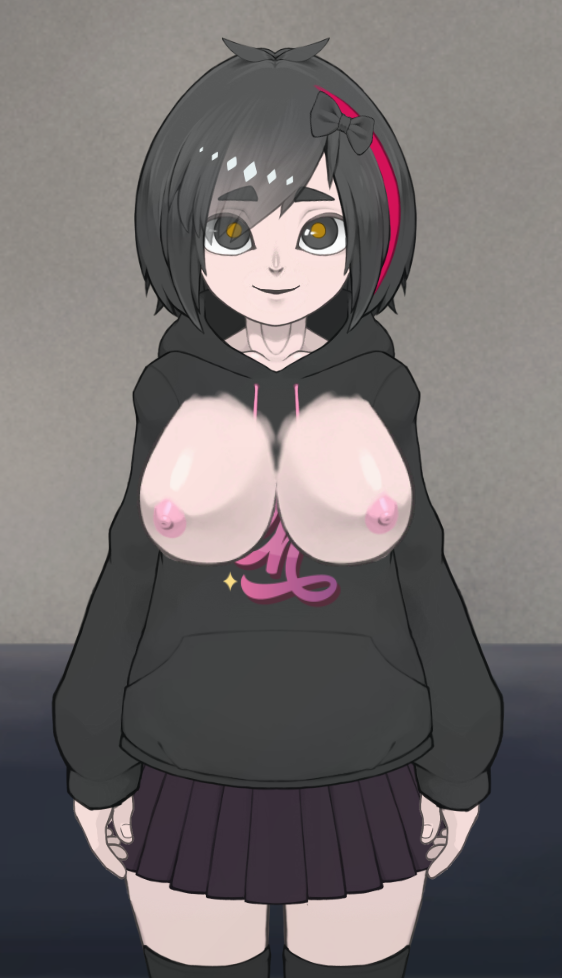
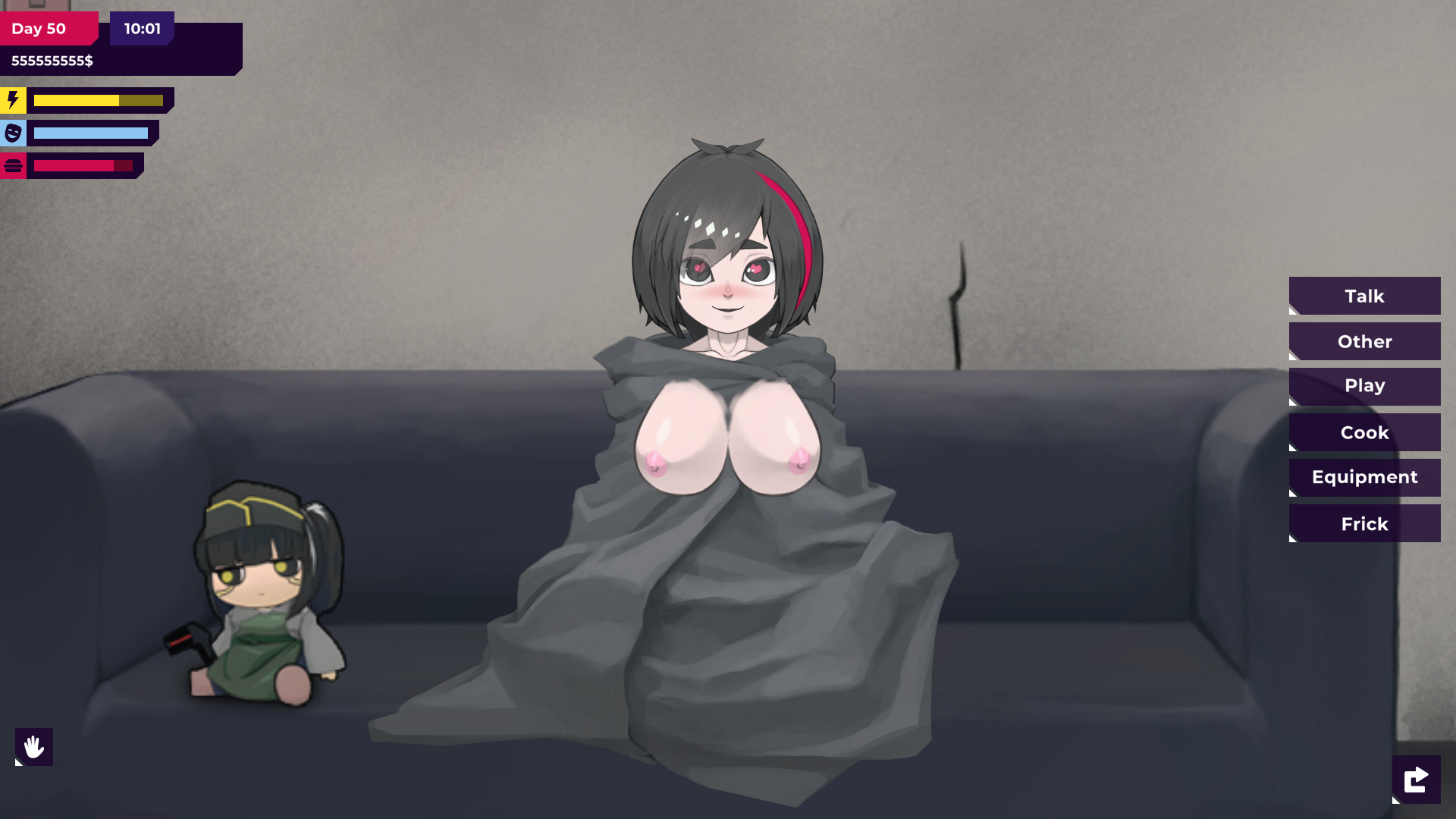
⚠ Clothing is not supported yet:
Right now, tops don’t automatically adjust; her breasts will stick out like she is not wearing any tops.
Temporary workaround:
- Use a bra when you want Jun to be clothed
- Do not wear tops during Sex scenes (until clothing compatibility is added)
Future updates may improve this, but for now, this is the cleanest solution.
🎉 Big Thanks to @Ivory61:
This mod exists thanks to @Ivory61, who discovered that Lua could access root scene elements and manipulate Live2D directly.
He created this mod specifically because someone said it was impossible, and he proved it wasn’t.
If you try the mod, feel free to leave feedback so @Ivory61 can continue improving it.