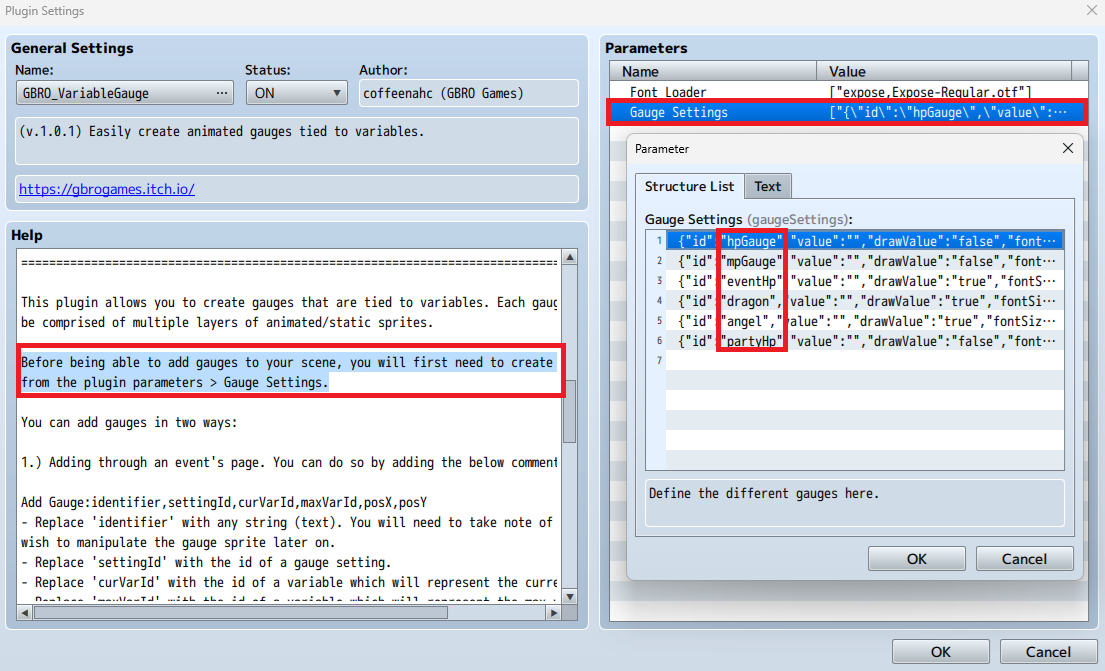
Create your gauge settings from the plugin parameters first. The `id` property will act as the `settingId`.
`identifier` and `settingId` should be wrapped in quotation marks like so:
GBRO.VariableGauge.addGauge("distance","distance",3,8,500,500);