Indie game storeFree gamesFun gamesHorror games
Game developmentAssetsComics
SalesBundles
Jobs
TagsGame Engines

Visual I version 0.4

A topic by DimaLink created 71 days ago Views: 77 Replies: 1
Viewing posts 1 to 2

Andromeda Photo – Look Through a Telescope

I'm not abandoning the Visual I theme. As Gosha says, don't put off learning new technologies. Words of wisdom. I'm continuing the theme of my screensaver programs, united under the name Visual I. This one has a controlled screensaver again. And again, space. Andromeda.

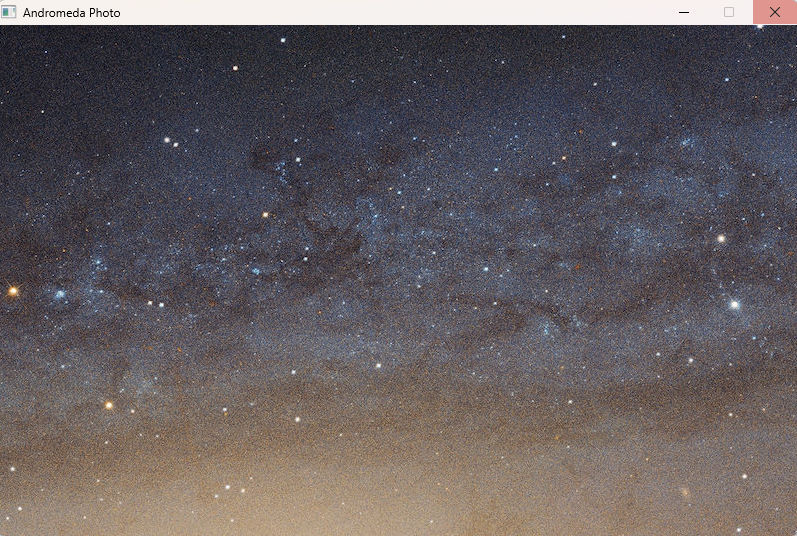
Andromeda Photo. This is about the depths of space. One large photograph. Horizontal spread. A huge photograph. Of space. With the name Andromeda. A telescope must have been pointed there. And that's how this image came out. And then it ended up online. I can't imagine how to photograph Andromeda. But apparently it's possible.
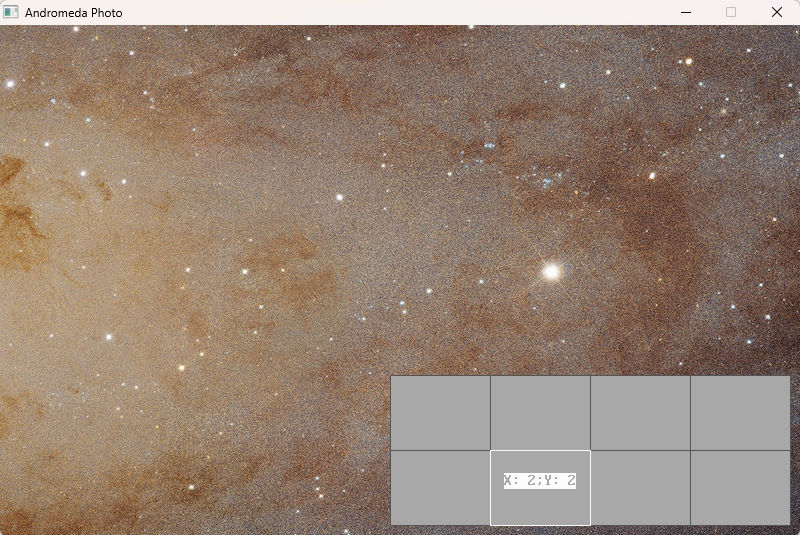
The theme is straight out of the last screensaver. Where the space photos are. And there was this photograph. But reduced to 800 x 600. And here it is, in the original, simply gigantic. 7 megabytes. And 7000 resolution. So I decided to cut this photograph. Into blocks. 4 blocks vertically and 2 horizontally.

A total of 8 images. Each was resized to approximately 800 by 600. The result is 800 by 511. And these images of Andromeda are here. In detail, so to speak. And this is where the splash screen comes from.
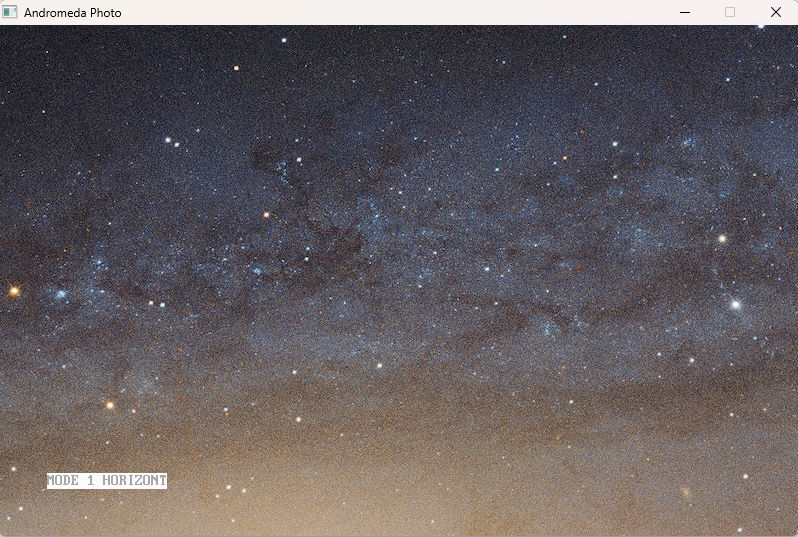
Several modes. Four of them. Time interval – adjustment. Arrows move around the Andromeda map. Modes are switched by numbers – 1, 2, 3, 4. Time is changed by + and -. And arrows for manual navigation on the map. Up and down. Left and right.

Mode 1. This is the horizontal direction of camera movement. That is, from 1 to 4. And then moves to the Y axis. And again from 1 to 4. A total of 8 images. Divided into two lines. Coordinate Y = 1. Four images. And coordinate Y = 2. Four images again. First, move along the first strip. Then along the second.
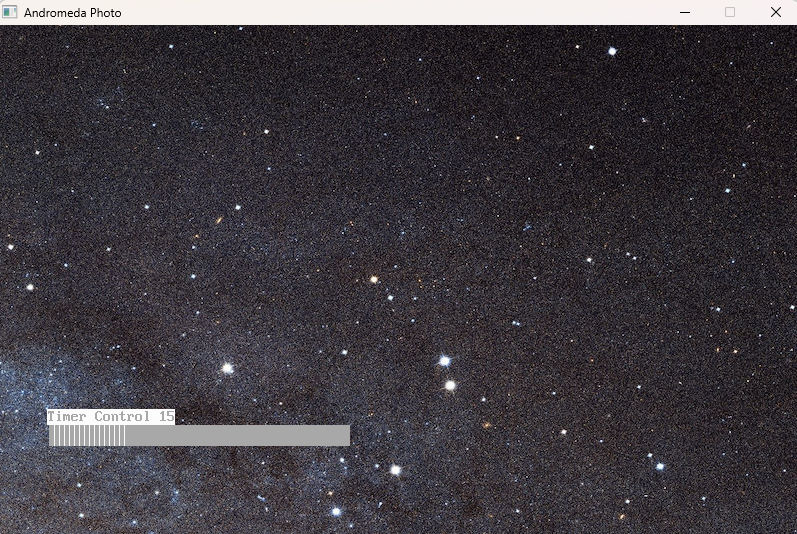
Mode 2. Vertical direction. First the image from the top, then the bottom. And we move along the x-axis by 1 point. And again, the image from the top. Then the bottom. And so on.

Mode 3. This is random. That is, one of the 8 images is randomly selected and shown.

Mode 4. This is user-defined. Only the user changes images using the arrow keys.
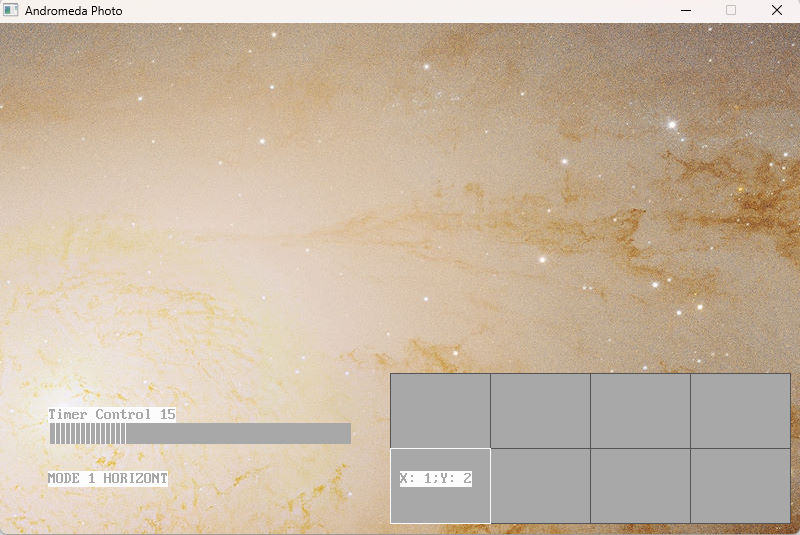
 

Using the + and - keys, you can change the frame hold time. Before changing it. From 5 to 60 seconds. Like on a TV. With a remote control. The idea comes from here.

Keyboard arrows – up, down, left, and right. Moving around the Andromeda map. Works in any mode. The map is two stripes. That is, 2 points high and 4 points long. You move along them using the arrow keys.
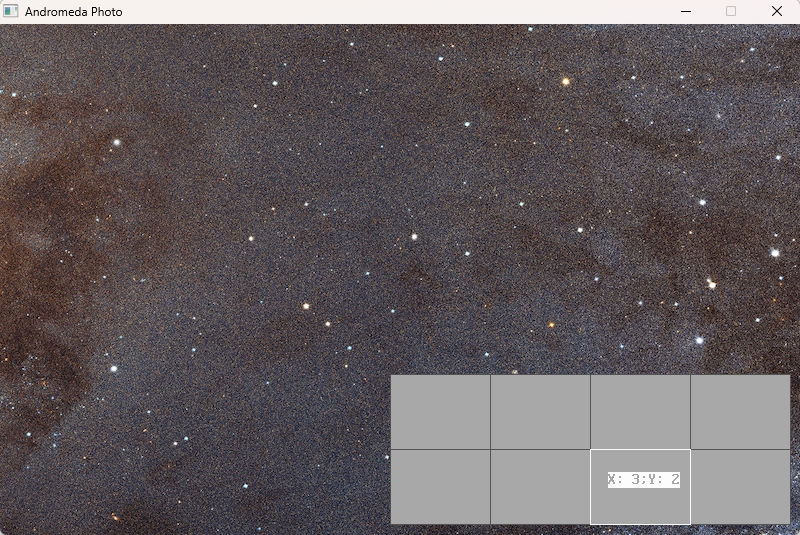
 

This time, I continue to create new topics from time to time. And this is just one of them. A cosmic idea. Far, far away Andromeda. Just think – how many stars are there. And these clusters are galaxies. Just think about it. The scale of the universe. Andromeda is a big thing. As big as the Milky Way. And there are a lot of galaxies like it. Each galaxy has a ton of stars. And around those stars are planets.
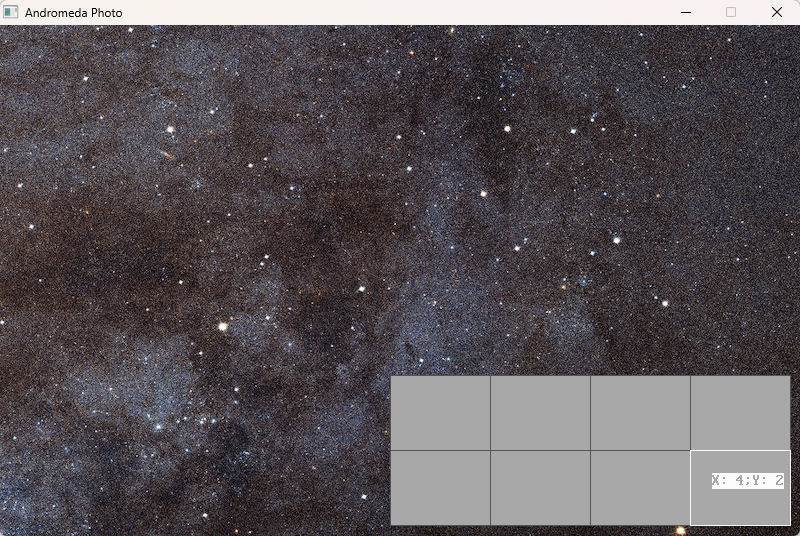
So take a close look at what's going on around Andromeda. Use a telescope, keep an eye out. There it is again, space. Mysterious and strange. Once again, I'm a programmer in this field. And you, as a viewer, will soon see Andromeda too. In the meantime, you can watch a sci-fi series with action from the 80s, like V. V. V is like Lian Ross's new album, V. Maybe I should ask Lian Ross something about Andromeda? It's a musical joke.
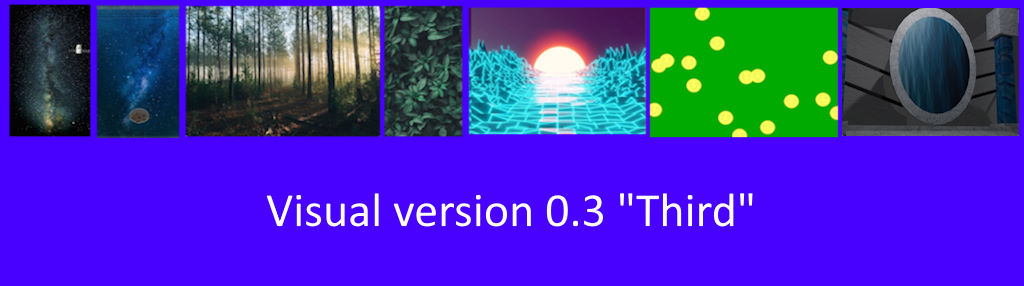
 

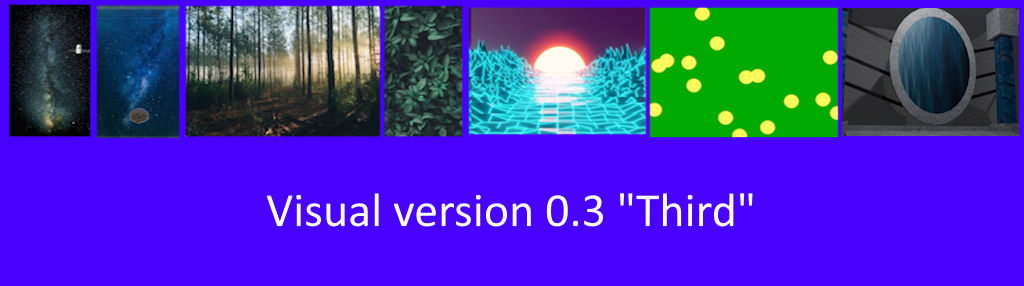
Visual version 0.3 "Third" - newest version. More 7 new intros. With this version - Space, Constellation, Forest, Leaves, Retrowave Road, Smiles are flying, Deep Jump. This is pack with visual intros. You just need to watch them! And there are control intros. Intros about different themes. Visual sequence.

Visual: http://www.dimalink.tv-games.ru/apps/visuali/index_eng.html
Website: http://www.dimalink.tv-games.ru/home_eng.html

Vaporwave Road – Mathematical Calculations and Columns

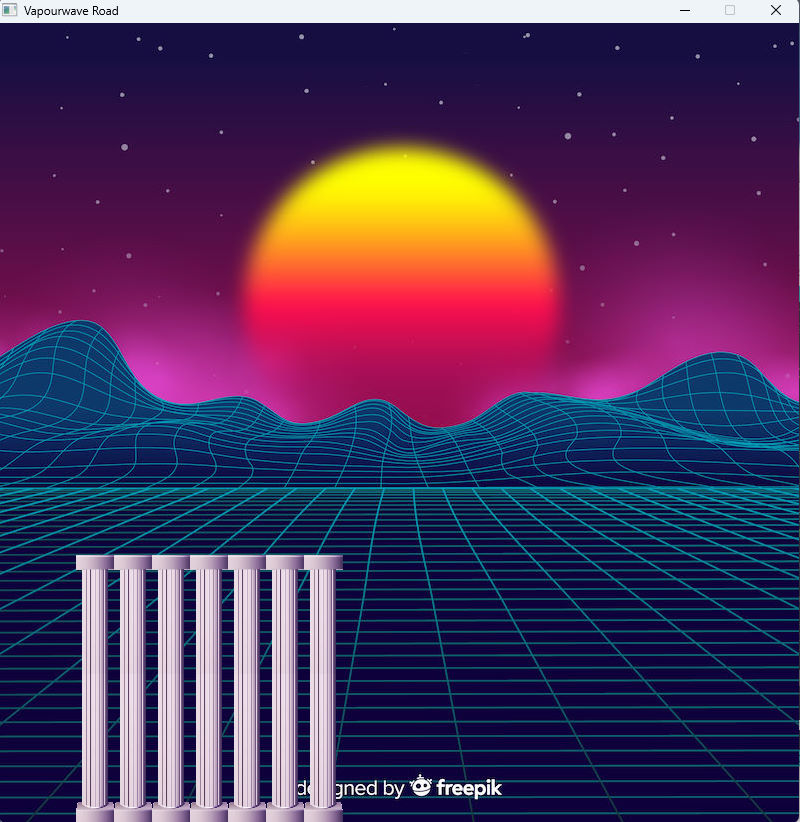
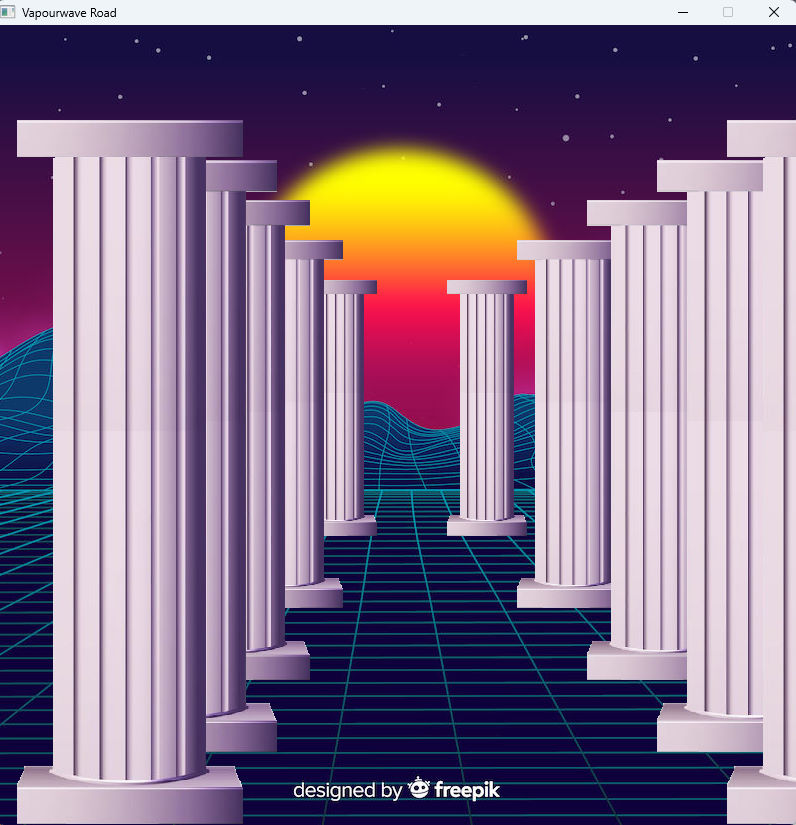
This is a visual intro. You just have to watch it. It's Vaporwave-themed. But it turned out more like retrowave. A kind of synthetic future. Like a background image. It's taken from the FreePik website. And there's even a caption stating that this is an AI-generated image posted on that website. And there's a little logo at the bottom about it. I didn't remove it. Well, it's cooler this way. It's computer-like.

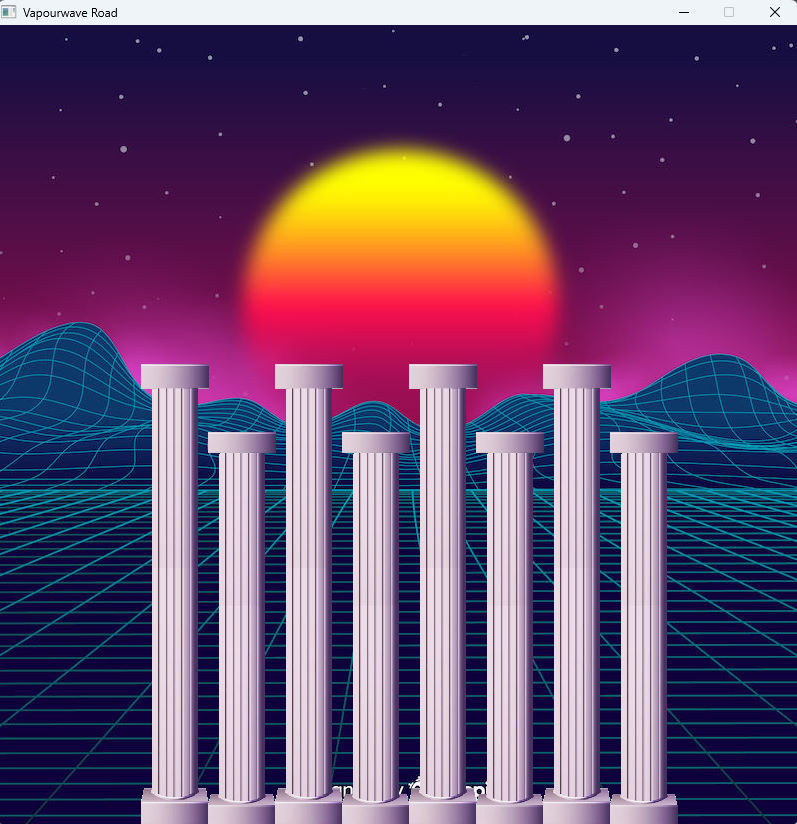
Also, there are the columns here. They're a hallmark of the VaporWave style. Like Greek columns, for example. For now, I'm using the columns. They're another image. And the idea is a road in this virtual space. Like movement or flight. Like some kind of dynamic pixel arcade game. Like Space Harrier. That's the idea. You move. And there are columns around you. Like a movement indicator.

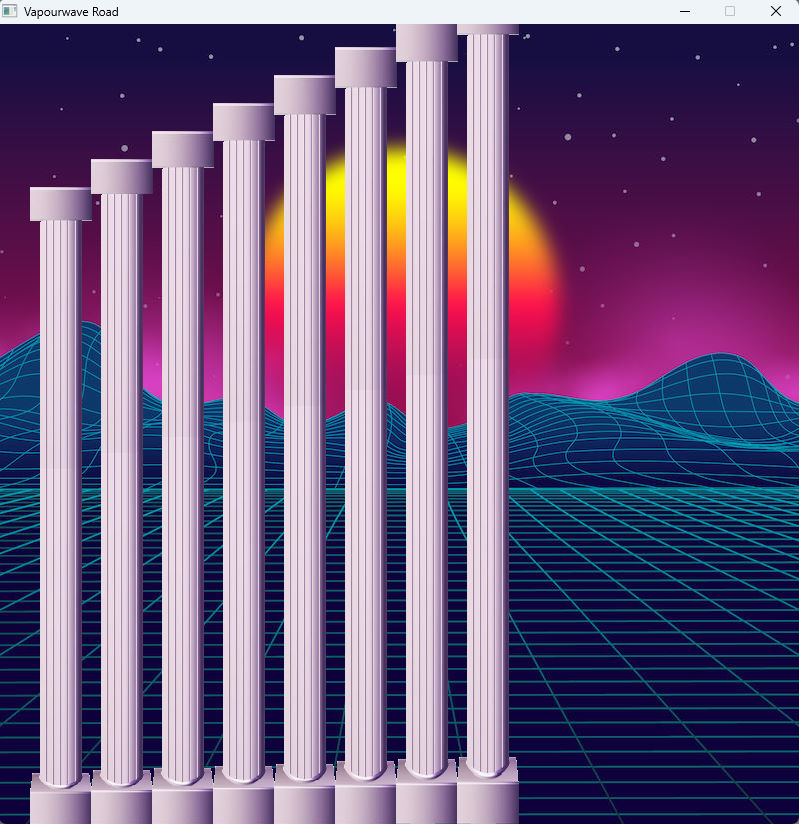
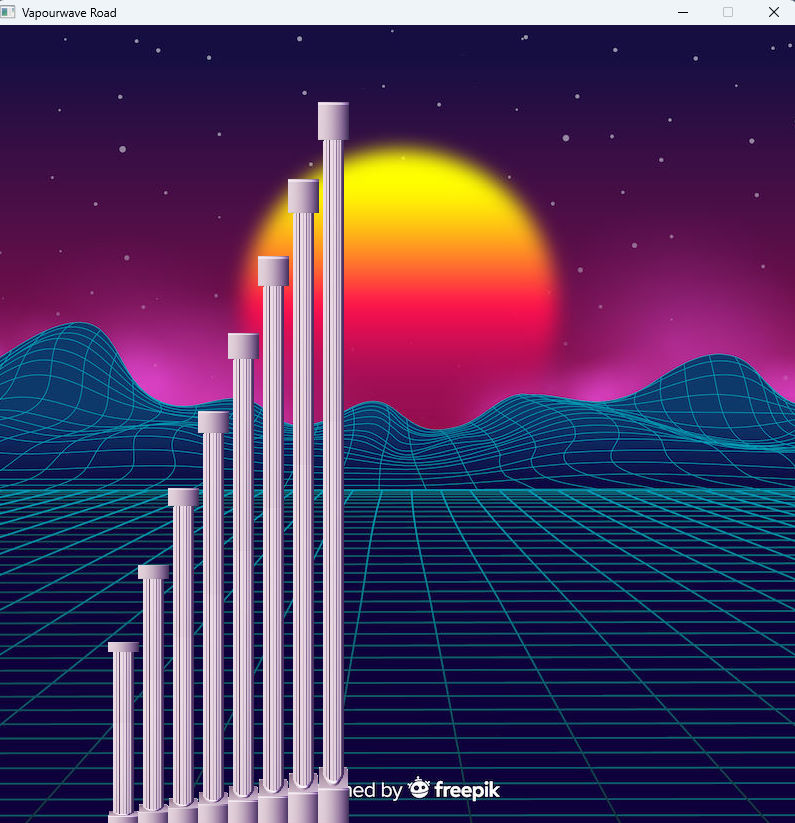
The movement itself has several types so far. These are rows of columns. Right, left, left, and right. And that's one type of animation. Pre-written. I spent a long time choosing the parameters. Because I'm not good with math. And a bunch of views with flat animations. Like a side view. These are columns. Different sizes. Small, medium, or large.

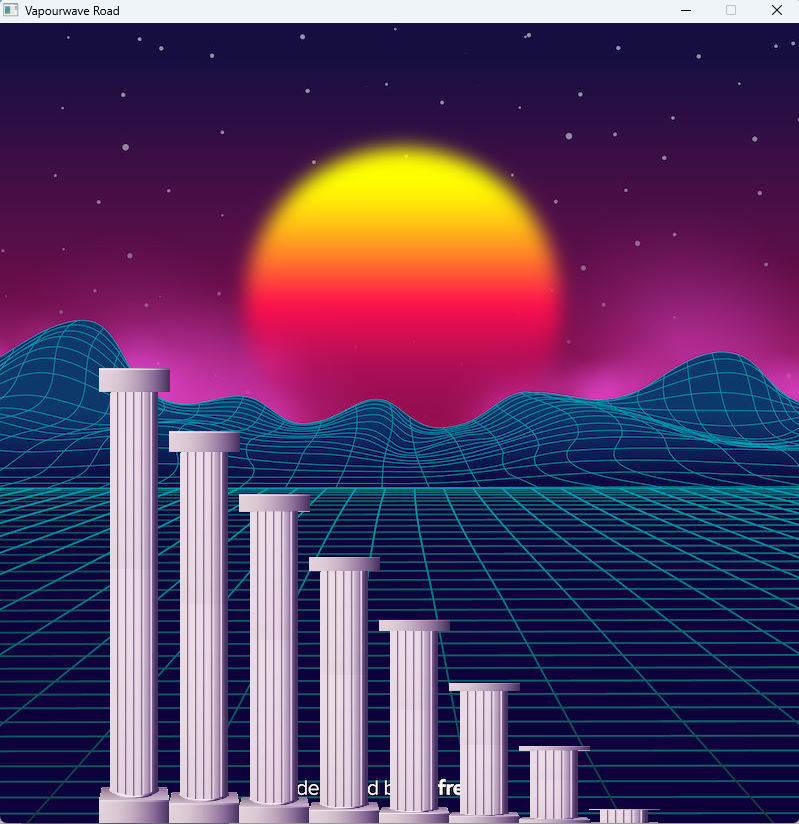
And animations. All sorts. Side views. Two-dimensional. Like stairs up and down. Scallops. The same stairs. Just up and down. And so on, a certain number of columns. So, there's a length. It's arbitrary. About 10-something. In that range. There are also what I called special animations for different views. They just have different parameters. And it looks a little different. For example, like very thin columns, but almost the entire screen in height. Everything moves off-screen to the right.

After all, I'm not good with math at all. And choosing the parameters takes time. I need to correctly understand what numbers I need. How to create a simple formula, though. One that will track the image's progress. And for now, I'm still working on this.

I've broken it down into modules. Each animation type is in its own module. That is, in my file. And all this is in the now-familiar QB64. Which has now faded into the background compared to Free Basic. So I remembered this BASIC dialect.

Here's how to select parameters. And such small formulas. Algorithms for how they appear. Small. I decided to take this step. And, of course, I slowed down a lot. Because I don't have a mathematical mind. But I knew this would happen. And I did it intentionally. To practice. To take the first step.


You write the coordinate for the angle. And you have to come up with a formula for how these corner points will appear on the screen. There's a step. There's a total distance. A starting point. And in theory, you can conjure up a bunch of different display methods this way. A bunch of formulas. A bunch of algorithms that are easy to create. And that's interesting. That's a plus.


But the minus is that you need mathematical mindset. Without it, everything is done slowly. Crooked and as it turns out. You have a very rough idea of the result. Like, wow, that turned out pretty cool! I'll leave it like that. I'm trying to make more precise calculations here and there.

And all of this is time-based. That is, the time step. Time intervals. How it all moves. Again, in theory, it could be faster or slower. But right now, I have everything in the same temporal speed mode. Time is, so to speak, speed. It's a new perspective on this parameter. Of course, everything is somehow strange or new. This is the Vaporwave world. A kind of luminal space.

Visual version 0.3 "Third" - newest version. More 7 new intros. With this version - Space, Constellation, Forest, Leaves, Retrowave Road, Smiles are flying, Deep Jump. This is pack with visual intros. You just need to watch them! And there are control intros. Intros about different themes. Visual sequence.

Visual: http://www.dimalink.tv-games.ru/apps/visuali/index_eng.html
Website: http://www.dimalink.tv-games.ru/home_eng.html