

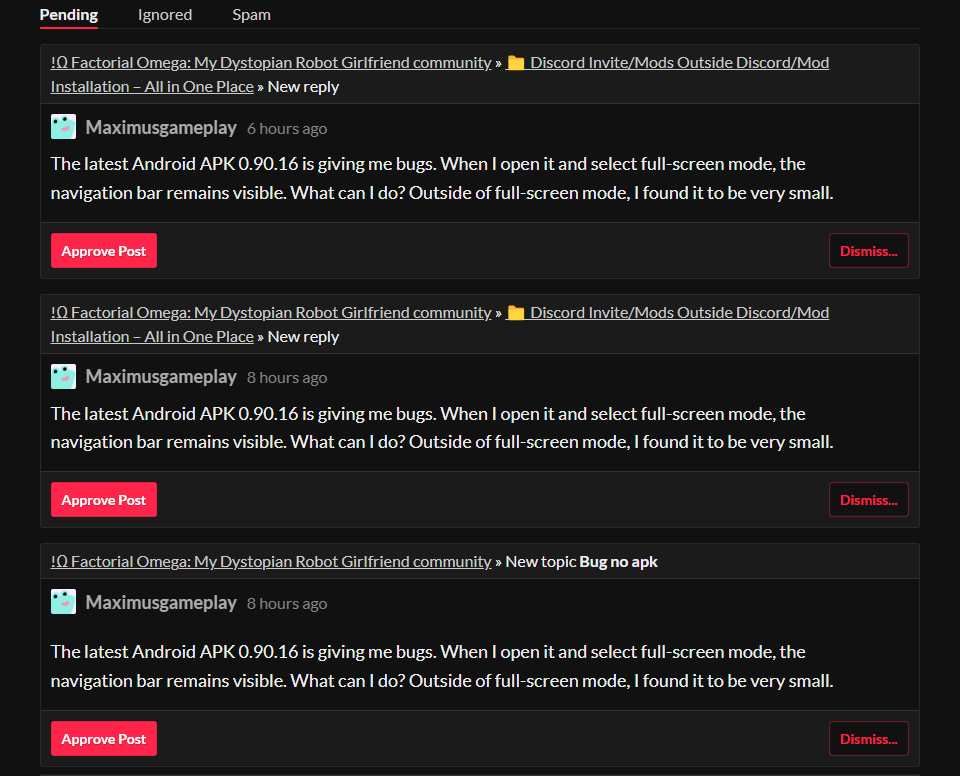
First, please avoid posting the same message multiple times if it does not appear immediately.
Your previous posts were automatically flagged by the system, which is why they were held for approval.
In the future, please allow some time for moderation before reposting.
Regarding the Android full-screen issue:
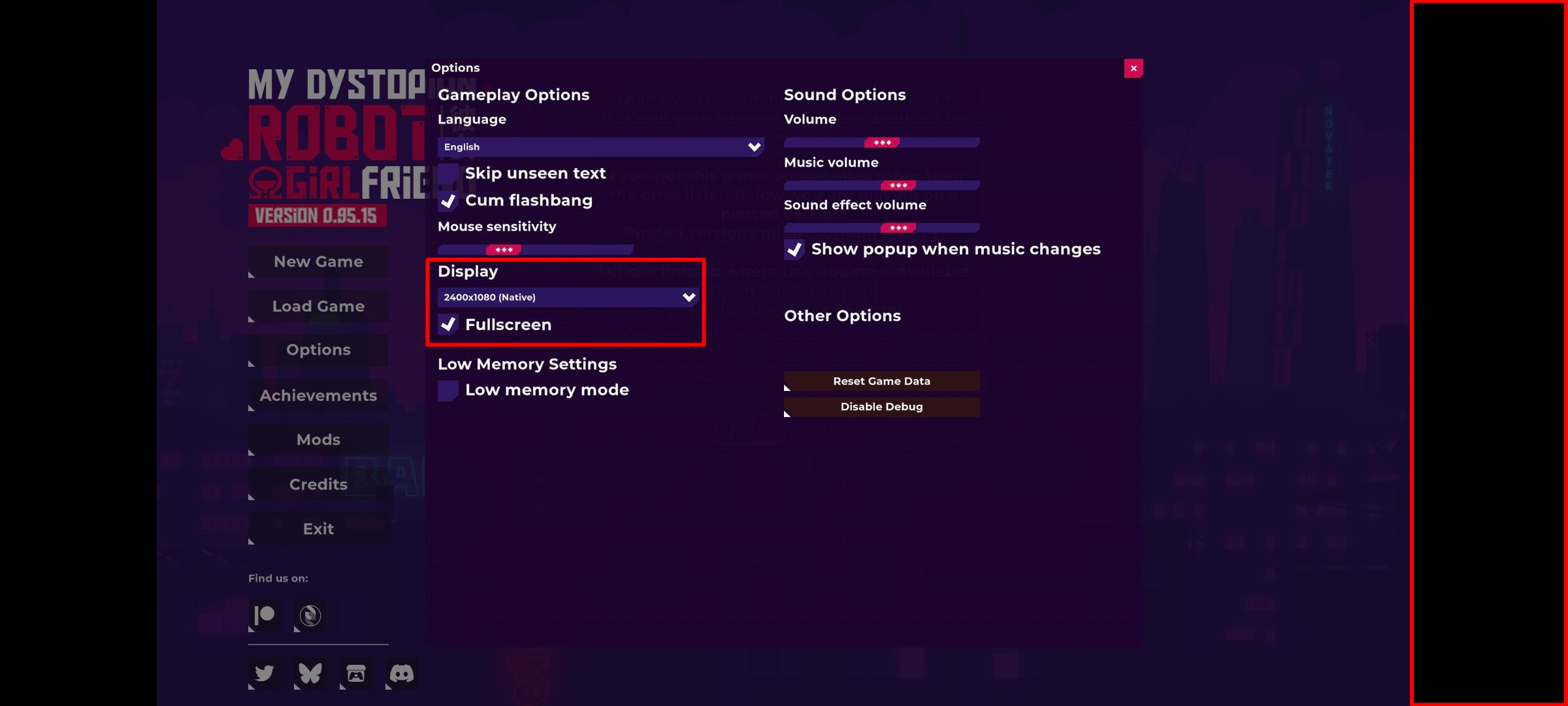
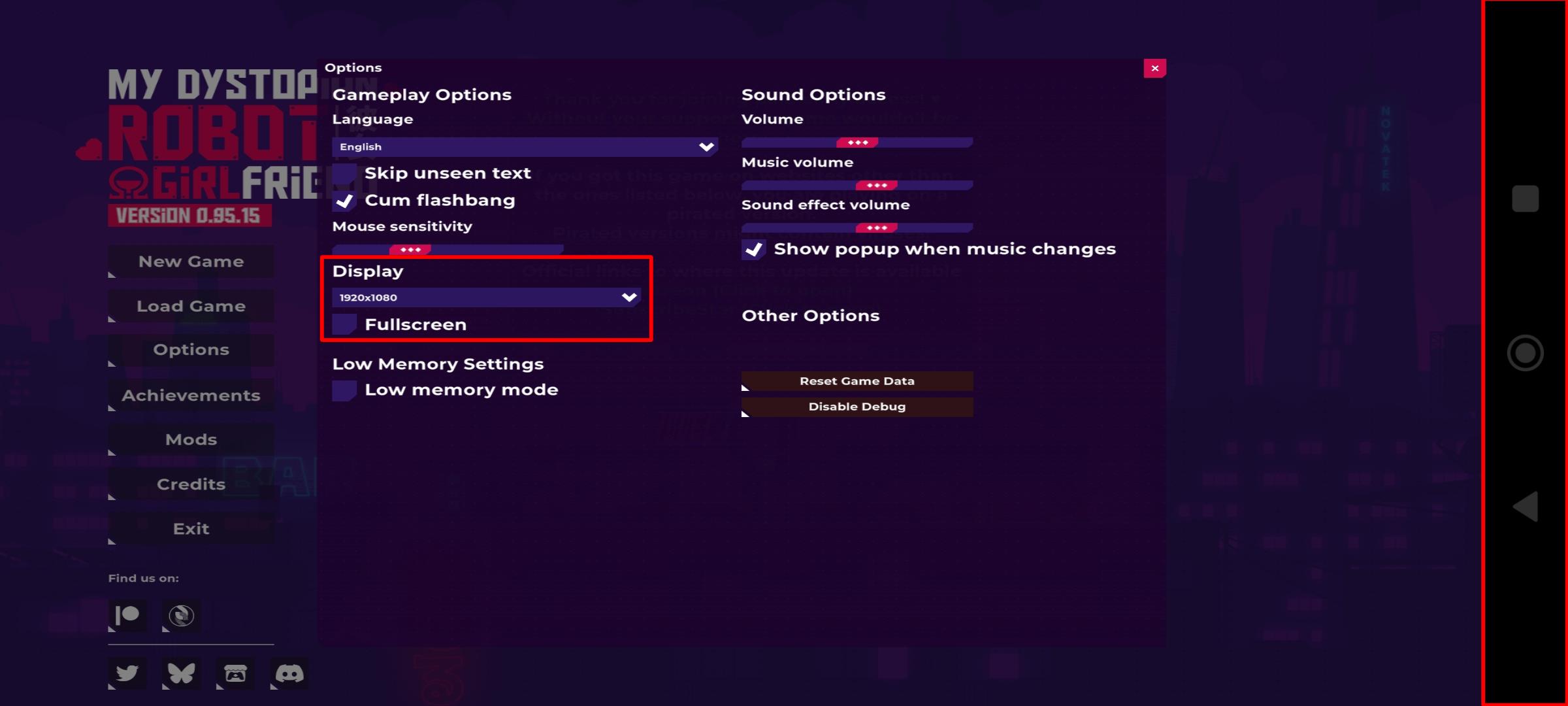
The visible navigation bar is most likely related to your device’s system behavior rather than the game itself.
Some Android devices enforce system UI overlays (such as gesture bars or navigation buttons), even when an app is set to fullscreen.
Unfortunately, this is not something the game can directly control in all cases.
You may try:
- Checking your device’s display settings
- Switching between gesture navigation and button navigation
- Enabling immersive or full-screen mode in your phone’s system settings (if available)
If the game appears small outside full-screen mode, that is also related to how your device handles resolution scaling.
MDRG is not specifically optimized for every Android model, so behavior may vary depending on the device.
