
Indie game storeFree gamesFun gamesHorror games
Game developmentAssetsComics
SalesBundles
Jobs
TagsGame Engines

[SOLVED] Blurry text ONLY when showing text as an image Locked

A topic by Clovr created 63 days ago Views: 164 Replies: 3
This topic was locked by Hakuen Studio 32 days ago
Viewing posts 1 to 4
(1 edit)

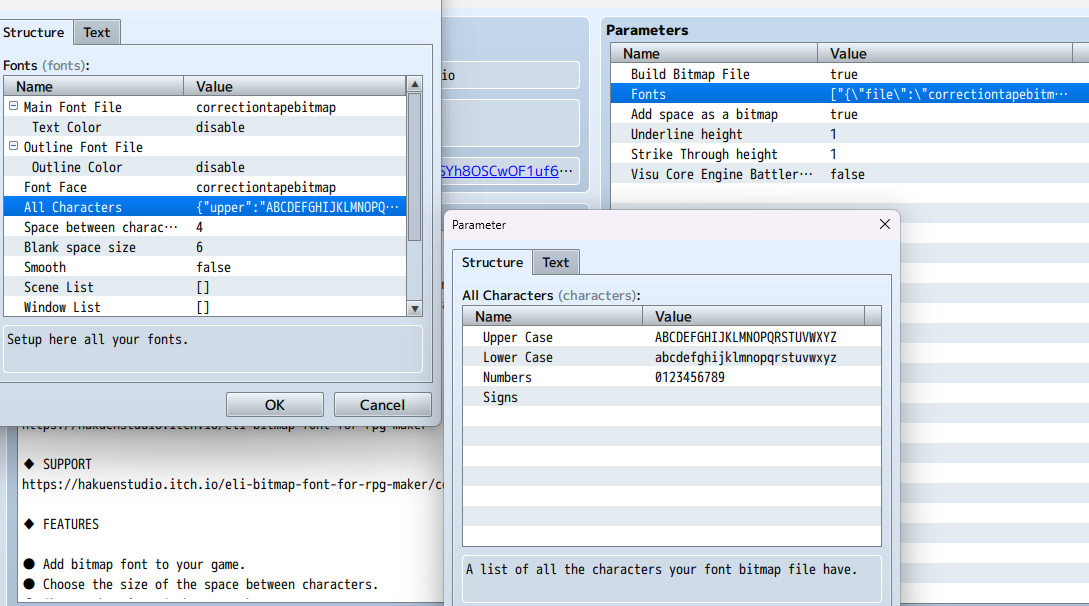
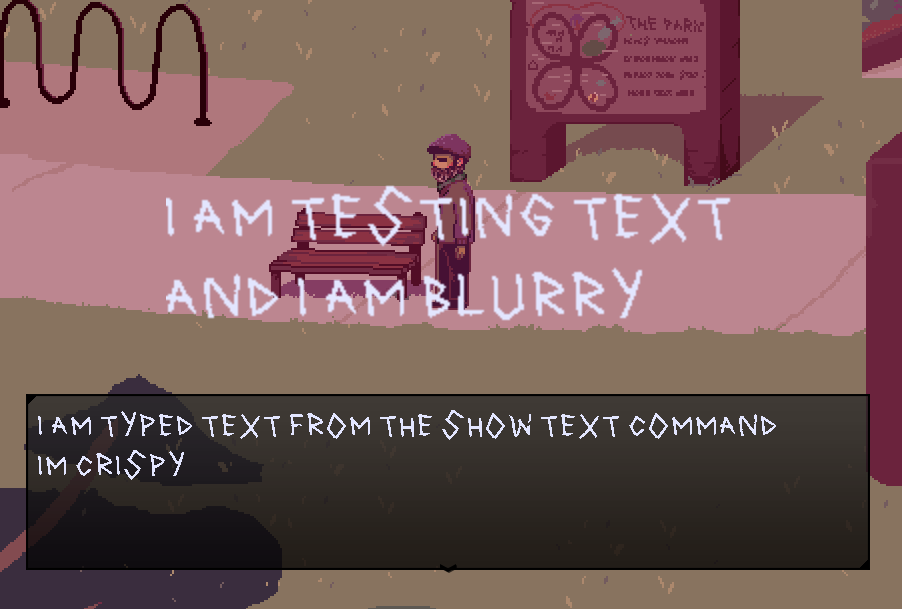
Hello! I got this plugin specifically to fix an issue I've been having with blurry text using (any) "show text as image" plugin. My text appears beautifully with or without the bitmap font for everything except when displayed as an image. 

I do have a zoom plugin, which is at 2x. Everything else in my game is nice, crisp and pixelated so there are no resolution issues.

 If you can help me fix this issue, I would also love if you could tell me how to have this as the font for ONLY the "show text as image" command,  and nothing else. If that's a thing, would be amazing. Thank you!
Developer (1 edit)

Hi there!

Well, I really don't know if my plugin can fix that, this is probably something related to these plugins that does "show text as image". I understand that you got my plugin in a hope that my plugin would fix that. But can't promise you anything.

1) Probably, what is going on is that the plugin that show text as image, when he creates the image, it is applying the blurry/smooth. So first thing is, tell me what plugin you are using for this feature and send the link here to me. It will be better if it is a free one, so I can take a look at the code and maybe find a solution.

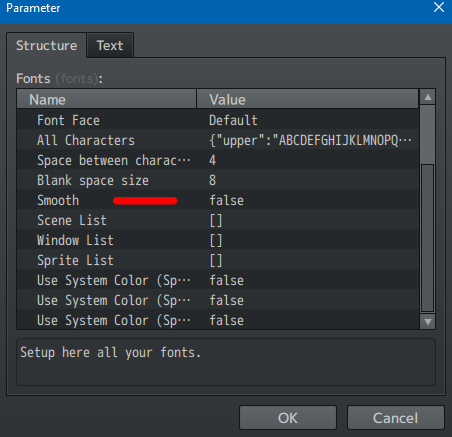
2) As an alternative, on my plugin, try to mess with the plugin parameter for smooth the font. I think you should set it to false.

3) Maybe using my Pixel Perfect plugin(It's free) would also solve that. But I don't know if your game is pixelated at this point. Because that alternative will set the pixel perfect (remove any smooth/blurry) from everything. Of course, if you are using other pixel perfect plugin, disable it. Leave only mine enabled.

Hakuen Studio Pixel Perfect for RPG Maker MZ by Hakuen Studio

4) On theory, the zoom plugin would not mess with anything, since your zoom is at 2x... but I think it is a risky move to try to aim for a pixel perfect game. Anyway, try those alternative above and let me know what exactly moves you tried if you manage or not to fix the issue.

5) Another problem is, when using the show text as image, is the size of that image. For a font to be pixel perfect, it need to raise it's size by integers: 2x, 4x, etc... If the show text as image plugin is resizing the font with 1.7x, 1.5x, it will not look good. My advise would be create another font with the proper size you want. And then(after I take a look into the plugin), make the plugin uses that resized font.

(+1)

Well - I was prepared to try a ton of options, but I decided to try your pixel perfect plugin first. I already had one, but yours instantly fixed my issue... I've been trying to fix this for months so the solution being so simple is crazy. Combined with sharp text and remove outline plugins I don't even need the Bitmap text..haha. Thank you so much.

Developer

Woww nice!! I'm glad it fixed that for you without any trouble!

have fun then! Happy RPG Making! ^^

Developer locked this topic