Indie game storeFree gamesFun gamesHorror games
Game developmentAssetsComics
SalesBundles
Jobs
TagsGame Engines

RahiTuber

A lightweight yet highly customisable pngtuber app · By rahisaurus

QoL Suggestion/Request? : Layer Indexing/Z-Order

A topic by Nera Nos created 5 days ago Views: 44 Replies: 3
Viewing posts 1 to 2

While I haven't yet run into any issues with the layering system as it is now, I'm realizing as I explore more complicated set ups with increasingly more layers that it would be nice to have more advanced options available to directly control where an image sits between other images on the avatar irrespective of it's place in the layer stack.

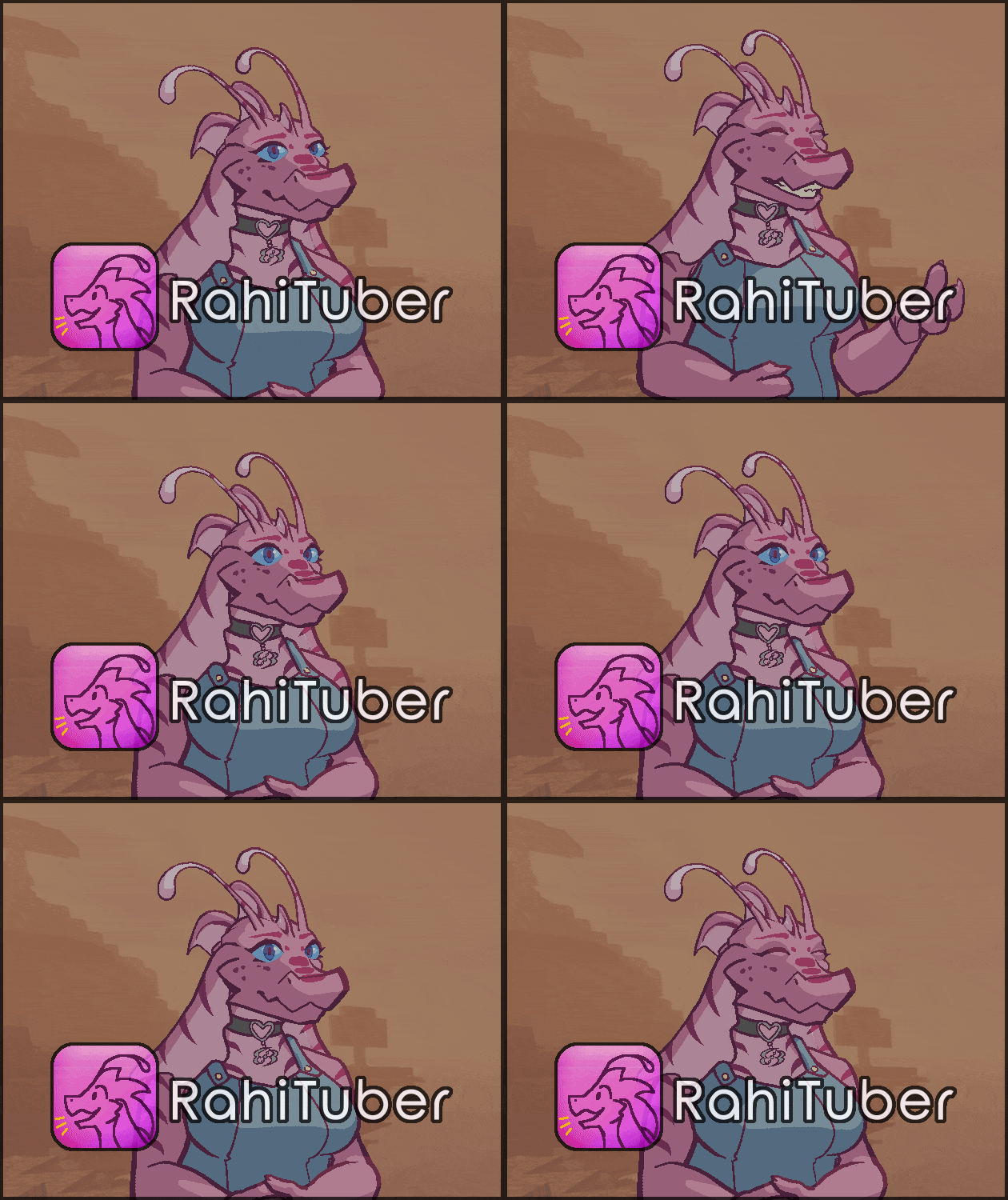
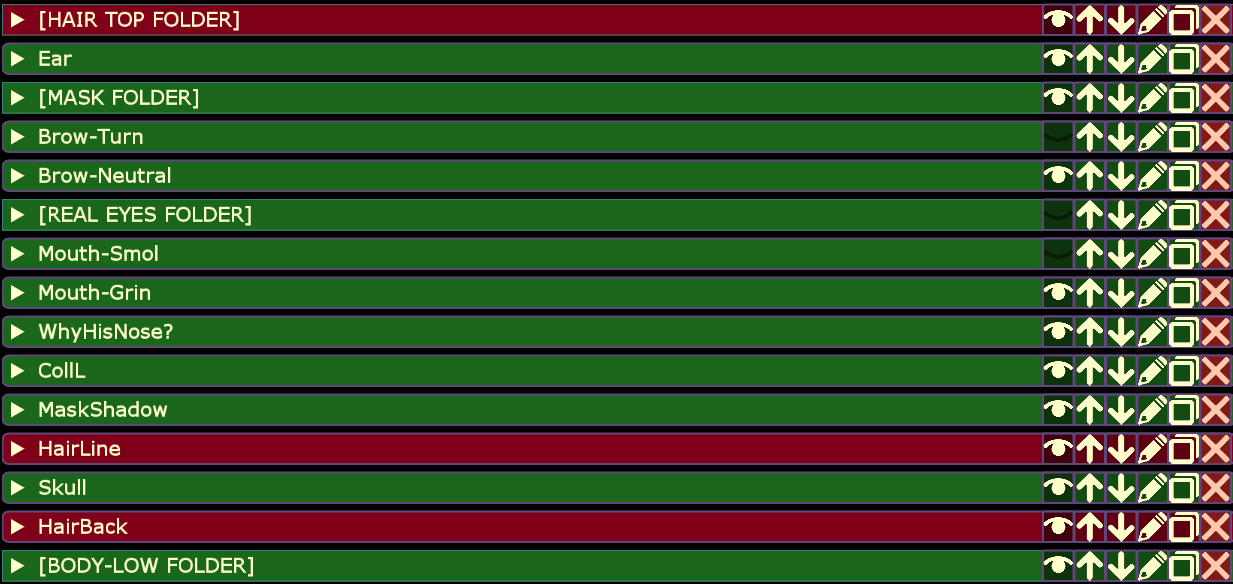
As an example, this avatar has a "bald" toggle, which means I need a state that can disable all hair layers across any other states I may be using. The easiest way to do that is to have all the hair in a folder, then toggle off the folder; that way if I trigger another state that changes any of the hair pieces while I'm "bald" I'll stay bald. The problem (marked red in the image) is that some of the hair is behind the head and some of the hair is above the head; I can't have it all in the folder without breaking the avatar.

I could just make more folders (in this example, one for the 'HairLine' and one for the 'HairBack' layers). But if it were possible to have all of these hair layers in the same folder and just manually assign index values, the layer stack could be cleaned up a bit and controlled easier.

Now, if this is already a feature that exists and I just haven't found it I'm going to feel very silly.

Developer

It does not already exist, don't worry... 

My design for the layer stack is based on art programs, where the order you see is what you get. Adding a z-order option would break that, as soon as one of the layers has a custom order then you can't just look at the list and see what's what. There's also the issue of moving other layers around, should the custom z-order change or remain static? 

For now, we have a few options:

- RahiTuber doesn't store an image more than once, so having identical layers won't affect your performance unless you're actually drawing them more than once. With that in mind, you could actually make a folder for each expression with the entire model in each, and just hide/show the folders. 

Currently that would come with its own awkwardness, because duplicated layers still retain their inherit/clip options as the original layers, so you'd have to manually change them (I've got an option to change that in the future) 

- another option is for me to add a filter to the state layer list, so you could just search "hair" and see them all together.

(1 edit)

Fair enough! The layer stack is perfectly usable as it is now, and I'll probably go ahead with the multiple-folder solution I mentioned for this particular issue. I will say that a filter search in the states menu would be very helpful if you get around to it, as I occasionally get lost in the layer list looking for specific layers I need to toggle.

Good to know about identical layers not affecting performance, though for some reason the idea of duplicating the entire model multiple times to change expressions is equal parts interesting and hilarious to me~.

EDIT: Wait it just clicked, I'd use folder-toggling states to control my expressions and the "bald" toggle state to toggle all of the hair layers on/off throughout the entire project. Still might be a tad excessive for this particular project, but that is good tech!

Developer (1 edit)

I've just been thinking and I had the idea of "tagging" layers too, where you could use a State to hide/show everything with a certain tag. Then you could add new things to the tag and it would automatically be part of the state!