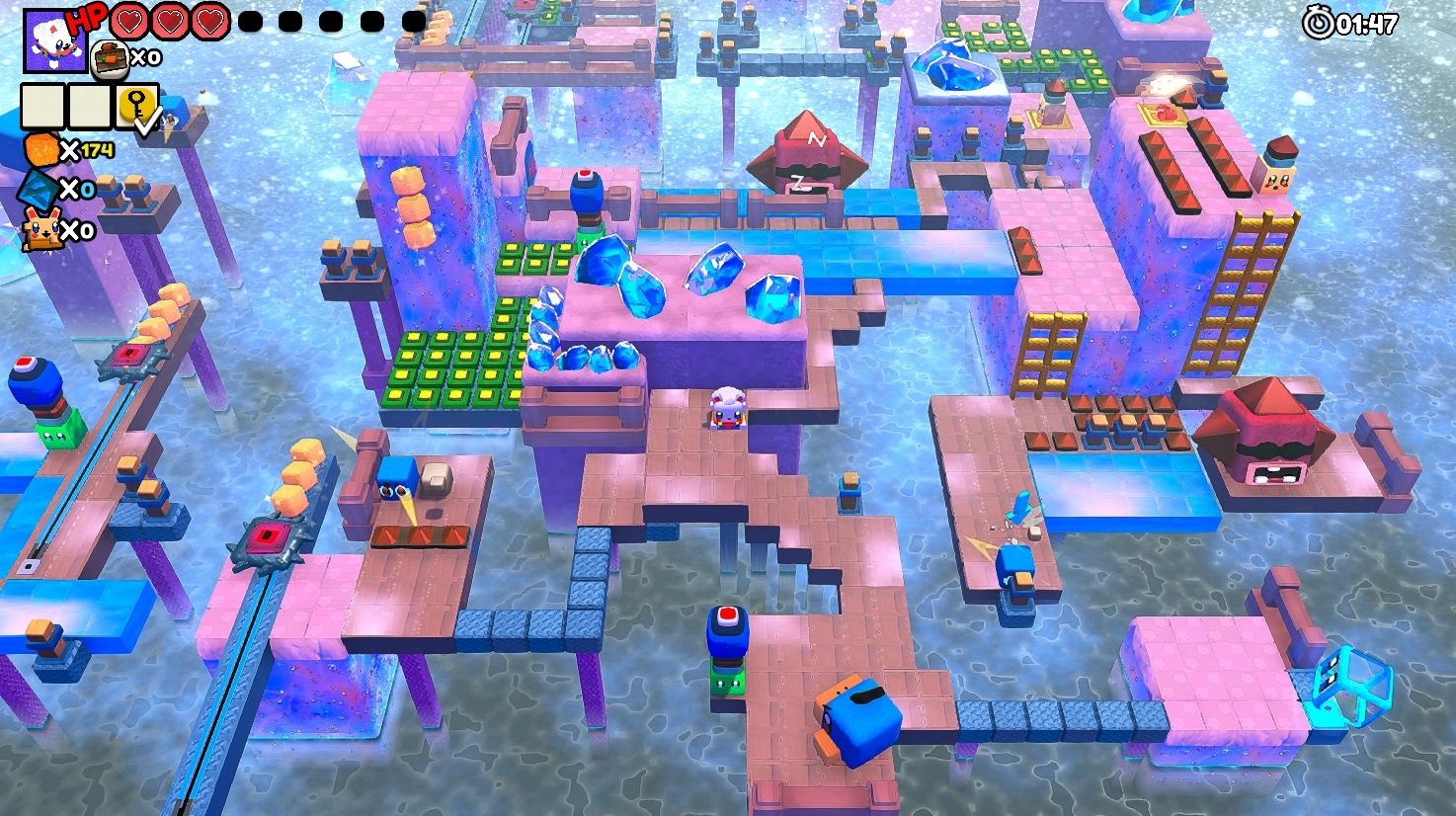
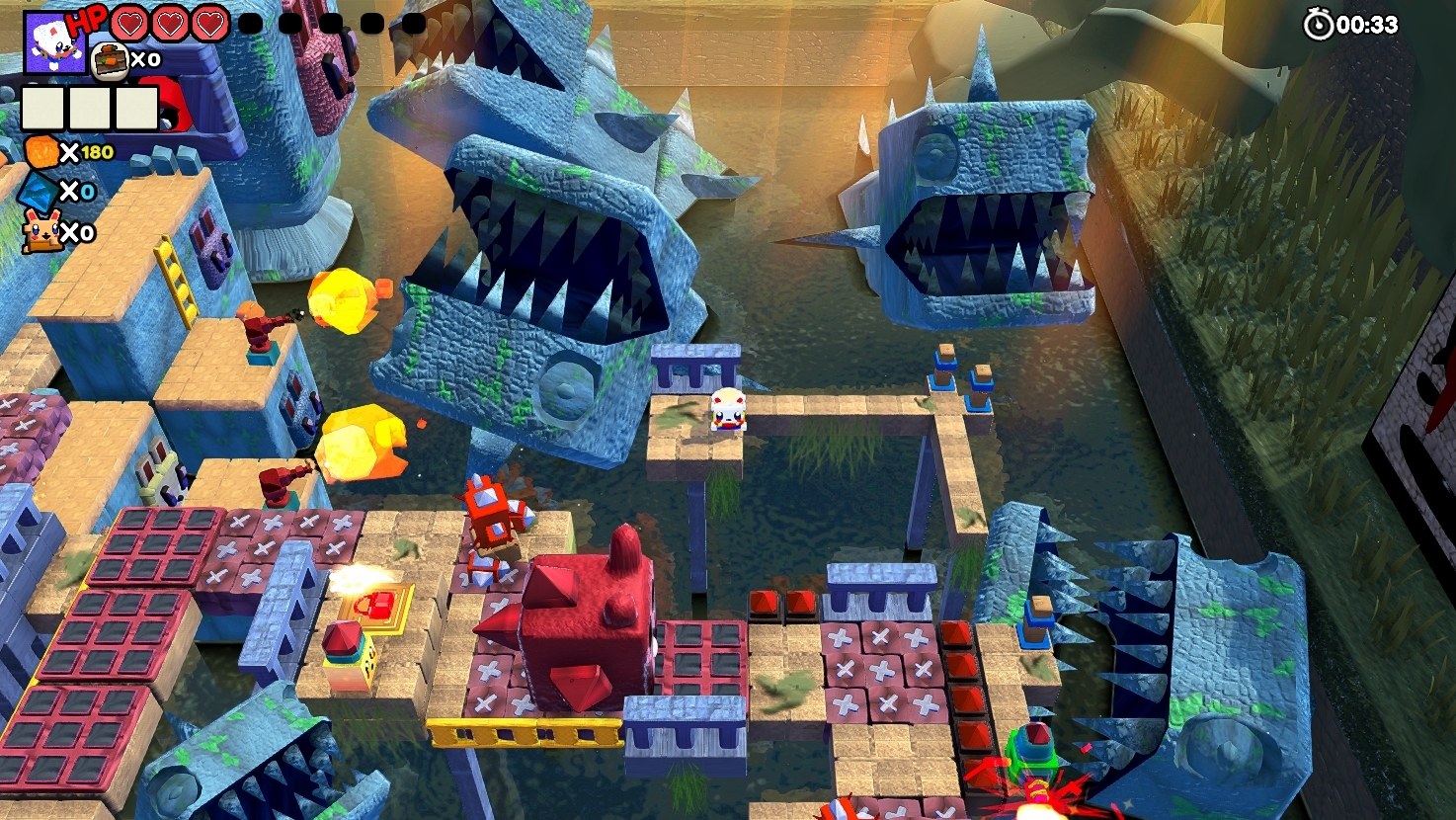
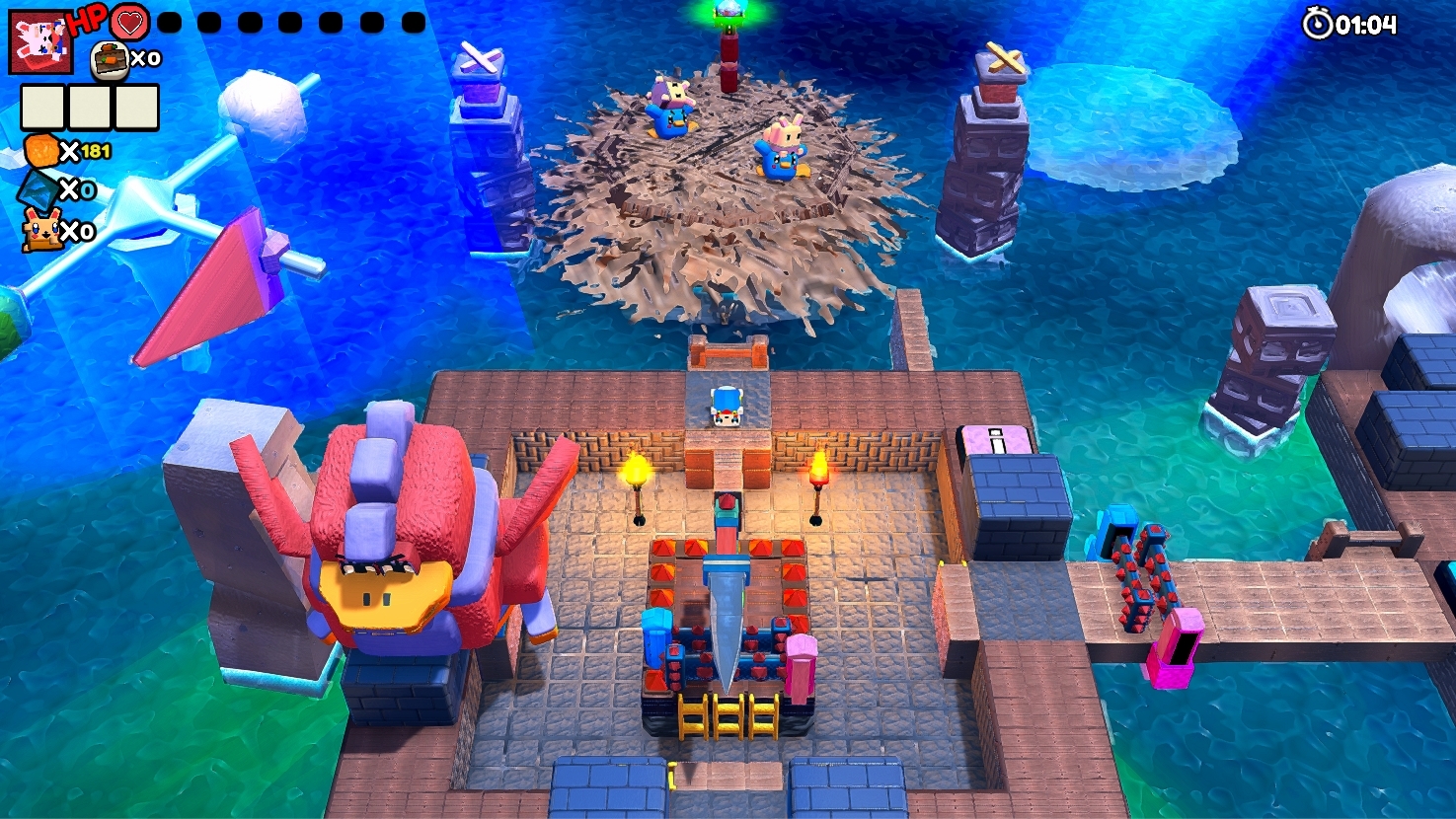
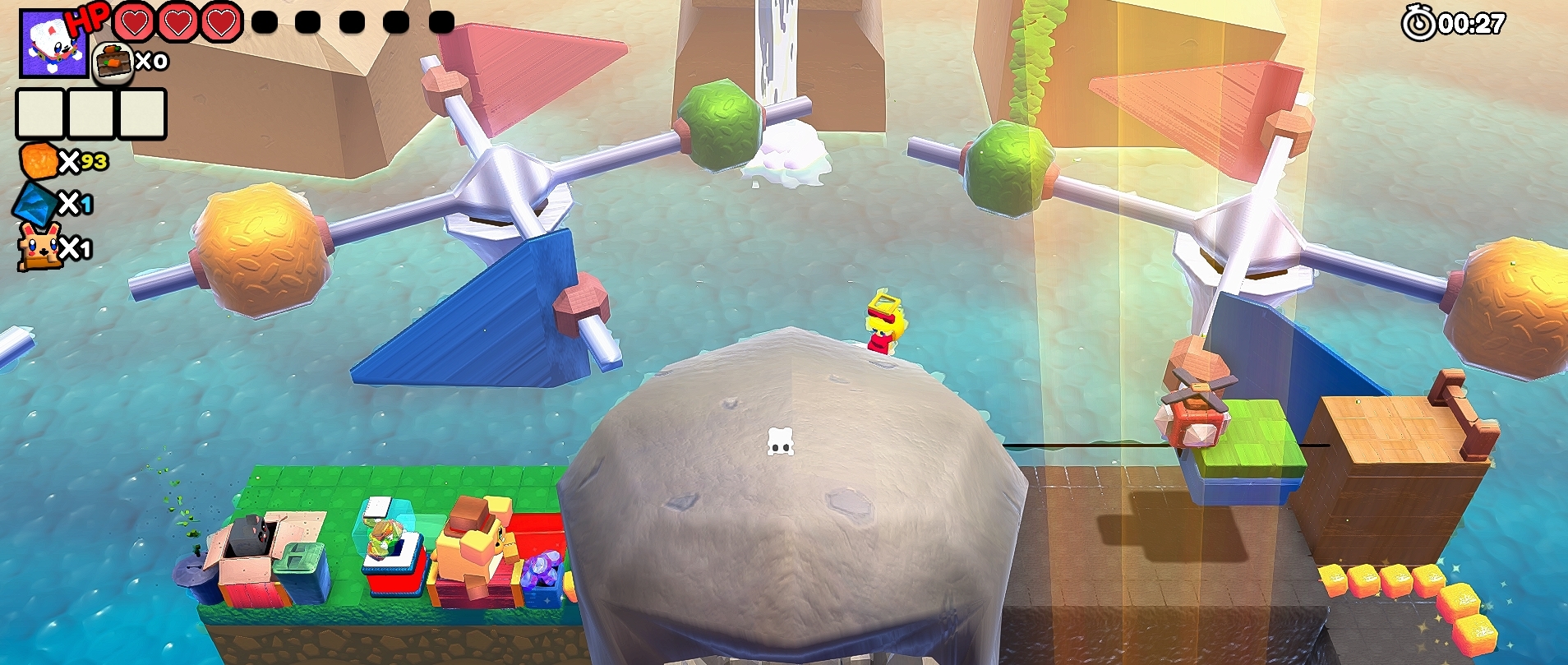
I'm still chewing through the demo, but I want to give couple of pointers already
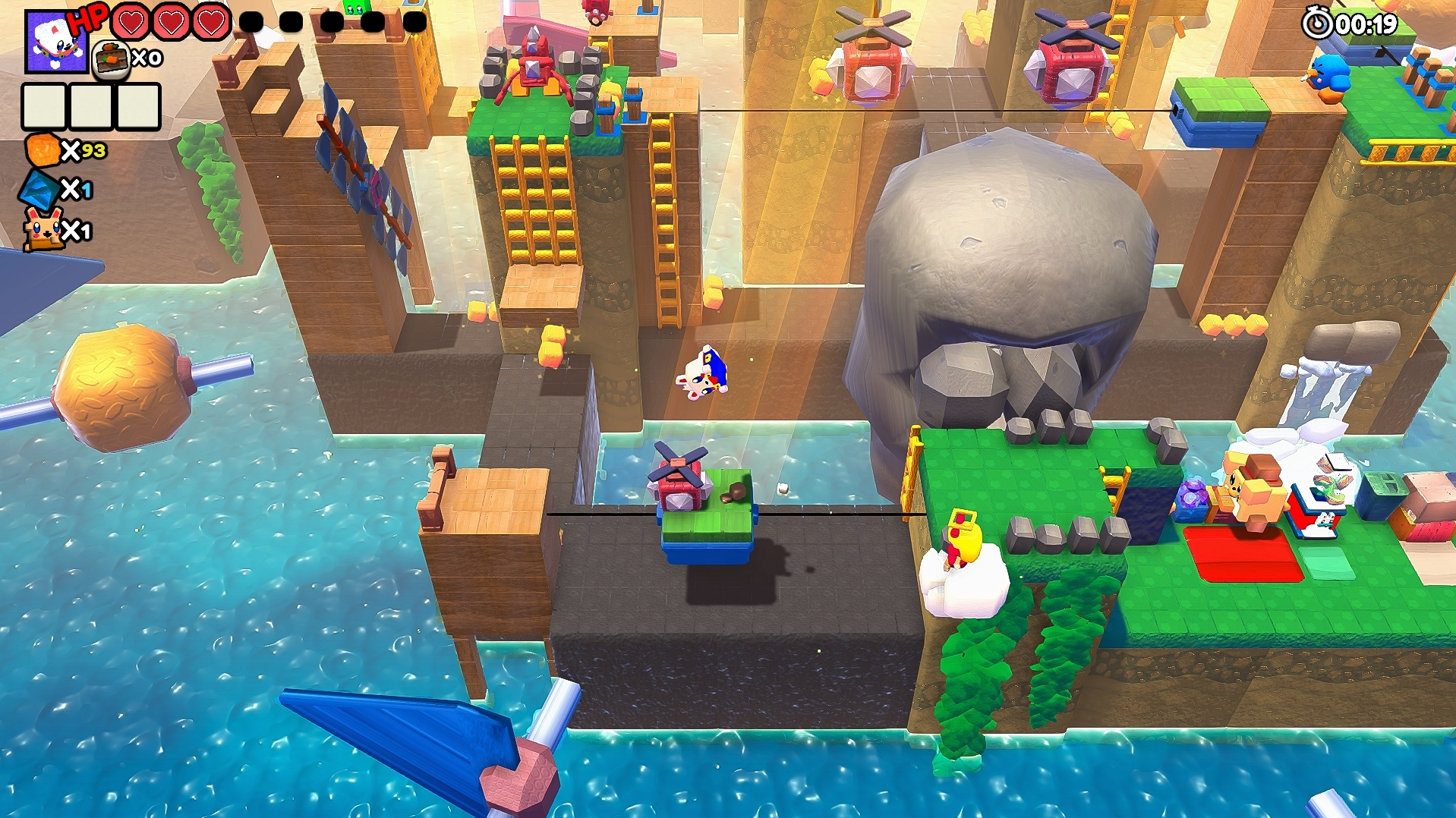
- camera should always show your position with the foreground objects transparent or invisible. There were plenty of times when boku was obscured by part of the upper part of levels. Rotation of the camera doesn't help much, we're walking blind.
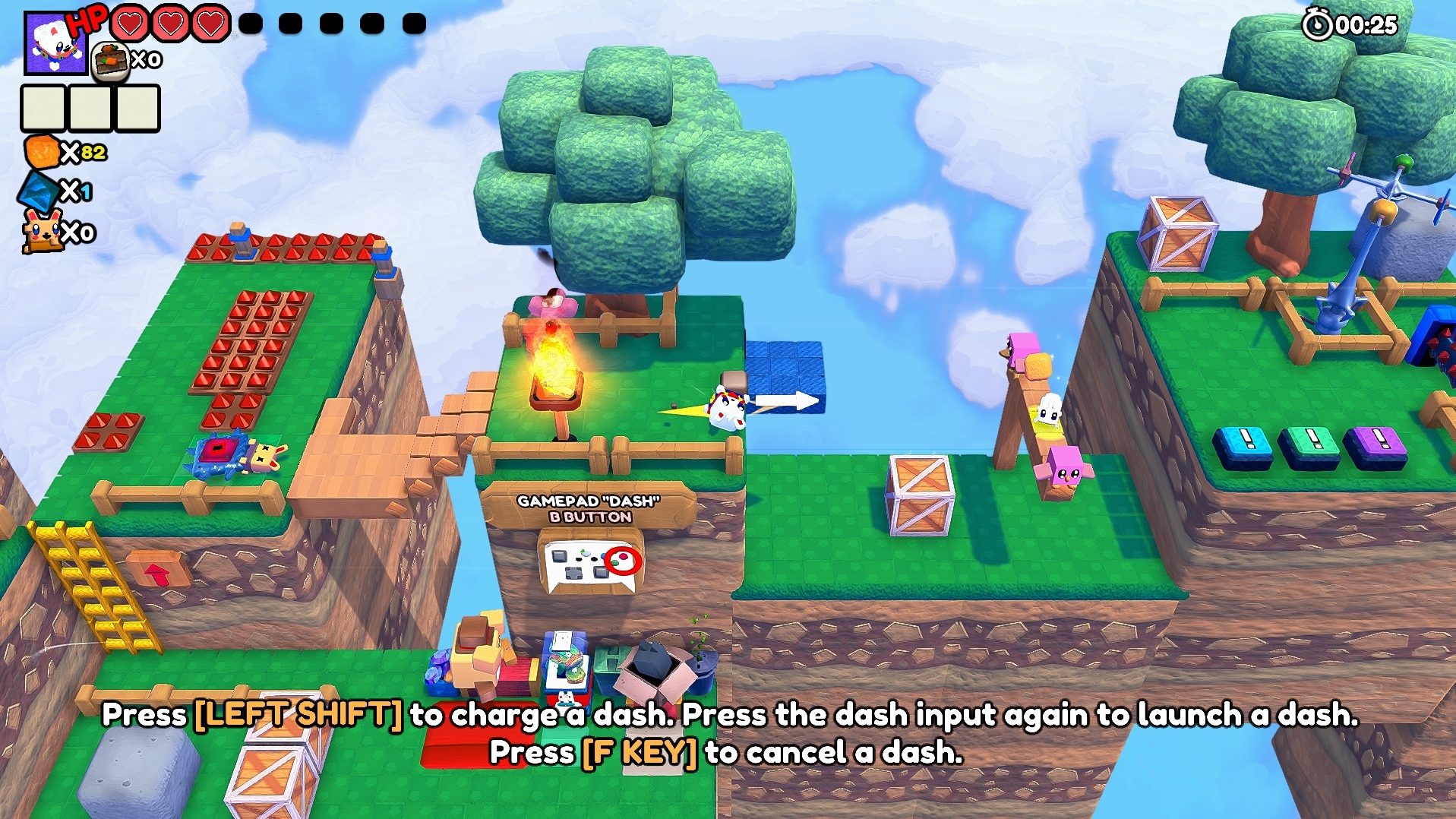
- I constantly tried to forward jump but it was impossible, boku only jumps straight up? Then when we are on the platform we have to time our jumps and now the momentum is preserved. It's kinda strange but I guess you can't jump over obstacles as that would just trivialize puzzles. Maybe add extra tutorial info about your inability to jump forward?
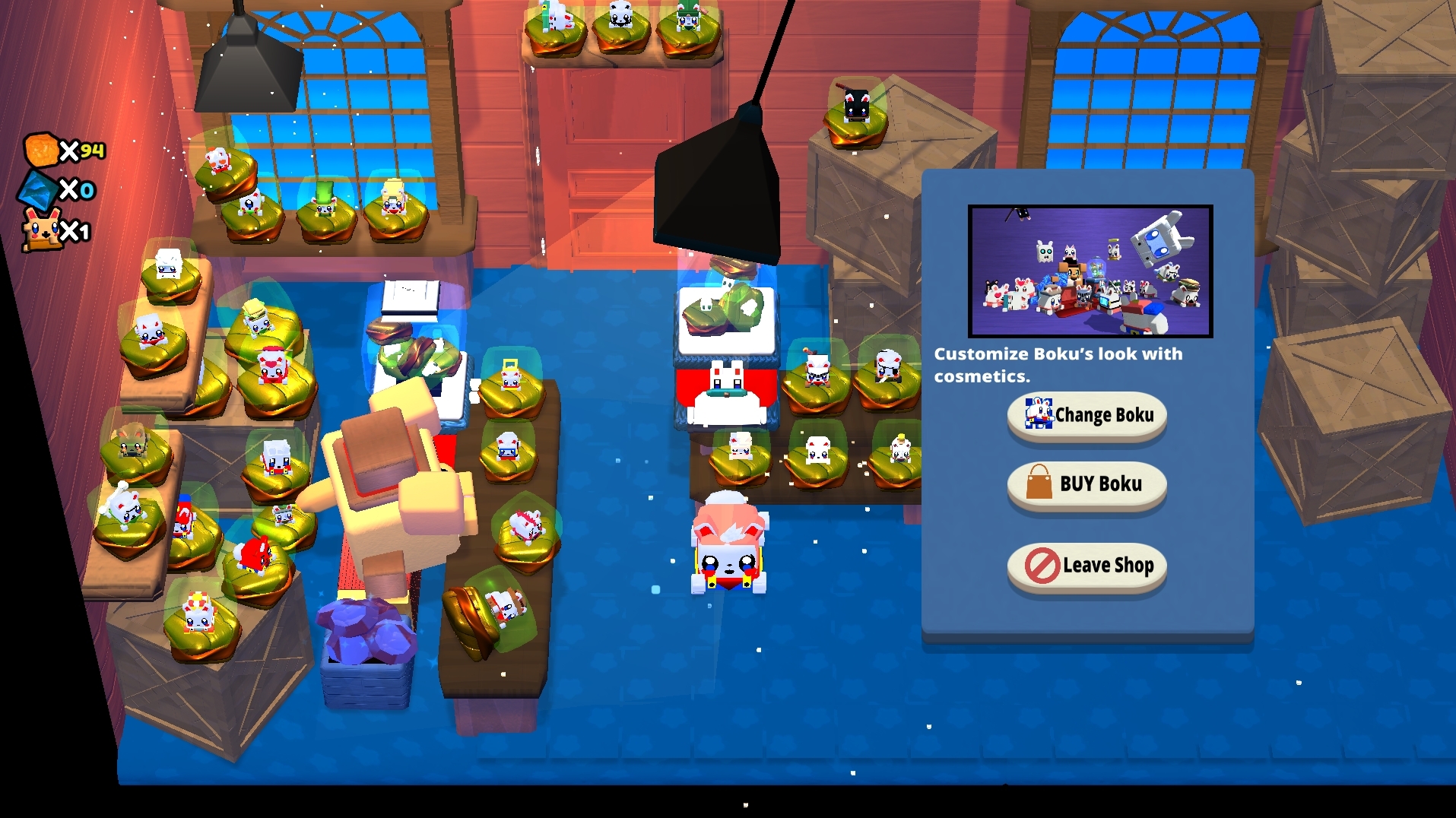
- Shop had right part of the screen cropped. I'm using 16:10 monitor, I don't know why the rest works fine.
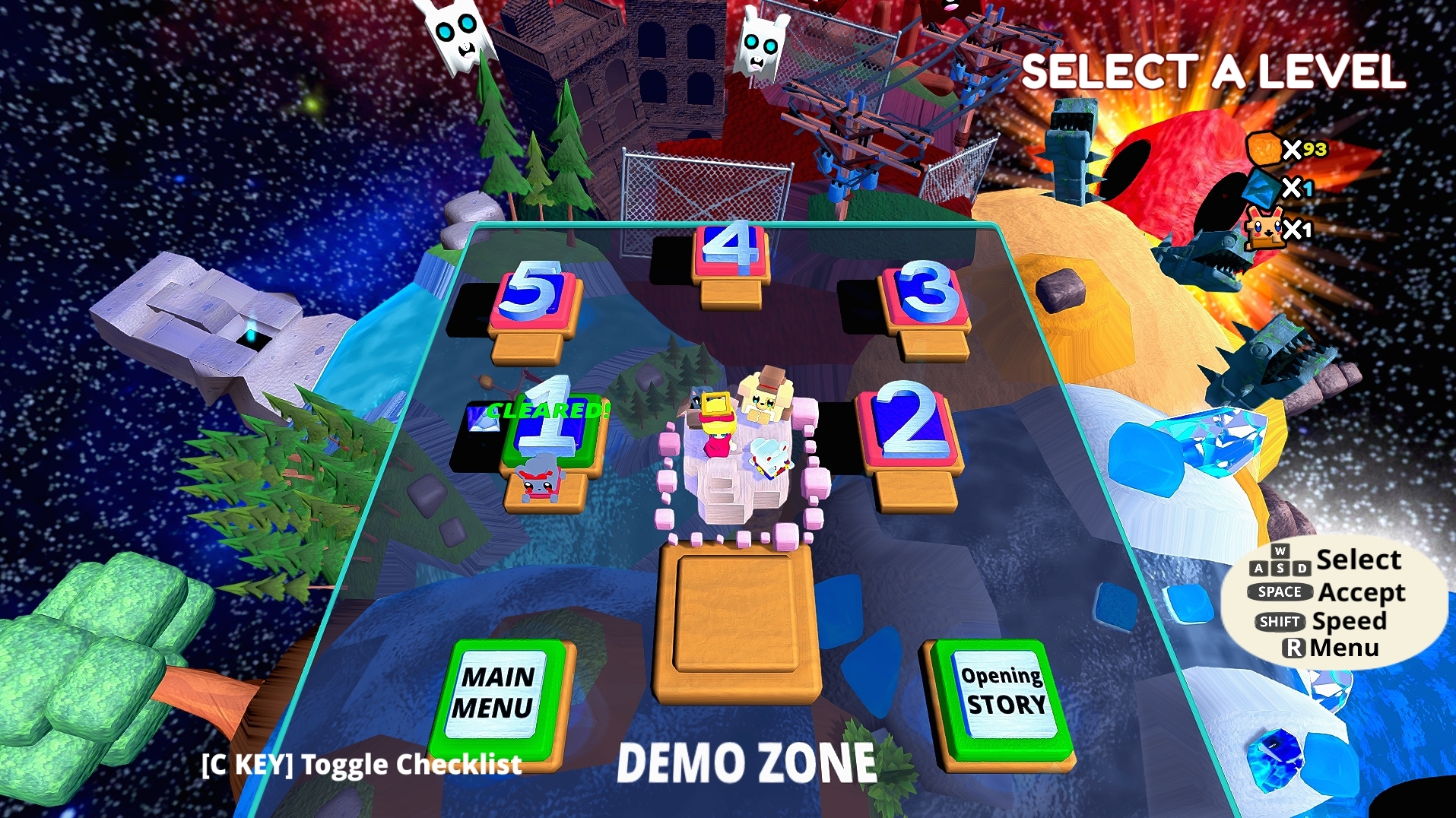
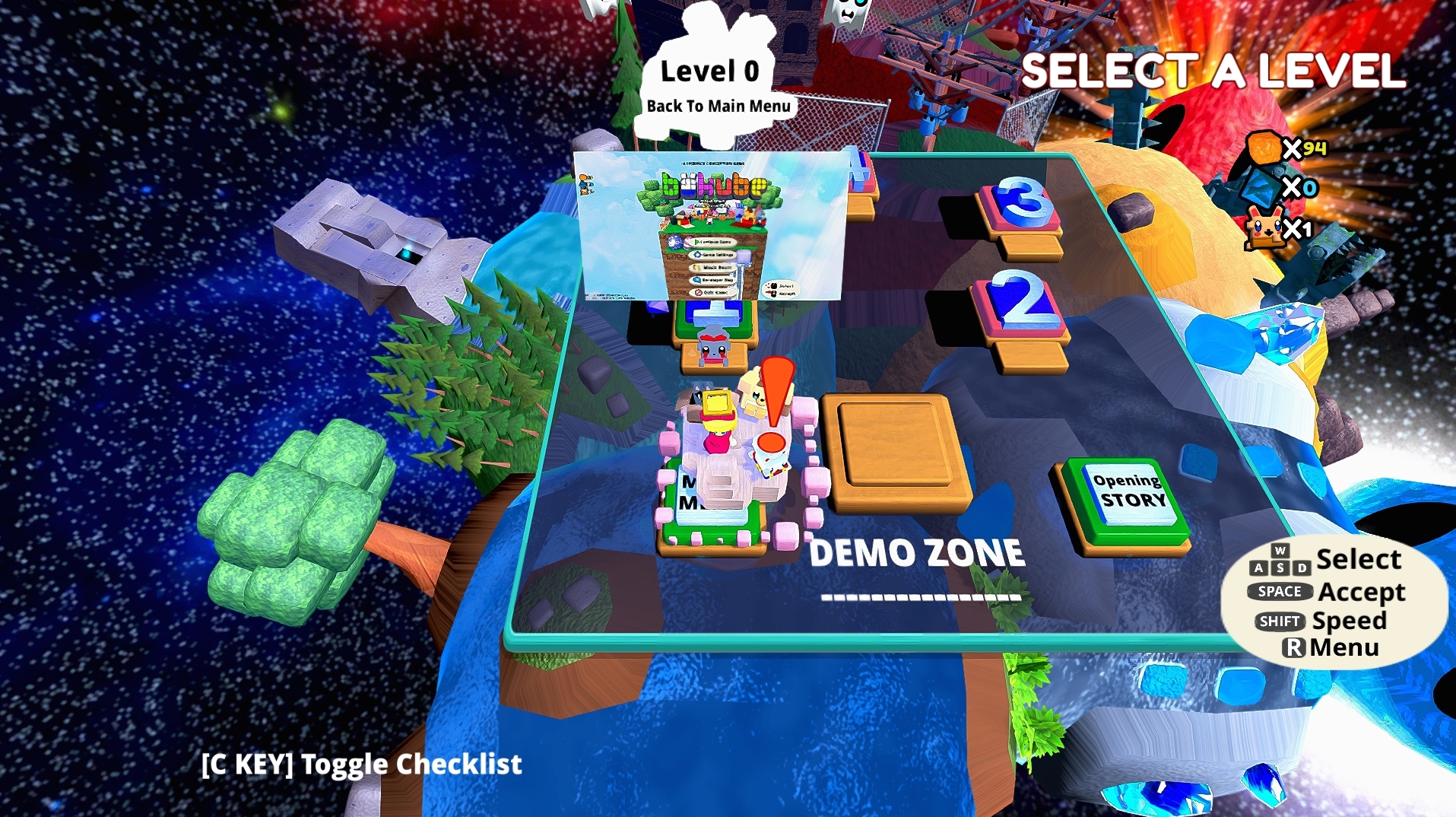
- Level descriptions on the world map look like placeholders. These white rectangles aren't cute, either add some kind of a border or cut a fancier shape.
I enjoy it so far even if it's kinda difficult at the very beginning, I feel you should make your starting levels much easier. If you get the option for foregrounds to disappear when the view is obstructed then I'll be happy.