Hello, there!
I'm assuming you have Windows, right? Here's a little tutorial on how to open it:
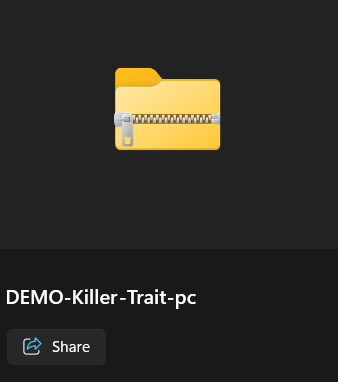
1. Double-click on the folder you downloaded. It should look like this; a folder with a zipper.
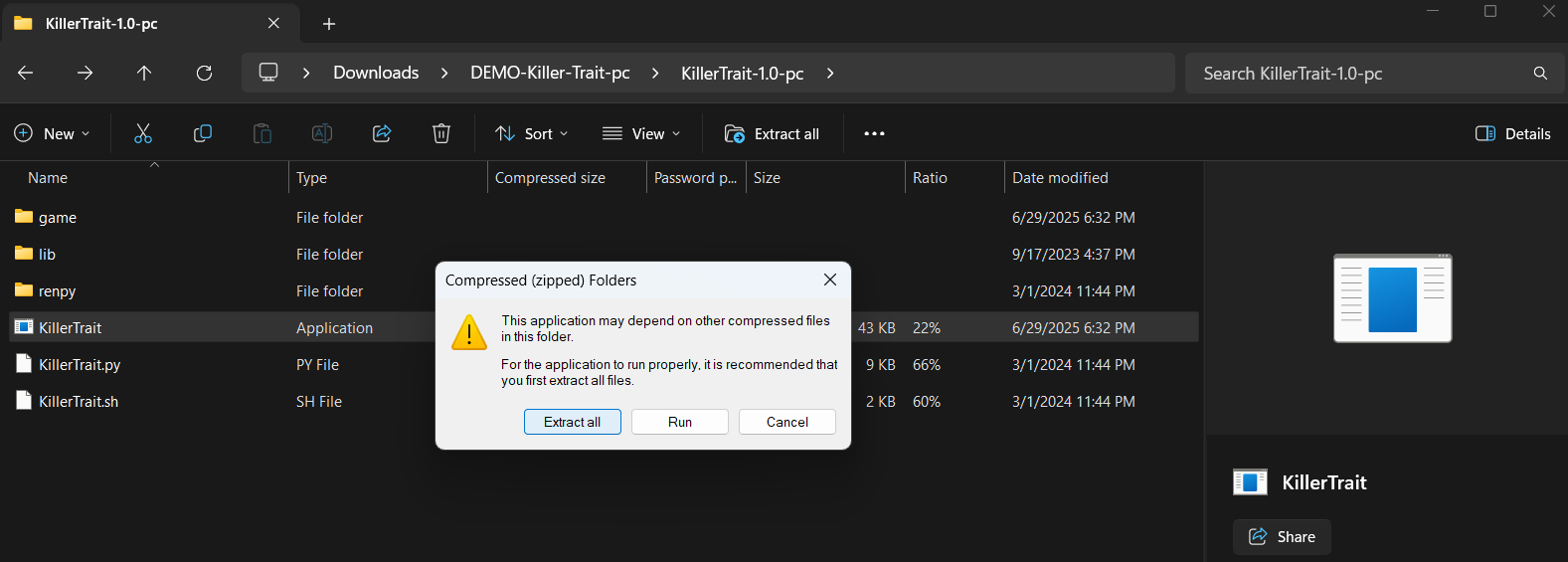
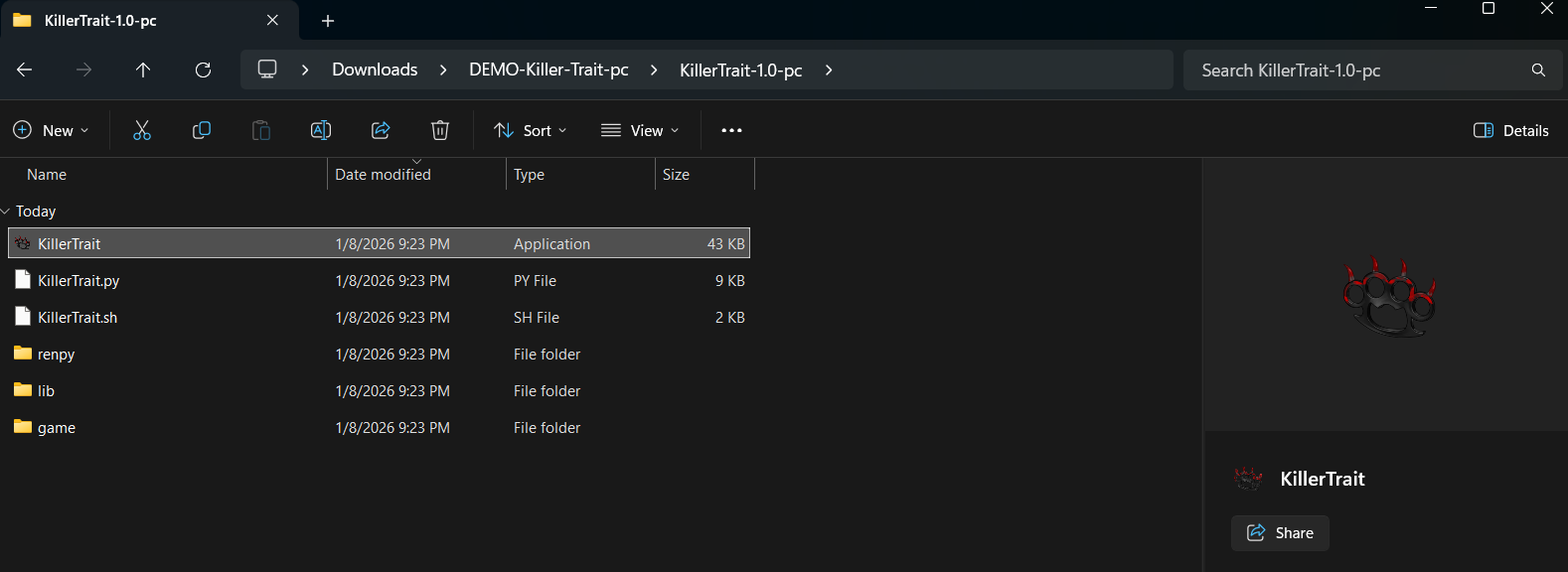
2. Inside the folder, look for the KillerTrait file that says "Application" on the type of file.
Double-click --> Extract All --> Extract.
3. Once it has finished extracting, a new folder should automatically open for you. It's similar to the first folder, it has the same name, only this one doesn't have zipper.
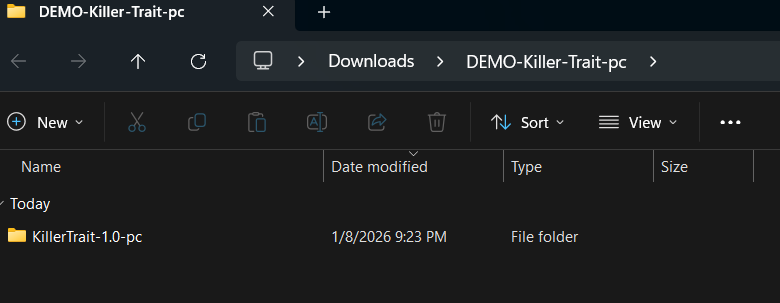
4. Open the folder and it should take you here. Double-click on the Killer Trait icon that shows brass knuckles with claws and blood on them.
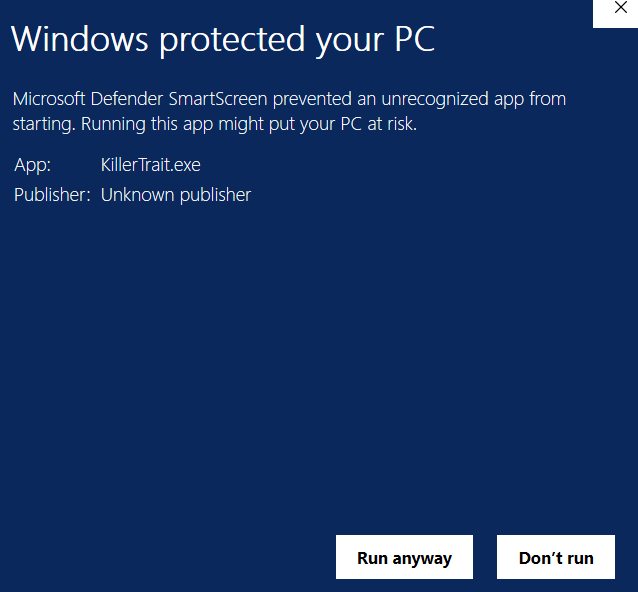
5. It's very possible that Windows Defender will see the file as a threat. It's not, so don't worry. Click on "Run anyway" and this should open the game for you!