

Yeah, I think so? At first I was confused about the controls, was trying to figure out what to push on the keyboard. It became apparent pretty quick to click on the salvage objects and then pick upgrades as you encounter them.
The main thing I found myself wanting was a way to go in a direction without clicking a target on the screen edge. Like... yes I realize the warp gate is too far but I do want to go in that direction even though I can only see salvage options in the other direction.
I agree on the targets being a bit too close to the edge, makes them harder to notice and click on. BohFam could put the target a short distance from the edge instead and just add a line pointing to the edge from it, that way it's not too in the way while also being more visible and requiring less mouse movement to interact with. Quick concept image: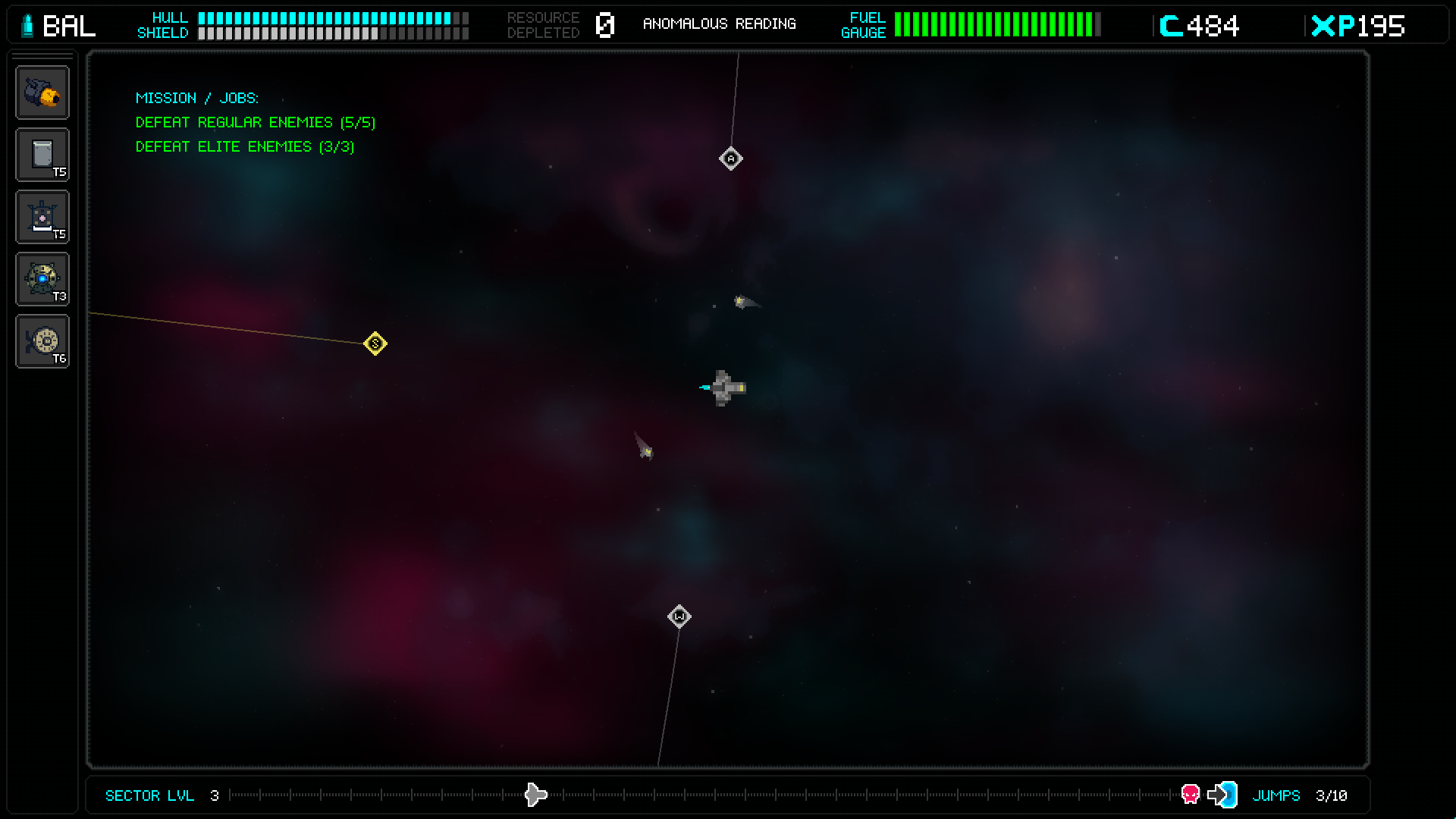
Here I scaled the one on the side to roughly 50% the distance and the top and bottom ones to about 25% (eyeballed it) to keep them more out of the way.
I can see them getting maybe a little too much in the way but it's just an idea I had. Might be a little annoying to add if the distance scales with the relative position on each axis like how I did it in the concept, but it shouldn't be too bad. The idea would be that they spawn on an ellipse centered around the player like so: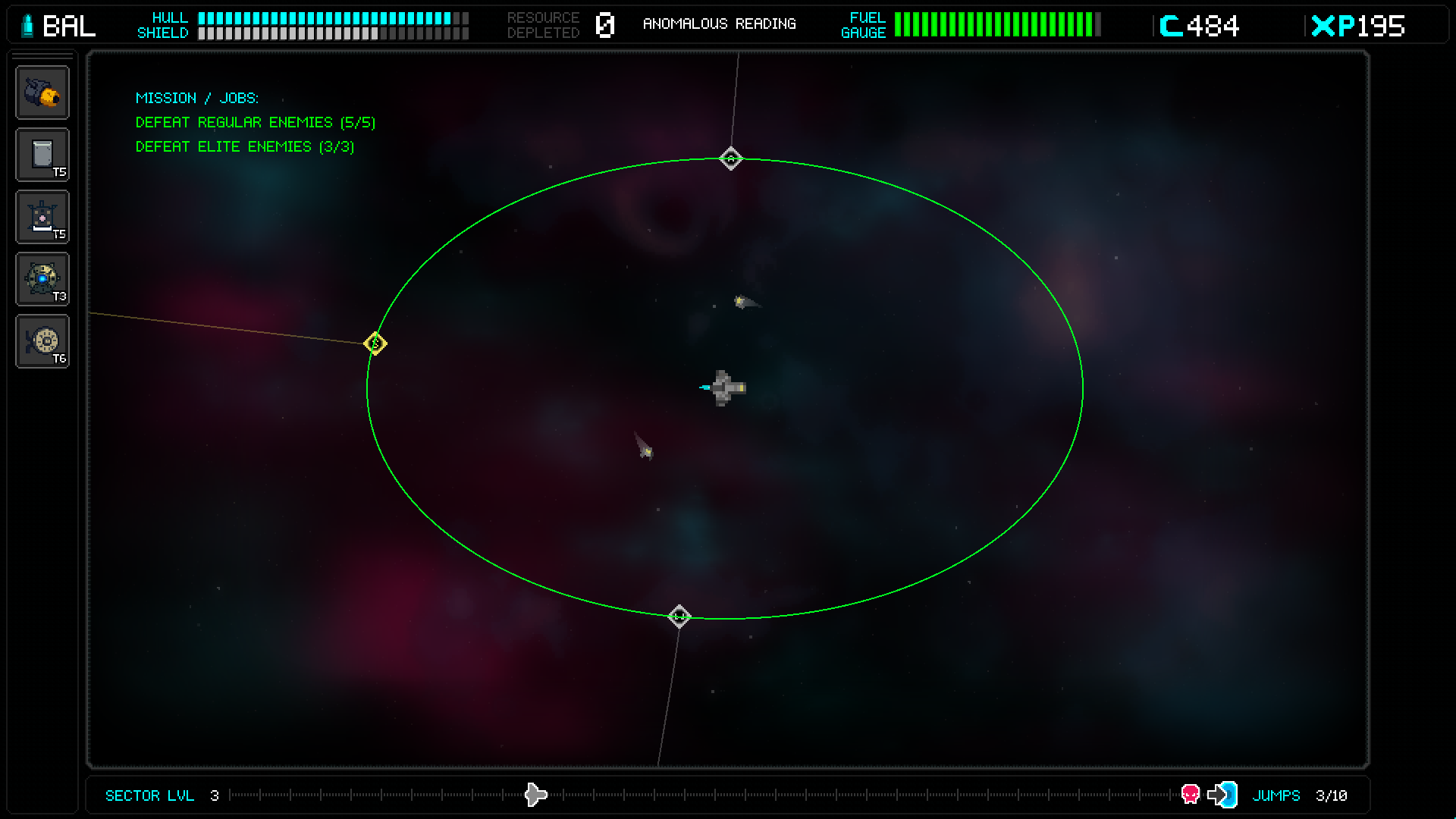
Making this did make me realize that the player's ship is about 11% closer to the top than the bottom, which is an interesting choice (unless it was accidental), but it feels fine in game so it's fine.