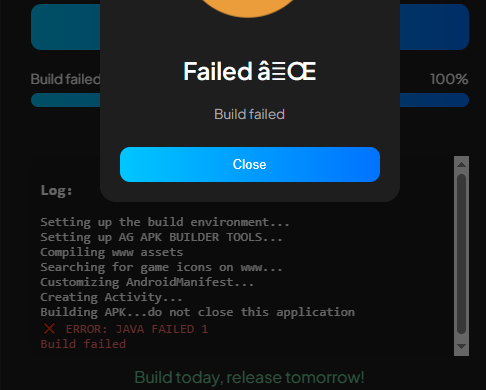
Hi bro, to use this, you must fill in all the required details.
1.Fill in the game name, for example:
anangame
2. Fill in the package according to your game, for example: com.anangame
3.enter your game version. If this is your first game, it's 1.0.0; if this is the second update, you can enter 1.0.1 and so on.
Then, select the deployed RPG Maker project folder, and the folder must be named www. I haven't released a tutorial yet. Maybe I will release one for a future update.
Hope this helps, if you have any other questions just ask, I'm happy to answer them