

It never stopped working for me, so I'm not sure what could be causing the issue on your end 🤔 Are you using the Save to Disk feature, or the .twinedata file to import them? The files created with the Save to Disk option won't work. It has to be the .twinedata file that you get at the very end.
Yeah, those symbols are the variables. If you see them it's because it hasn't imported your choices. Here's a step by step to make it clearer!
1. Once you reach the last page of Act 1, you get this button that you have to press to save your choices.
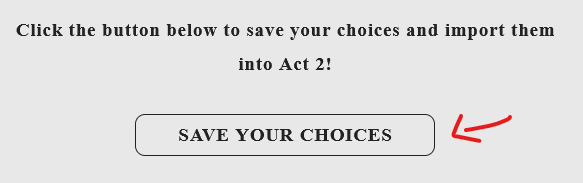
2. This file will automatically be downloaded.

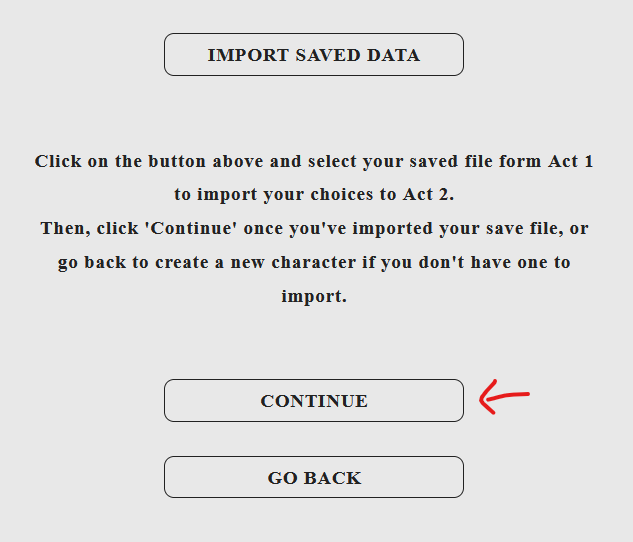
3. Now, in Act 2, select to import your choices from Act 1. (It only works on PC)
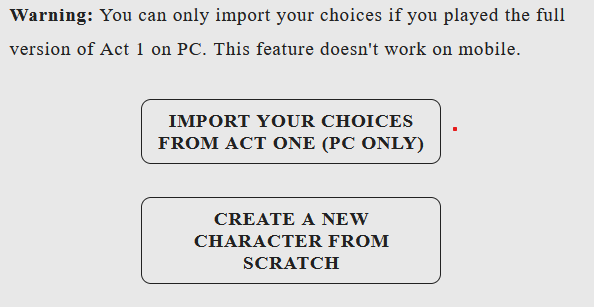
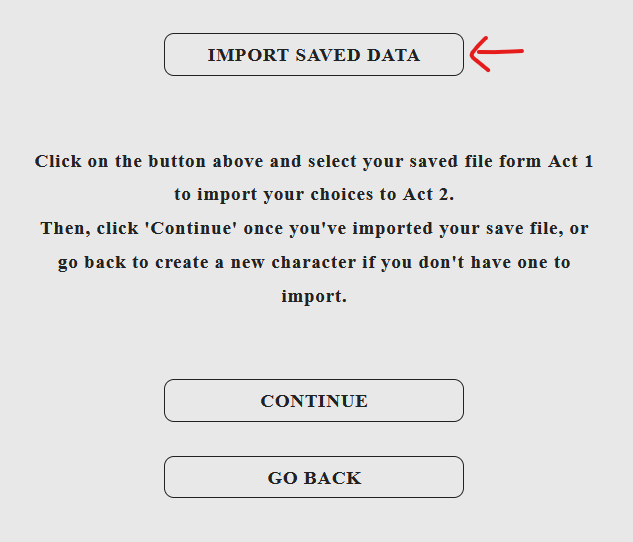
4. Now press the button that says Import Saved Data.
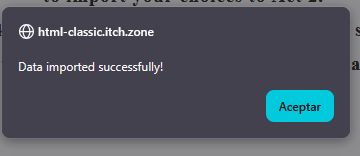
5. You'll get this pop-up message that says the import has been successful.
6. Now press Continue.
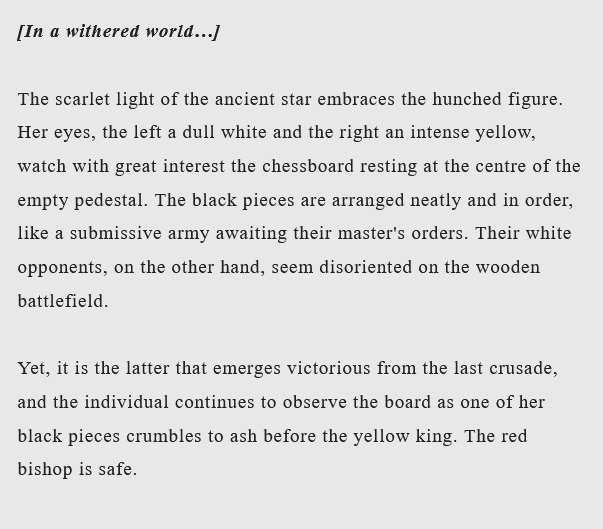
7. And your choices from Act 1 are loaded.
Hope this helps!