
On Sale: GamesAssetsToolsTabletopComics
Indie game storeFree gamesFun gamesHorror games
Game developmentAssetsComics
SalesBundles
Jobs
TagsGame Engines

Formamorph

Every choice transforms your body and shapes your adventure · By FieryLion

Increasing text size or zoom?

A topic by TheFairyMan created 98 days ago Views: 236 Replies: 5
Viewing posts 1 to 2

Is there any way to increase the text size or add some zoom? Currently the text displayed is way too small to read properly without getting super close.

I tried looking at the settings, but didn't find anything.

have you tried change "Base Font Size" in settings?

Sorry for the delay in the response.

But, I have not found such option in the settings. I looked both during a game and in the main menu,  it never showed up.

I'm using the latest version, the v1.2.0.

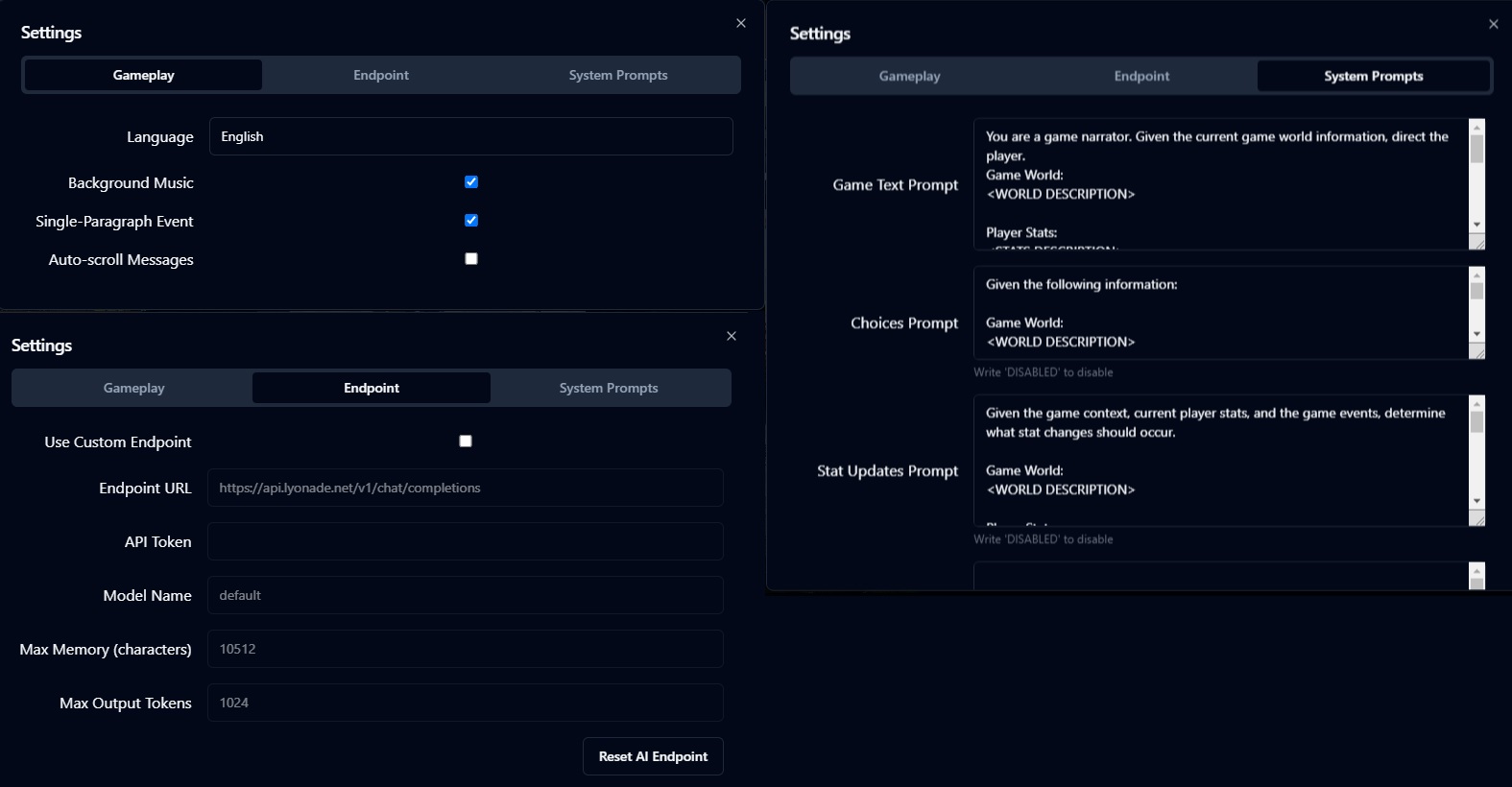
There are all the settings I have available: 

Weird. It should be under Gameplay, but the one you are showing is shorter than the version I am seeing.  When I click the settings cog, below Auto-scroll, there's a Base Font Size and then Font Family settings.

I think I see the issue, are you using the browser version? Because in the browser version I see the option to increase font size, but on the downloadable version for Windows I don't.

I was using the downloadable version, so I can play when my internet is down too. I'm guessing that maybe the Browser version is newer than the versions available for download then.
Ah, yes, you're right about me using the browser version. That must be it then.