

Sorry for the delay in the response.
But, I have not found such option in the settings. I looked both during a game and in the main menu, it never showed up.
I'm using the latest version, the v1.2.0.
There are all the settings I have available:
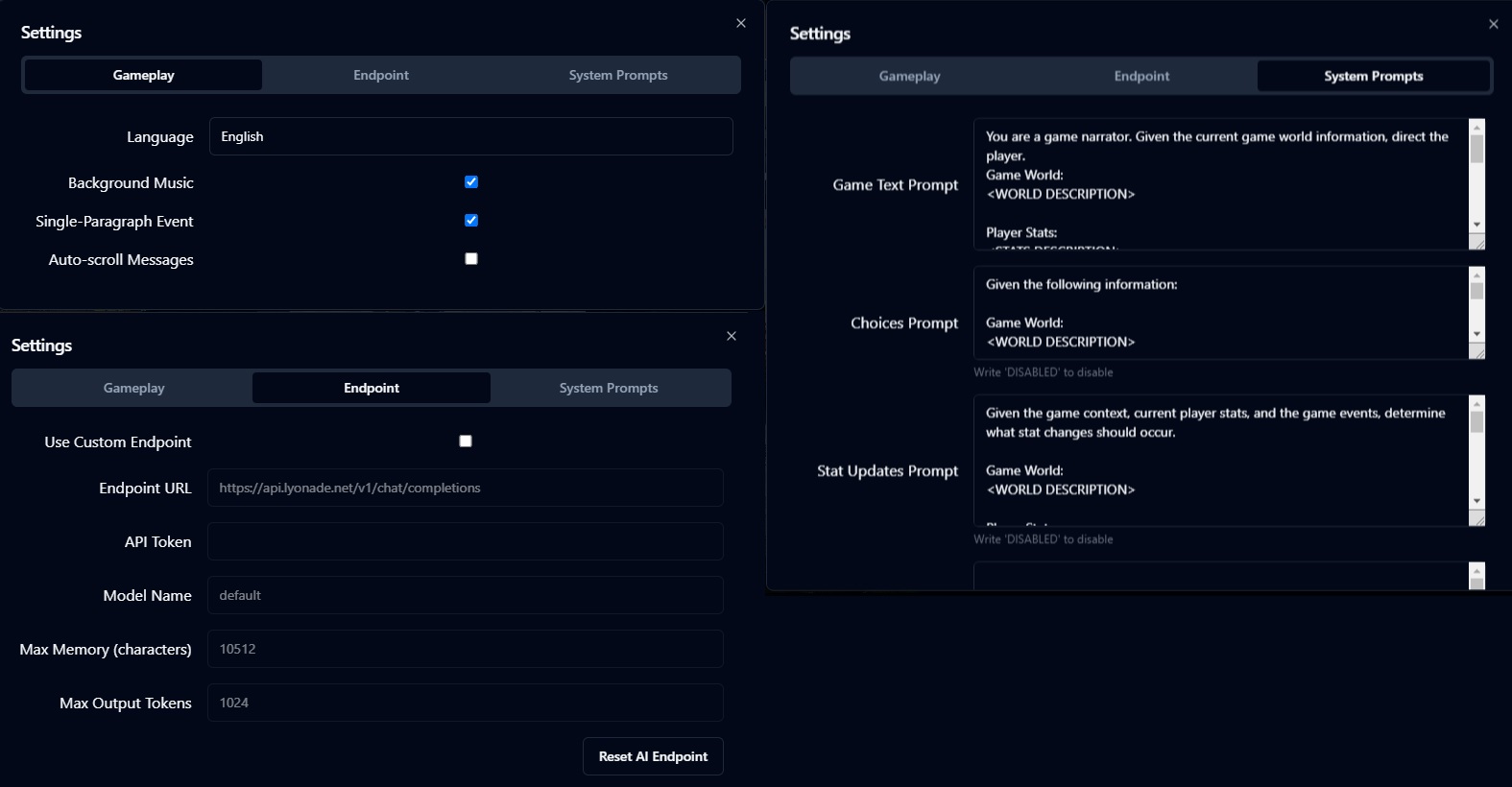
I think I see the issue, are you using the browser version? Because in the browser version I see the option to increase font size, but on the downloadable version for Windows I don't.
I was using the downloadable version, so I can play when my internet is down too. I'm guessing that maybe the Browser version is newer than the versions available for download then.