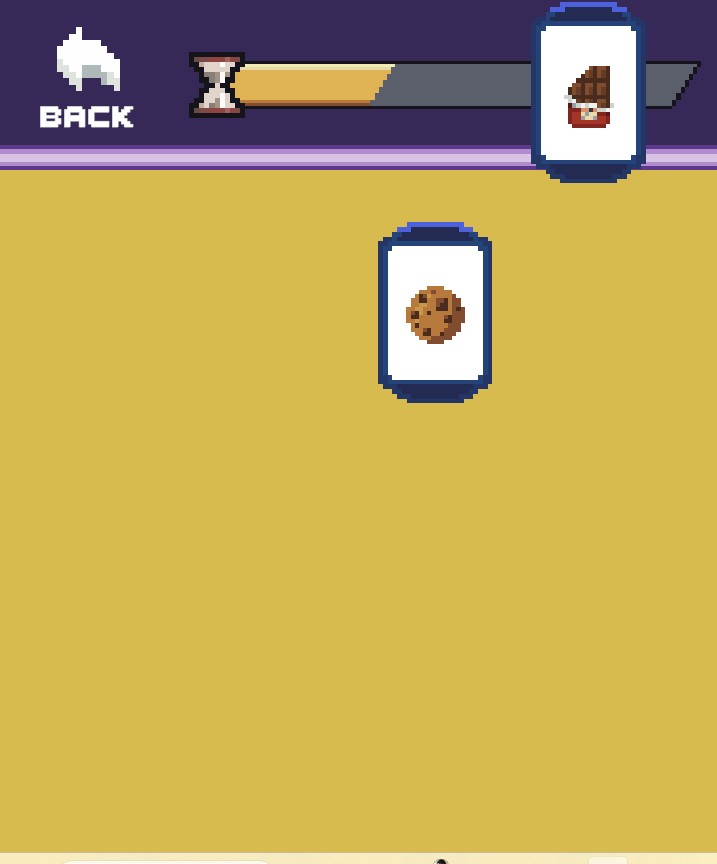
I made a shortcut but can you give me instruction on how to use target field under properties as a temporary fix -popupwindow -screen-height 1280 -screen-width 720 -screen-fullscreen 0 where there its right button or something?
So you wanna right click the shortcut that you made and select properties, when you do that the target should be highlighted already and it'll say something like "C:\Whatever\gacha_funsies_windows\windows\Gacha Funsies.exe". Paste -popupwindow -screen-height 1280 -screen-width 720 -screen-fullscreen 0 after the " and run the game through the shortcut.