

I had the same error - if you just keep hitting ignore like 20+ times the game will continue.
Also, it's shader error, which means it's probably being caused by some special effect being turned on. It happens after this scene for me: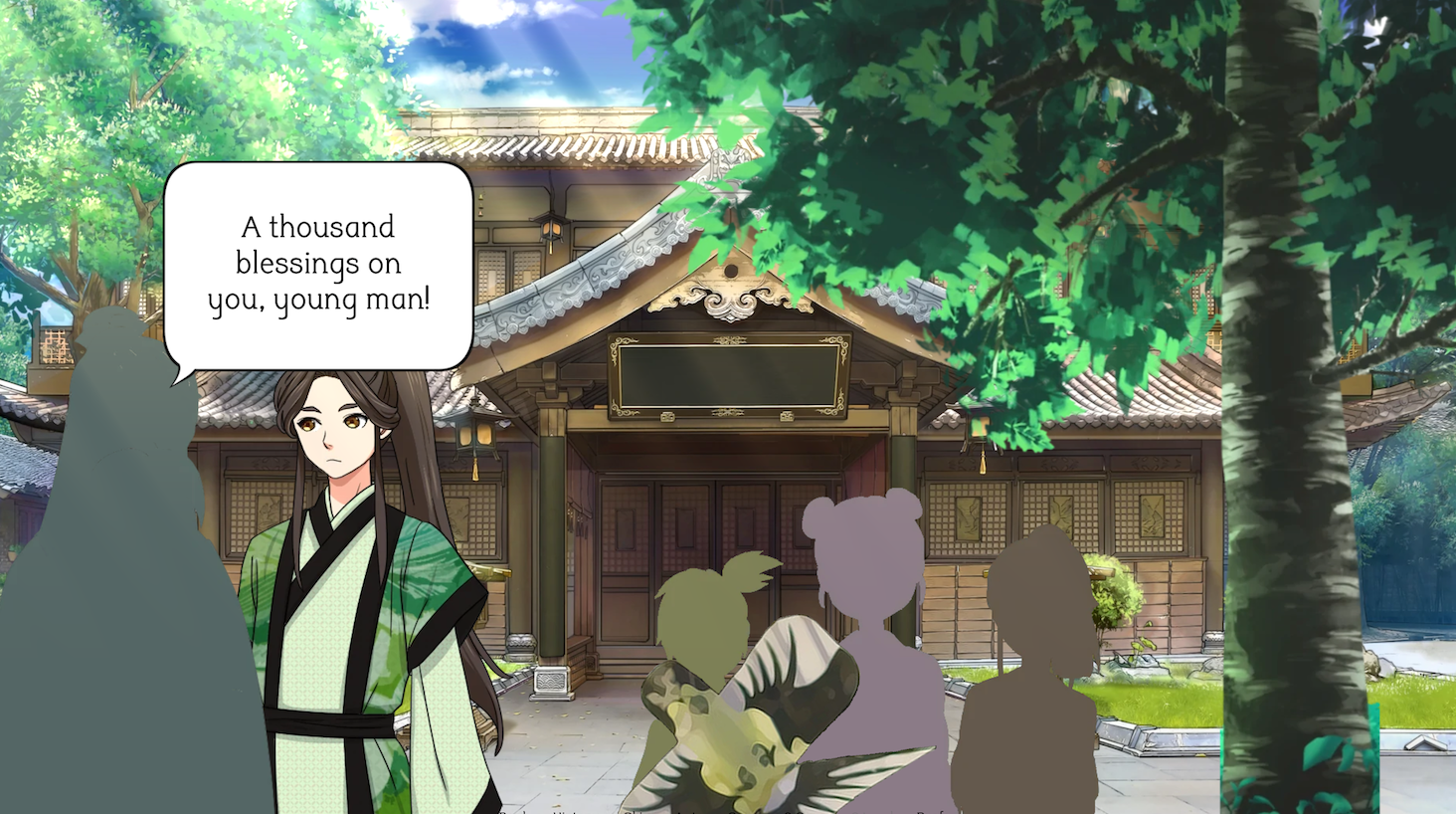
the actual fix would be to modify the shader code itself - remove any lines like
precision highp float
precision mediump float
precision lowp float
The "precision" keywords are for OpenGL ES (web builds), however, they will cause errors on desktop applications, hence the exception.