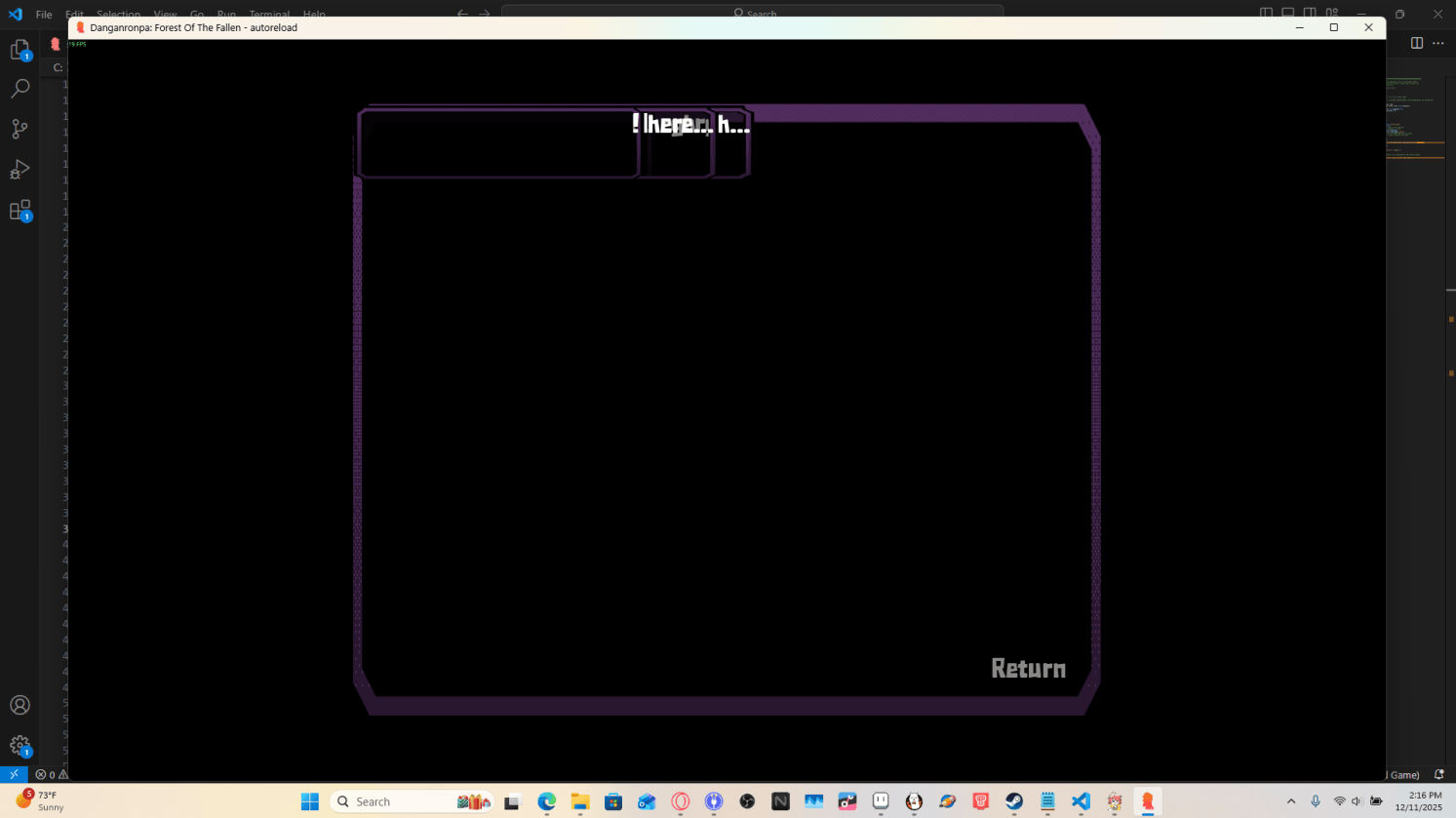
Hello!! I'm trying to use this template with code to make a separate history menu
(https://lemmasoft.renai.us/forums/viewtopic.php?t=48322, where i have the code to normally separate the history screen)
Is there a way to use these together? As this one is EXTREMELY helpful to have, and I really want the more custom history menu!
Thank you!!
Hey there! Yeah it's set up so you can do whatever you want with the screens. In particular, you can just delete the line `use game_menu(_("History"))` from the history screen (+ remove the background if you want) and move the viewport over to style it however you like. Or copy that code in if you want, so long as it doesn't reference gui values that aren't present in the template.
You'll replace it with actual numbers. You can make a new project with the default Ren'Py template and copy over the actual values of any gui value that shows up if you aren't sure. Something like
background Frame(["gui/frame.png"], gui.history_frame_borders, tile=True)
can just be
background Frame(["gui/frame.png"], 5, 5, 5, 5, tile=True)
There isn't really much use of the gui values in that code so you should be mostly fine to copy it over.
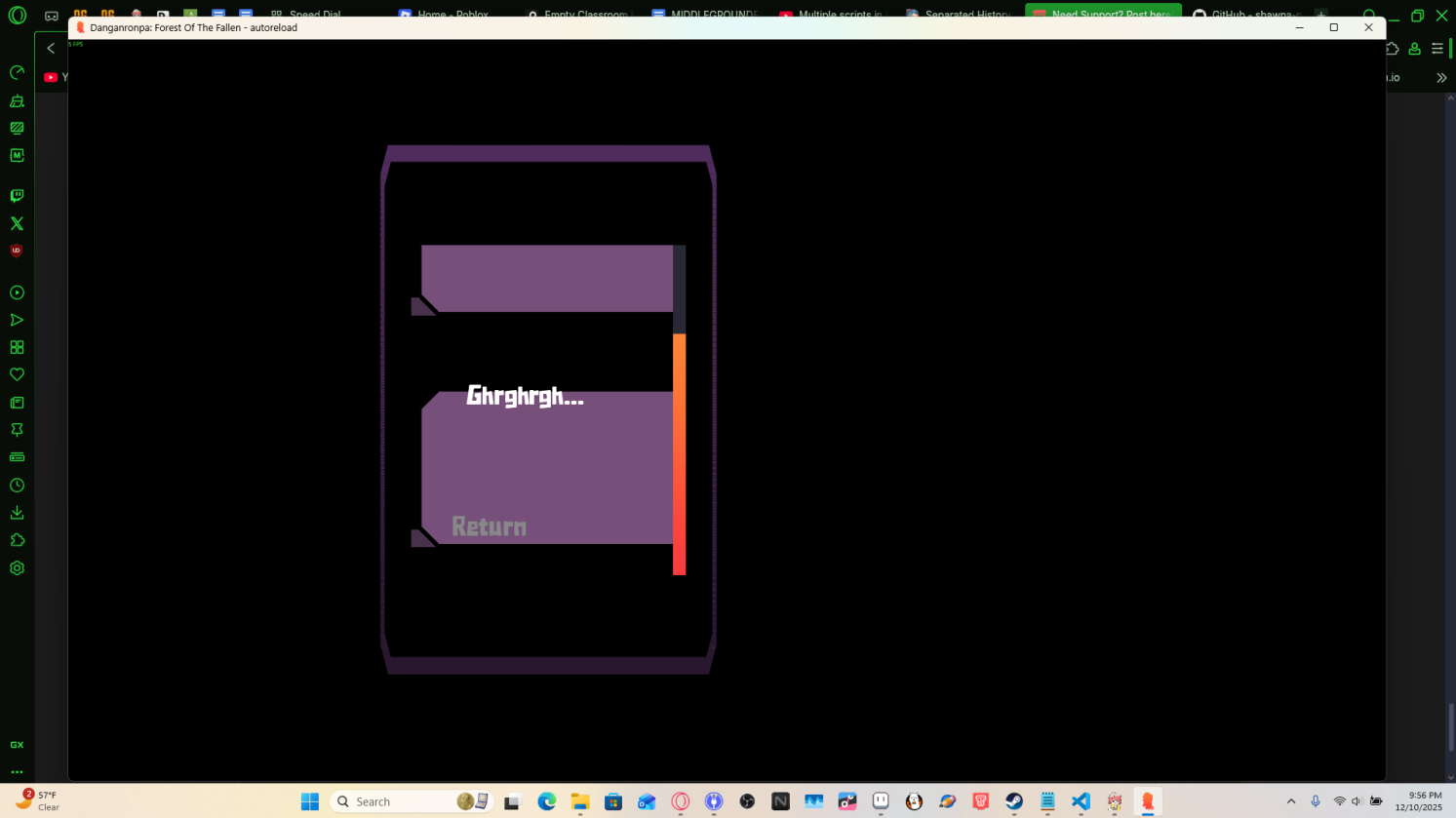
Looking closer, this code relies on the default layout of the history screen and the provided styles. The template styles use an hbox rather than a window + name label positioned individually. It'll be easier if you just adjust the existing code and modify it how you like. For example, you can modify the first few lines of the history screen:
screen history():
    tag menu
    ## Avoid predicting this screen, as it can be very large.
    predict False
    # add HBox(Transform("#292835", xsize=350), "#21212db2") # The background; can be whatever
    # use game_menu(_("History"))
    frame:
        align (0.5, 0.5) xysize (1450, 900)
        textbutton _("Return") align (1.0, 1.0) action Return()
        viewport:
            mousewheel True draggable True pagekeys True
            scrollbars "vertical" yinitial 1.0
            has vbox
            style_prefix "history"
Make whatever adjustments you like to the sizes of everything.