


Use case: I'm modeling a character in Asset Forge and would like to export the model in isometric 2D in four different angles. I'm using the batch angles feature in the exporter for this. However, it seems like the camera rotates around the model while exporting, instead of the model rotating and the camera being static. This means that the light direction in every frame is different. The two examples below illustrate this.
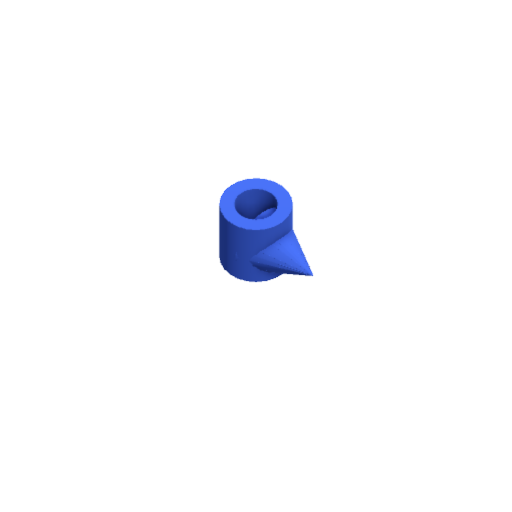
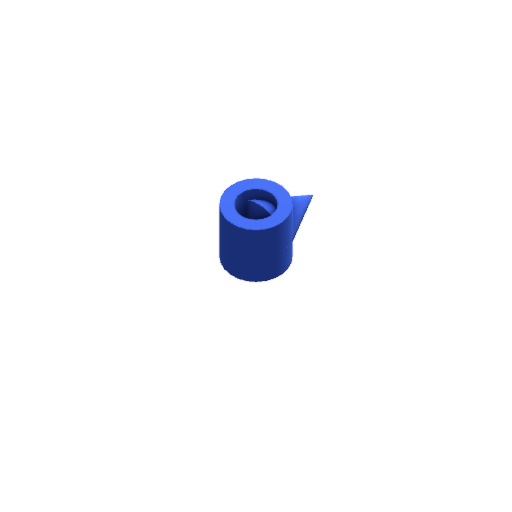
Intended behavior: Either an option to rotate the model instead of the camera and hence keeping the light direction the same or removing this behavior altogether. Personally, I would think most 2D games would have the light coming from one direction.