 Hey!
Hey!
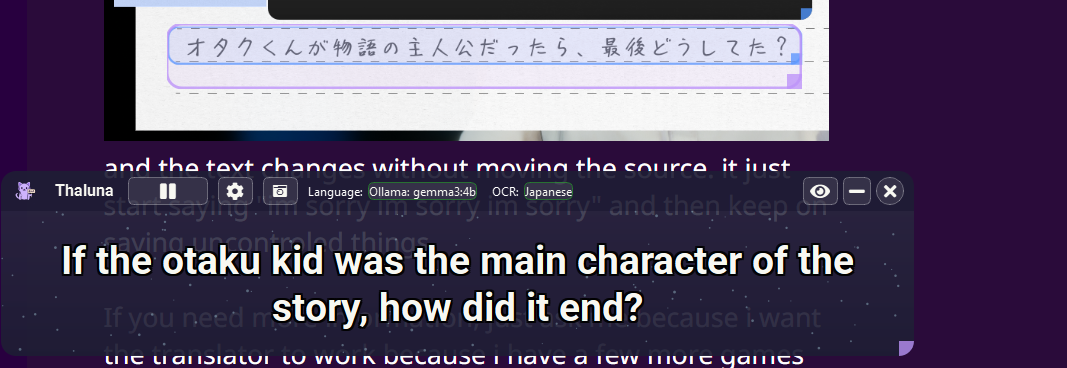
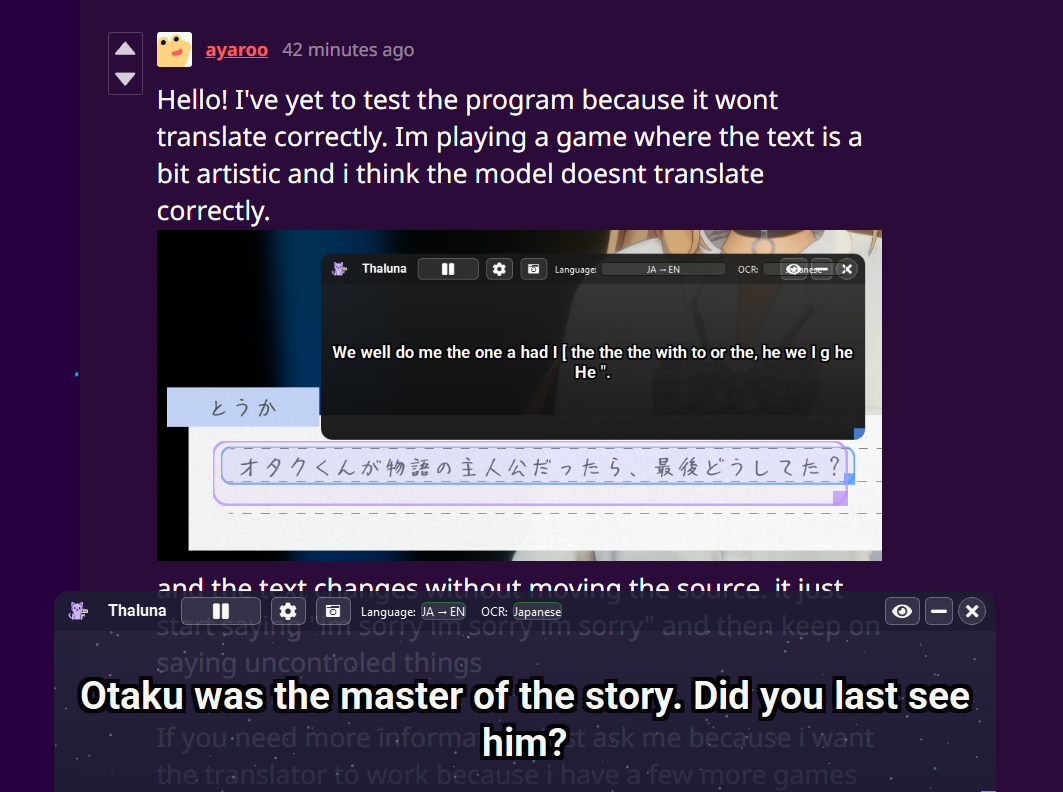
Thanks again for the report — I tested the same Japanese sentence on my side and I was able to reproduce the issue.
It looks like the OCR + translation pipeline didn’t fully refresh after switching languages, which can cause unstable output or repeated text.
Here’s an easy temporary fix:
Switch the translation model to any other one (for example EN→PL or EN→EN).
Switch the OCR mode to a different one just for a moment.
Then switch everything back to your preferred setup:
Translation: Japanese → English
OCR: Japanese
This forces a full internal reset, and after doing this the translation should work correctly again.
I tested the same line using the standard Japanese OCR mode and it worked fine after resetting it this way.
If you want higher-accuracy translations, models from Ollama (like gemma3:4b) generally give better JA→EN results than the default built-in model.
For this game, please switch from Pixel Text OCR to the Standard Japanese OCR mode — that’s the one I tested and confirmed working correctly.
I’ll patch this behavior in the next update so the workaround won’t be necessary anymore.
Thanks again for helping improve the app!
Here’s the result I got on my side after the reset on ollama