

1. Don't switch between old and new versions. This will affect your system and your savedata.
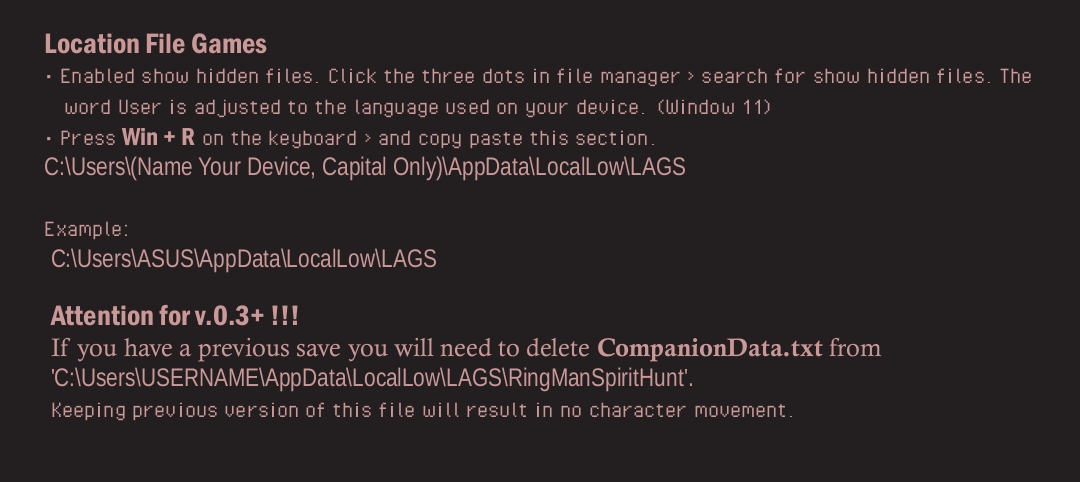
2. Delete companion.txt in the File Location section.
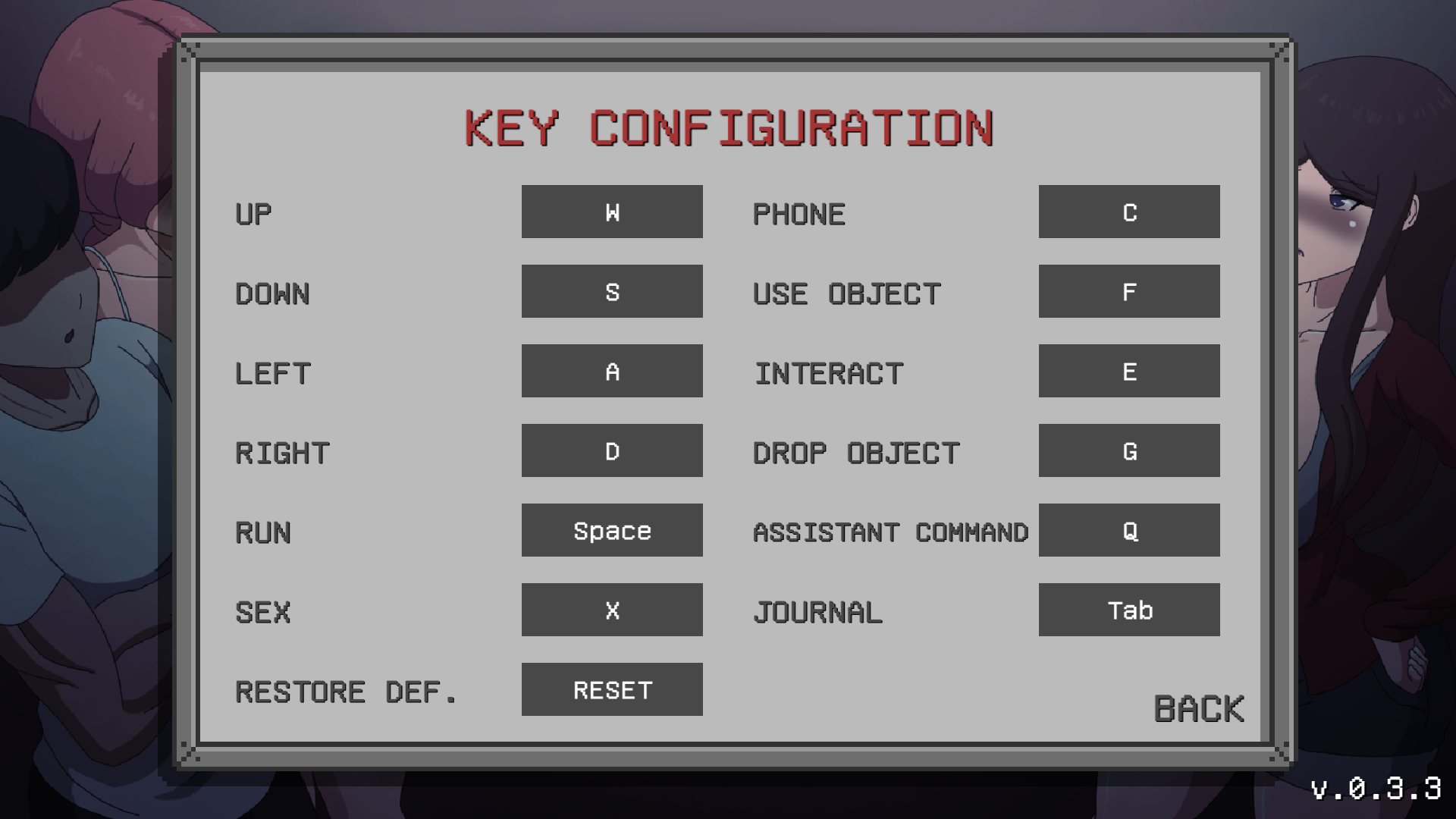
3. Check the key configuration section in the game's main menu: Main Menu > Options > Key Config. Reset the key; this will restore it to its orig Configinal state.
4. If all that doesn't work, try to deleting the extracted v 0.3.3 and re-extracting again file zip v.0.3.3.