

Just to add, you can use WASD on the title screen, but you can’t press space to enter the game—you have to click with the mouse. Once you're in the game, you can't use any keys, not even ESC. You can click the lights at the spawn point to turn them on or off with the mouse, but that’s pretty much it for controls.
1. Don't switch between old and new versions. This will affect your system and your savedata.
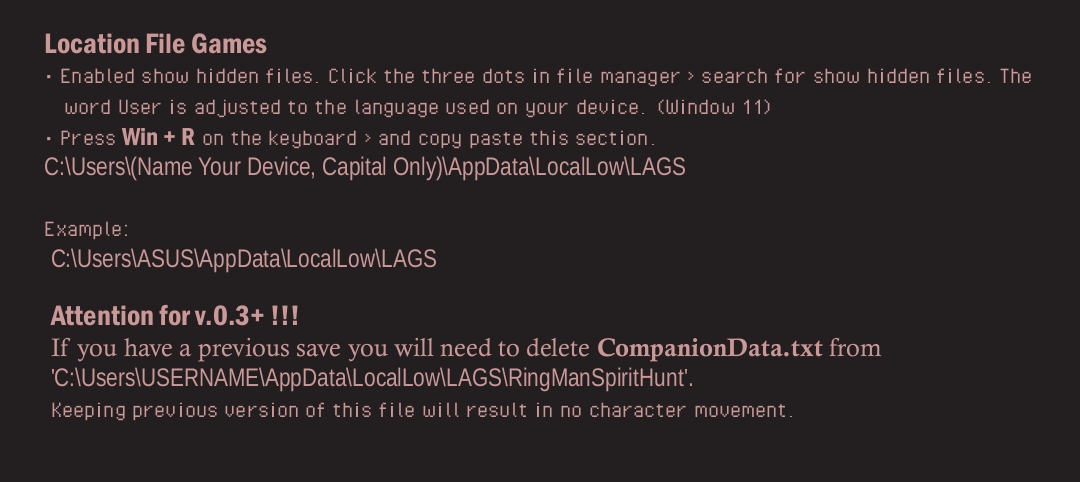
2. Delete companion.txt in the File Location section.
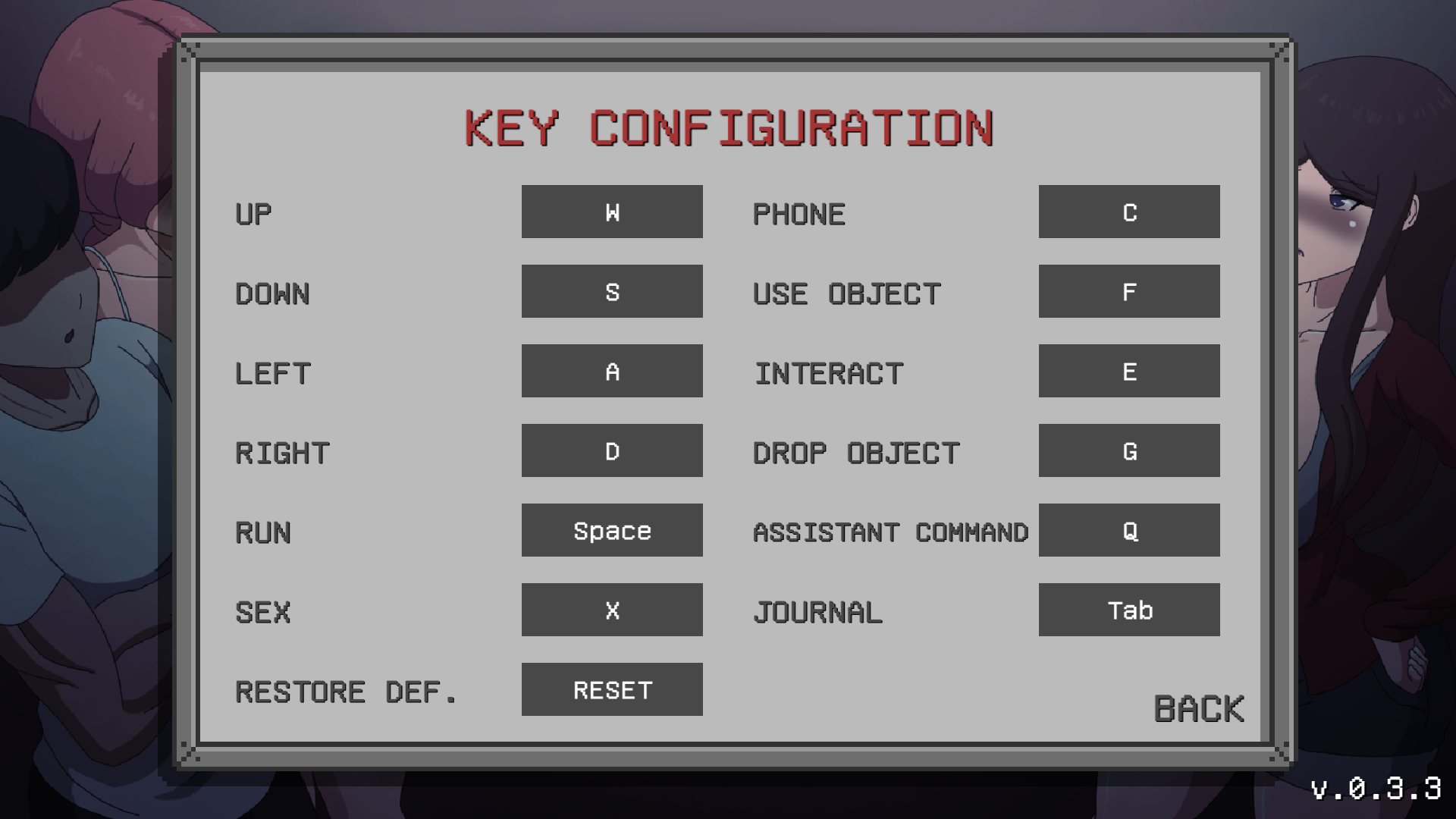
3. Check the key configuration section in the game's main menu: Main Menu > Options > Key Config. Reset the key; this will restore it to its orig Configinal state.
4. If all that doesn't work, try to deleting the extracted v 0.3.3 and re-extracting again file zip v.0.3.3.