Thanks for the feedback!
So you're saying you jumped past the last portal and didn't fall to your death and restart the level? That should be impossible because the player controller just triggers the death sequence when you fall below a certain y-value.
I did a lot of trying to create plane and box colliders to cover over all those hang up spots, especially on the building models. If you remember any particular places you got hung up that would be helpful to me. Ultimately, I considered redoing the colliders for the buildings by hand but didn't have time. I was just using a tri-mesh collider and letting the engine determine them. Faster for development, but well here we are discussing it. Also, the player already is a capsule shape unfortunately.
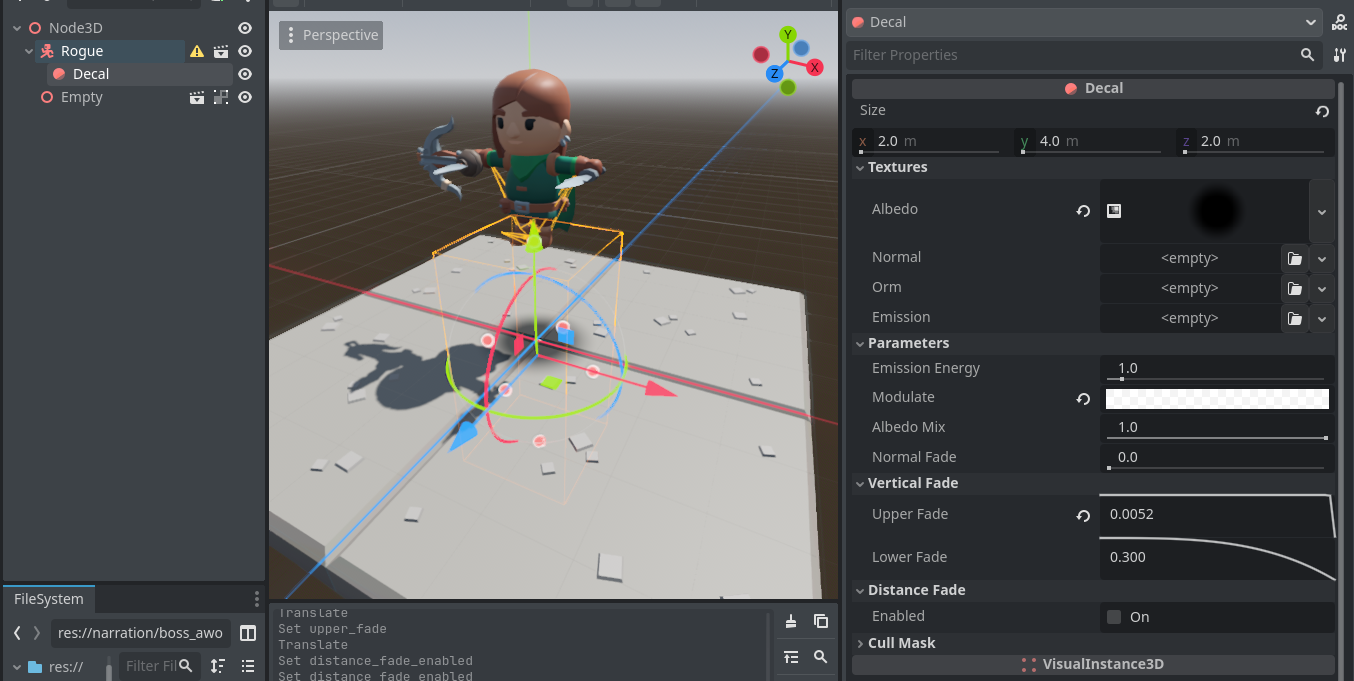
Unfortunately for the shadow, I did actually try to do that on the isometric levels. However he is actually casting a shadow, since it's a 3D environment. It's not a decal. When I put the light directly above him to facilitate that, the graveyard in particular was so dark you couldn't see much. But now that we're talking about it, I might be able to create a second directional light that *only* casts a shadow for him and nothing else. I'll look into it.
Speaking of shadows, I've been waiting for someone to notice his a distinct detail in his shadow on level 1:5. No one has yet. Ha.