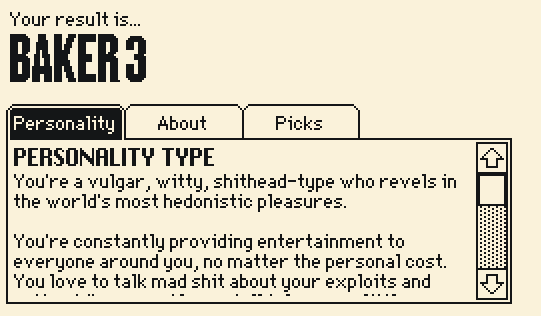
I'm going to assume you mostly want to use this to display the contents of Fields, so....
General explanation of how to repurpose this:
This contraption looks at the script of each of widgets that you name inside of it's properties window.
Literally, it's looking at the .script attribute of other widgets (or cards, the deck, etc) and displays them as plain text.
To display the contents of Fields instead we'll need to change the prototype script to look at the .value or .text of the named widgets and allow the Field inside the contraption to display Rich Text (if we want that).
As a reminder:
.text is for plain simple text (no fancy business).
.value (when we're talking about Fields) refers to Rich Text with the possibility of font changes, colors, links, inline images and so on.
(I'm assuming you want Rich Text so I'll use .value in my example.)
Practical explanation of how to edit it:
If you go inside the prototype of the contraption (File > "Prototypes..." or select a copy of this contraption, open it's properties and click "Prototype...") and look at it's script (Prototype > "Script..." from the menu bar)... well, there's a lot of neat stuff going on. But we only need to change two things in here.
Inside the "on change do" section of the prototype script, change...
target[].script:scr.text
to
target[].value:scr.value
Then... towards the bottom of the "on view do" further down in the script, look for the second-to-last line and change...
scr.text:target[].script
to
scr.value:target[].value
Finally... change the field named 'scr' inside of the contraption (it's the widget with a scroll bar) to display Rich Text by opening it's properties menu and clicking that option.
Hopefully that's all you need! Please let me know if it doesn't work, haha.
A backup plan:
If you don't want to edit it yourself you can grab the "sceneViewer" contraption out of the unlocked .deck file of this project.
(It's just the scriptViewer contraption with the changes I mention above.)