

1. This issue occurs when launching the game directly from the gallery after the initial startup.
If you start a new game or load a save file that is not in transparent state before beginning the game from the gallery, then return to the title screen and start the game from the gallery, this issue will not occur. As I said, this is because "Start the game in a transparent state."
As can be seen in the following image:
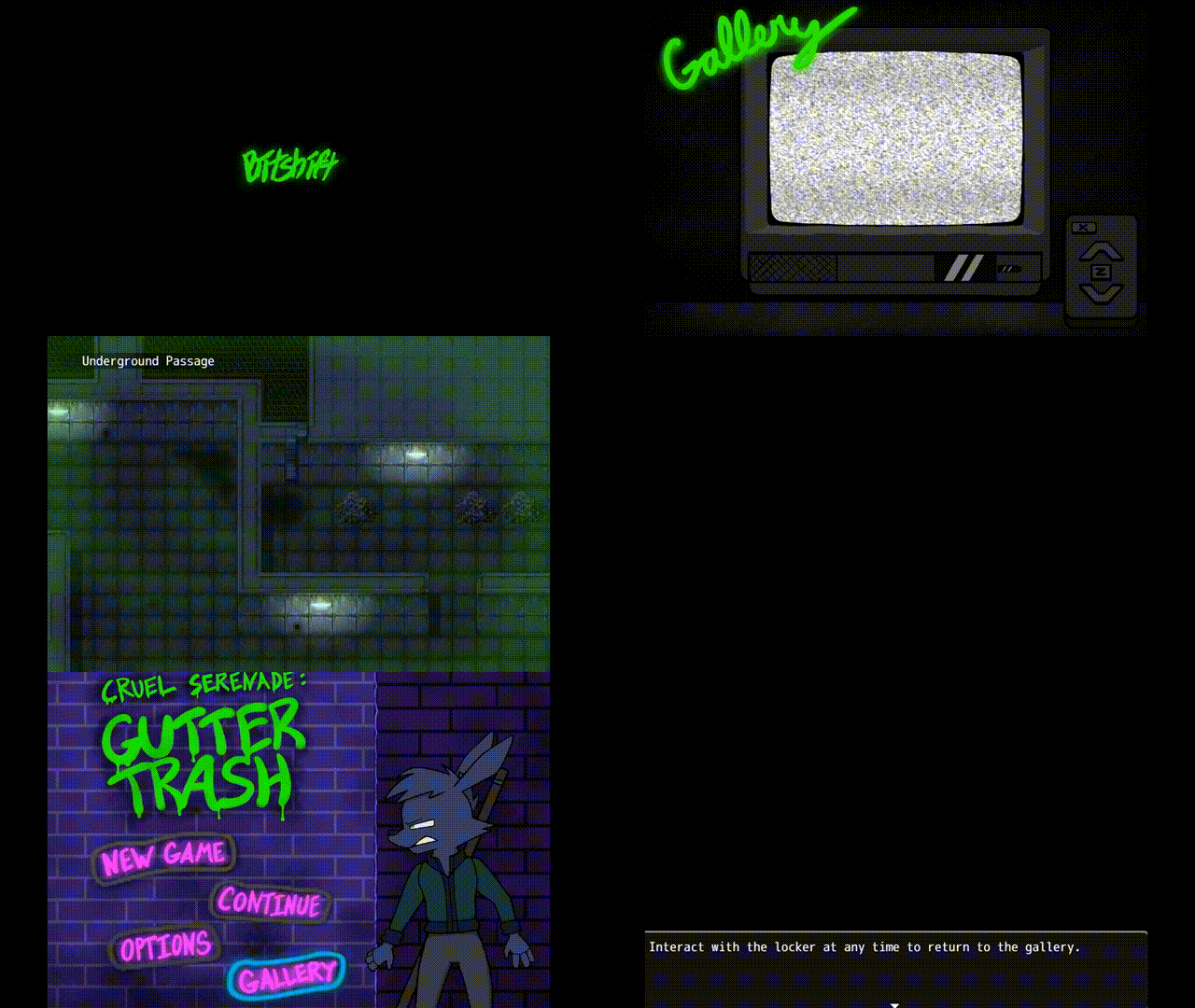
(Edit:There's an issue with this image—the final section has been cropped off. The end result is: After loading the save file once and re-entering the gallery, the character returns to normal.)
2. All scenes in the galleries! Including the PornStore scene, the character will also return to the map during the final part of the storyline, at which point he will be transparent.