

sorry for the long reply. Are you playing on an operating system other than windows? I think since I hard-coded a specific file-path in the computer directory it might only work on similar operating systems. I'll work on that for the next update, but please let me know if it's a different issue!
(Also, if you'd like to contact me more directly, I'm on bluesky under the same username, @footpawsaregreat.bsky.social)
364 days ago (+1)
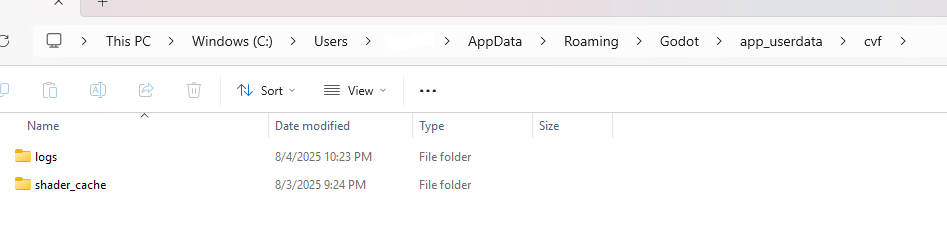
This is very confusing because the documentation says that the folder it created HAS to be writeable to (https://docs.godotengine.org/en/latest/tutorials/io/data_paths.html)
"the directory pointed at by <span class="pre">user://</span> is created automatically and guaranteed to be writable to, even in an exported project."
Have you had this problem saving with any other game made in godot? If so, then it might be something special on your computer making the folders unwriteable (I have no idea what would do that) or it might be a problem with how godot interacts with windows 11. If you've not had this problem with any other godot game then I'm cooked because I'm really struggling to fix this so far haha
EDIT: Confirmed on a friend's windows 11 PC that it works with that, I'm going to try testing on computers with multiple drives to see if that's causing the issue