

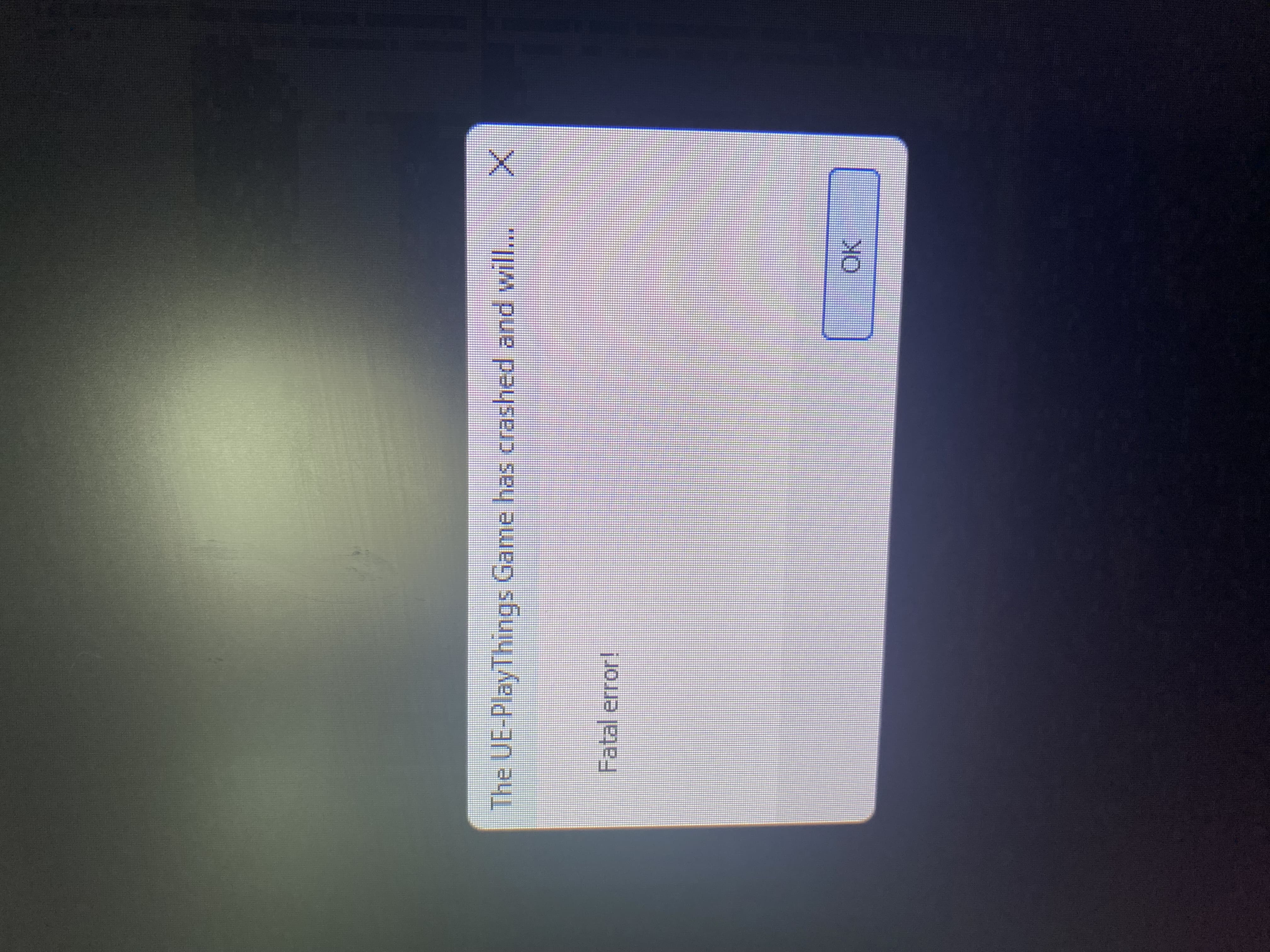
Thanks for your efforts! i really enjoyed watching gameplays. i think problem is my pc because same issue on another same kind game.
Thanks for your efforts! i really enjoyed watching gameplays. i think problem is my pc because same issue on another same kind game.
No problem! Ok "Fatal error" does not say much :P, but, from what I gathered, it may be outdated graphics drivers. You can go to your windows settings and to your hardware, in there, you should see your GPU (and it's driver). You can try to update it there, if it is not up to date.
This is not just for the game btw, it's good to have your drivers up to date, as you'll have all the new patches and newer games (or engines, that games are made in) rely on PC's to have updateded drivers.
Of course, it is not required. If the issue happened on another game, then I would recommend trying to update the drivers. If it shows to be too complicated, let me know, I'll do my best to give you clear instructions on how to do it, on your windows 11 PC.
I can provide some help here, I've been in this exact situation a long time ago with many other games.
I don't wanna be that guy, but sadly their hardware sounds like a budget Intel laptop or desktop and their iGPU is simply too weak to run it. Unreal Engine doesn't know how to handle it and crashes shortly after. I only know it's Intel because AMD laptops with Windows 11 support can handle the game (sort of.)
Amazing game BTW, I'll give it a full review when I get it streamed/recorded. Absolutely looking forward to the Endless update.