

You submitted the jam page correctly, that's why it showed as submitted. But it looks like you didn't include an upload of your game, so the submission got deleted because there's no game to play :(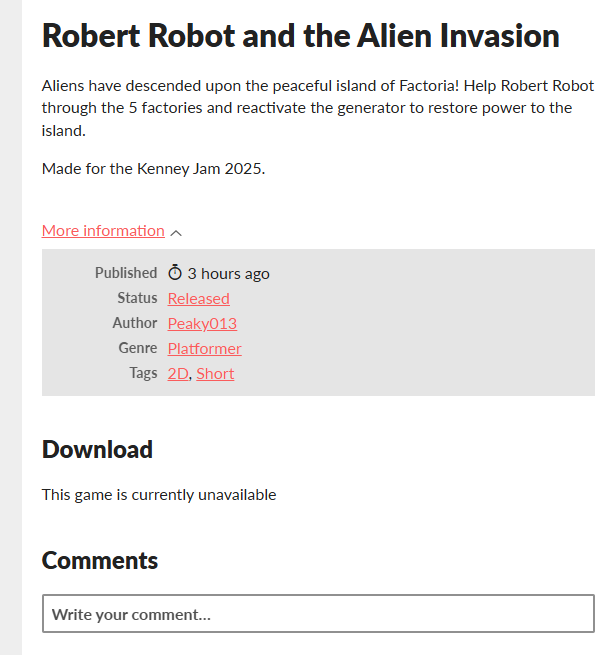
I'm not sure to be honest, this is from a 9 year old itch forum post, so not sure if this would do the trick :
Looks like your game is set to restricted.
- Go to your developer dashboard.
- Go down to the game that you want to edit
- Under the game's title, you should see see several links saying Edit, Analytics, Widget, and more. Click on Edit.
- Scroll down to the very bottom.
- You should see a section that simply says "Published." Change this to "Public."
The game should now be available.