

Update: I found a message for another user with a similar problem and managed to set the style everytime.
But we use the outline in the center text, so it's not working properly for those cases. Your {outlines} doesn't work, as it returns a missing outlines parameter. And you mention something about the jitter of renpy, but I'm really lost about that. Can you advise on what do you exactly mean?
Thanks a lot in advance!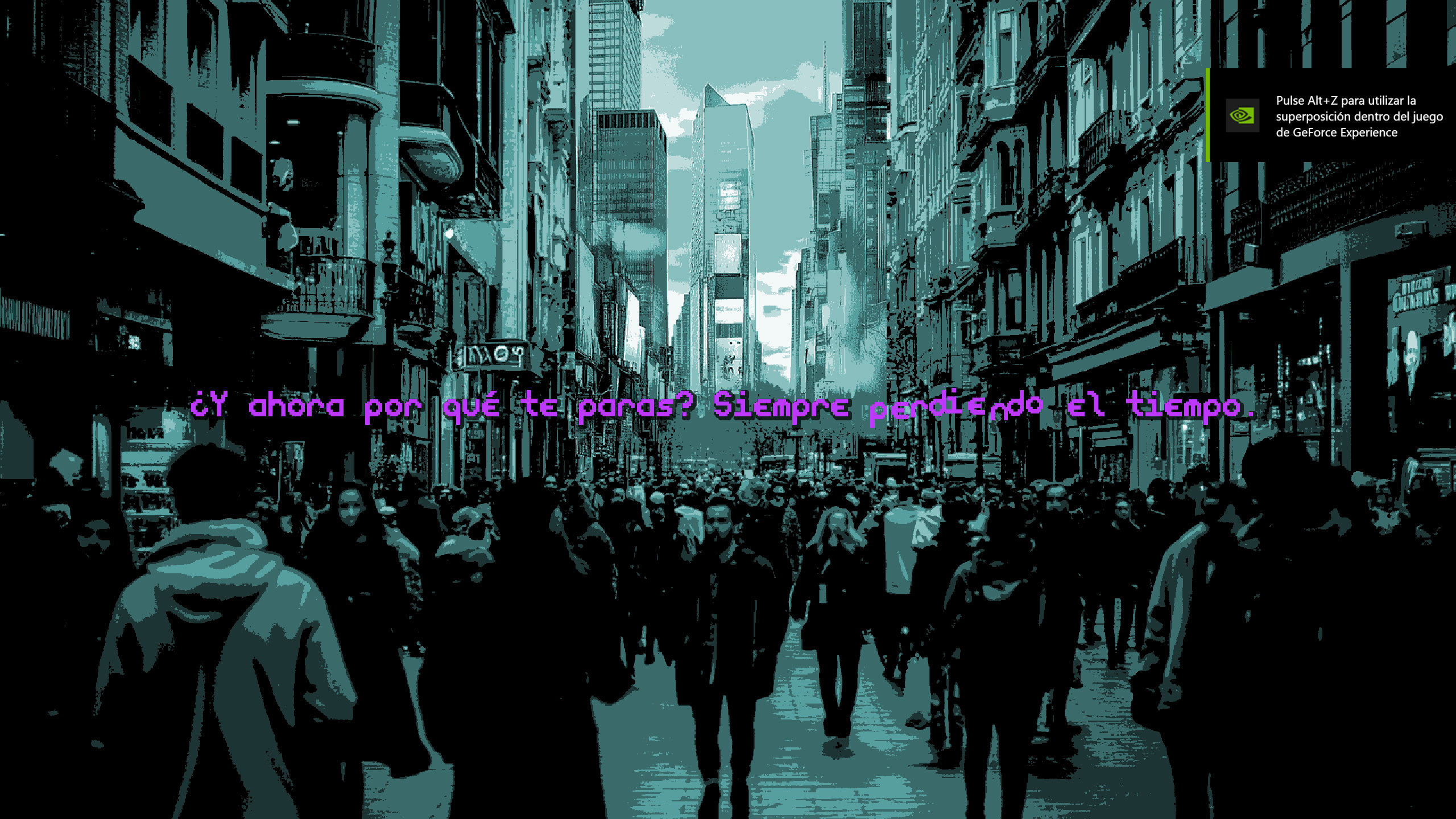
Viewing post in Ren'py Kinetic Text Tags comments
I probably should put out a patch but think if you fix my DispTextStyle code on line 72 to be
self.tags[tag] = value
and update whatever tag you're using by replacing a
char_text = Text(my_style.apply_style(char))
with
if "" in my_style.tags:
    char_text = Text(my_style.apply_style(char), style=my_style.tags[""])
else:
    char_text = Text(my_style.apply_style(char))
You should see some improvement. Hope that helps.
One update. We managed to apply your solution and the shadows now appear, but another issue appeared too:
1.- Now the kerning is broken and it adds extra spaces between letters.
2.- It ignores xmaximum, so lines are always out of the screen
3.- It ignores layout "greedy" or "subtitle"
We've tried to fix it by forcing the style even in the kinetic_tags_rpy declaration, but still doesn't work.
Any hints?
Thanks in advance!