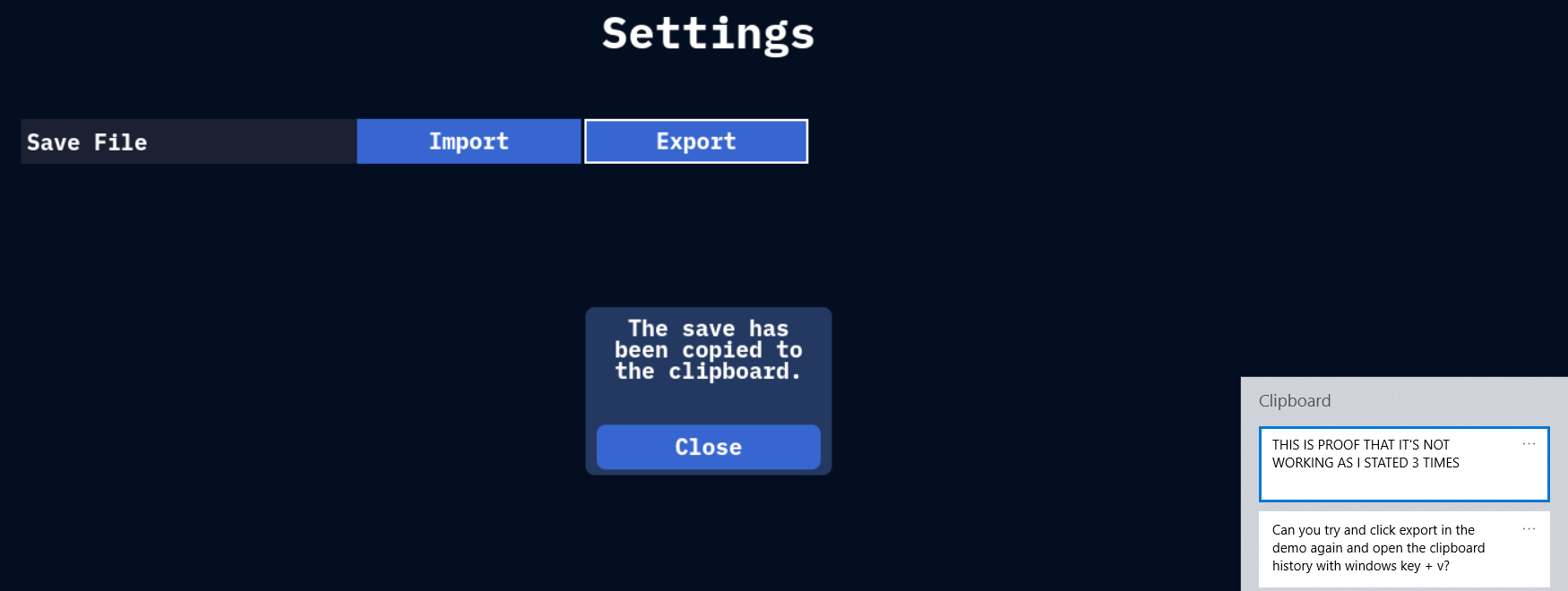
1. Clipboard is empty once that I press Export.
2. In the demo: If I click Import, it is empty, then I click export and then back at import, it states that the save is loaded. Despite the clipboard being empty.
3. In the downloaded game: If I click import, it is empty, then I click export and then back at import, it states the save is loaded. Despite the clipboard being empty.
4. If I try to export from the demo and import into the full game, it states that it is empty. Thus, again, no way to export from the demo to the full game.
5. As stated in my initial comment, the export function doesn't work unless it's inside of the same instance. The clipboard is empty upon clicking export.
I hope that you can understand the issue that I am having by placing it in this format.
As I was writing this, I tried to delete the game and reinstall it. I can now export from the downloaded game. However, the demo still doesn't show anything that I can export from. I've checked via my computer's clipboard, it shows the downloaded game's export but not the demo's export.