
On Sale: GamesAssetsToolsTabletopComics
Indie game storeFree gamesFun gamesHorror games
Game developmentAssetsComics
SalesBundles
Jobs
TagsGame Engines

OK, so what I did is searched my system and found the file referenced:

So I copied all three folders into the Paradise Trail\www\img folder, and merged them with the existing ones.

Progress!  I was able to save!  But when I load the game, it shows saves from both The Singing Scar and Paradise Trail:
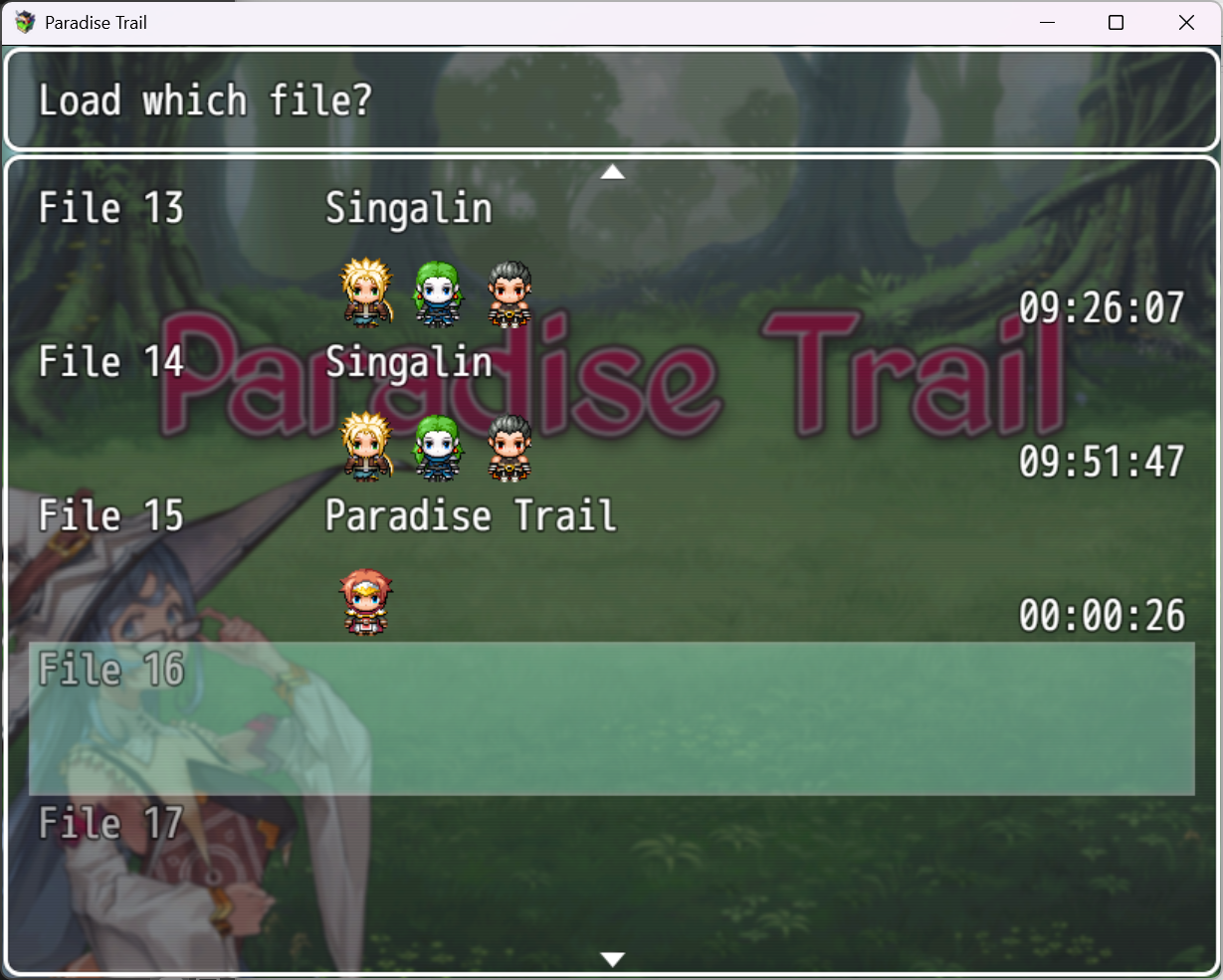

If I try to load the saves from The Singing Scar (Singalin) of course it fails with a map load error.  

SUCCESS!!!

There was a folder named "Save" on the root of my C: drive.

There were saves in there from The Singing Scar.

I renamed that folder to "save_old" and re-started Paradise Trail.  Everything is working properly now.

Wow so the game was trying to load the save file from another game? I guess the error makes sense, since it needs to show the character graphics on the save screen, and the other game had the graphics.

Paradise Trail was made with a pretty old version of RPG Maker MV. Maybe that issue is fixed in newer versions, and I need to update the scripts.