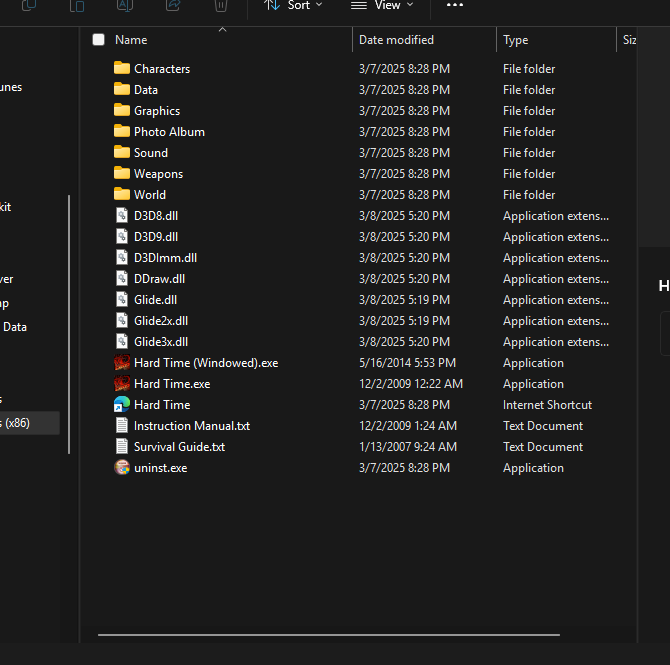
You need to download dgVooDoo for it to work on modern PCs. To do so, go to the GitHub page and download it. After unzipping it, place the .DLL files named D3D8.dll, D3D9.dll, D3Dlmm.dll, DDraw.dll, Glide.dll, Glide2x.dll, and Glide3x.dll into the games directory "C:\Program Files (x86)\MDickie\Hard Time" for it to work. It should look like this after doing so.