

The assets are not centered, making any horizontal flip weird. But the overall quality and cohesion of the bundles make it worth it anyways, and a quick edit can fix this issue anyway, or a workaround code on your sprite.
1 year ago(+1)
You can indeed change the center point, but it doesn't help when flipping the sprite. Here's an example : I offset the center by 4 pixel, and then do a flip. Unless you define regions manually for all sprites this issue will always happen (or if you offset the whole spritesheet by 4 px which I did myself)
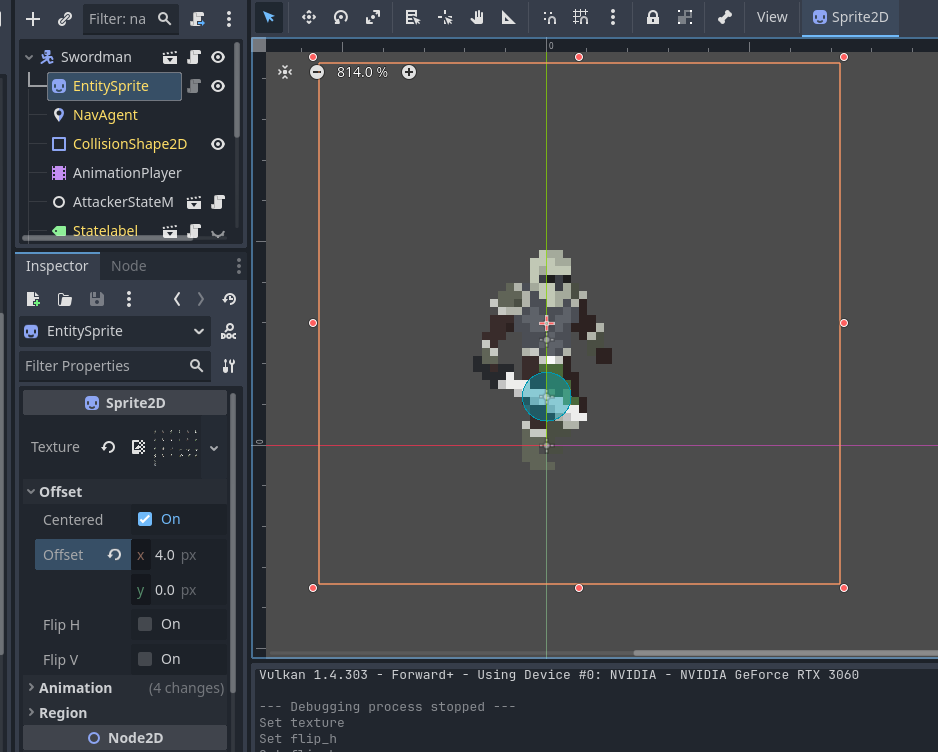
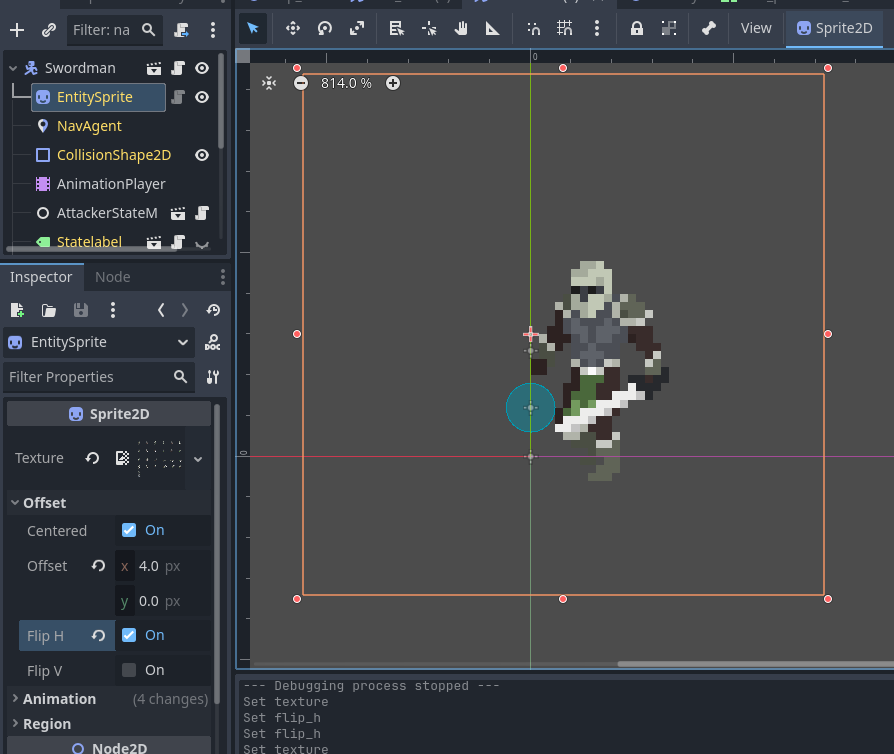
1 year ago(+1)
In Godot, the origin point is mainly used for Y-Sorting, flipping only flips using the texture's width / height . But yes, you can use code to flip the texture and then move it a few pixels in the X axis, but it would've been better if the sprite was already centered. Anyways, I fixed it really easily so no worries about it :)